Run your pipeline from the AI you already use
Connect monday CRM to Claude, ChatGPT and other AI assistants through MCP. Get your pipeline brief, log calls and launch sequences in plain language.


estate

& IT


services


Trusted by 250,000+ startups and enterprises













Everything you need to sell from your AI assistant
Your CRM, inside the chat you already work in
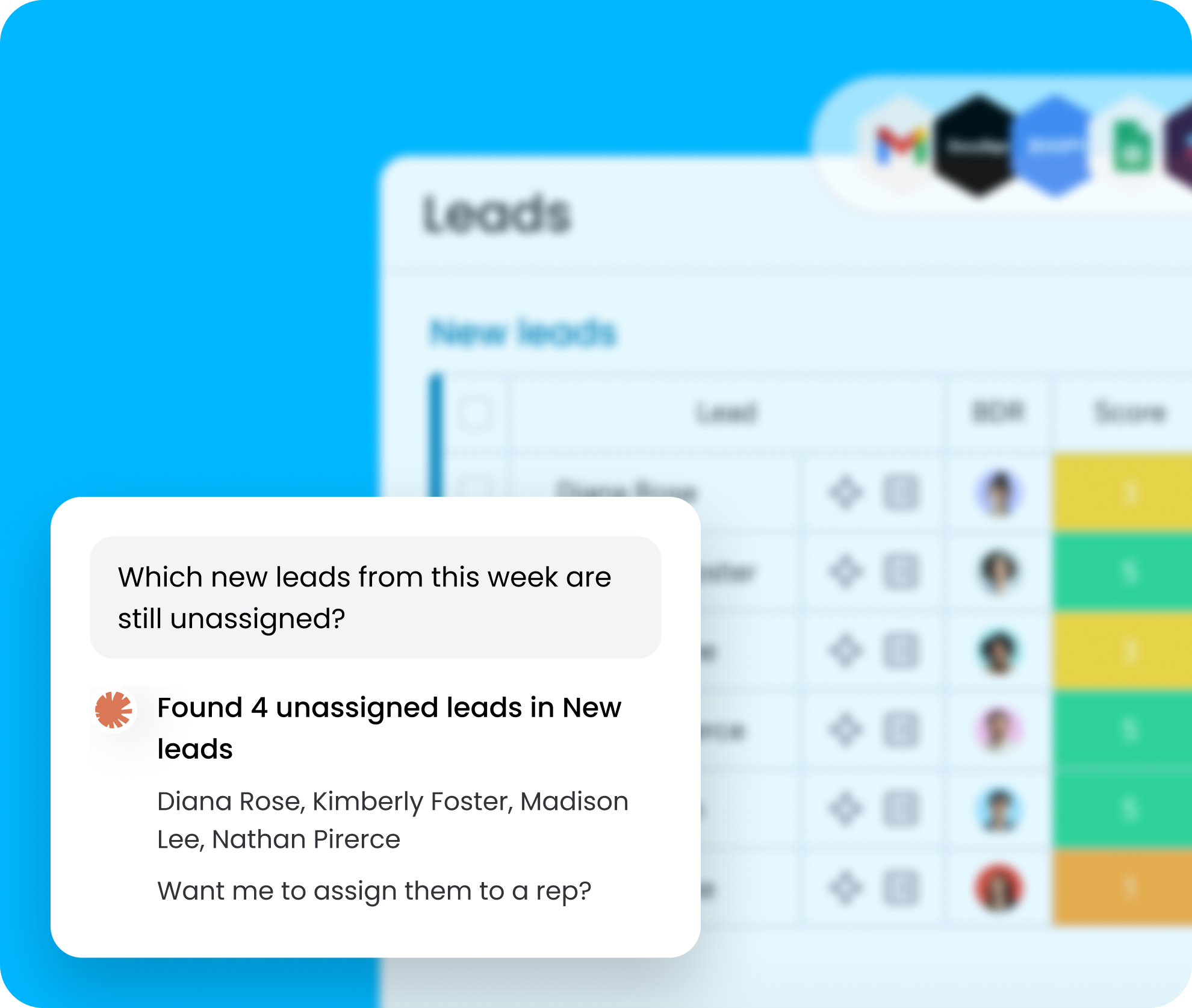
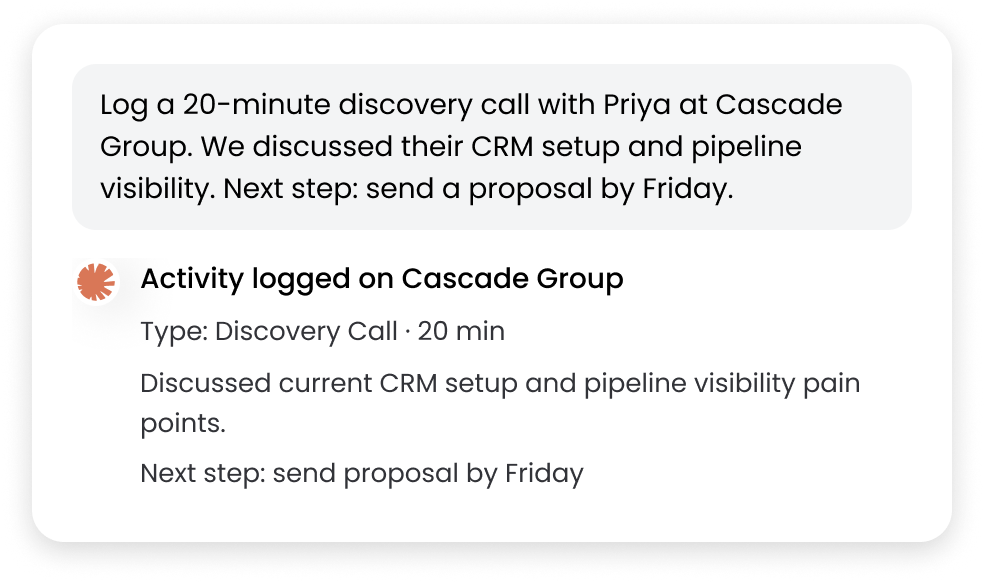
Ask about leads, update deals and log activity from Claude, ChatGPT or Cursor. Your assistant reads and writes to your boards, so the CRM stays current without another tab.
Start every day knowing which deals need you
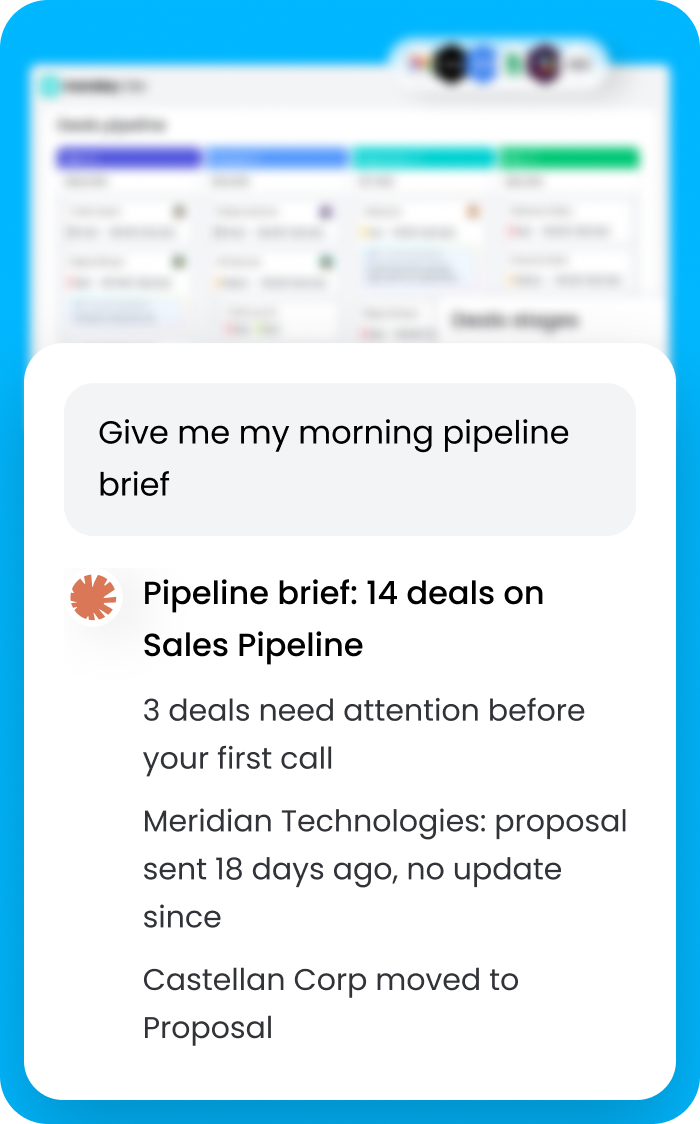
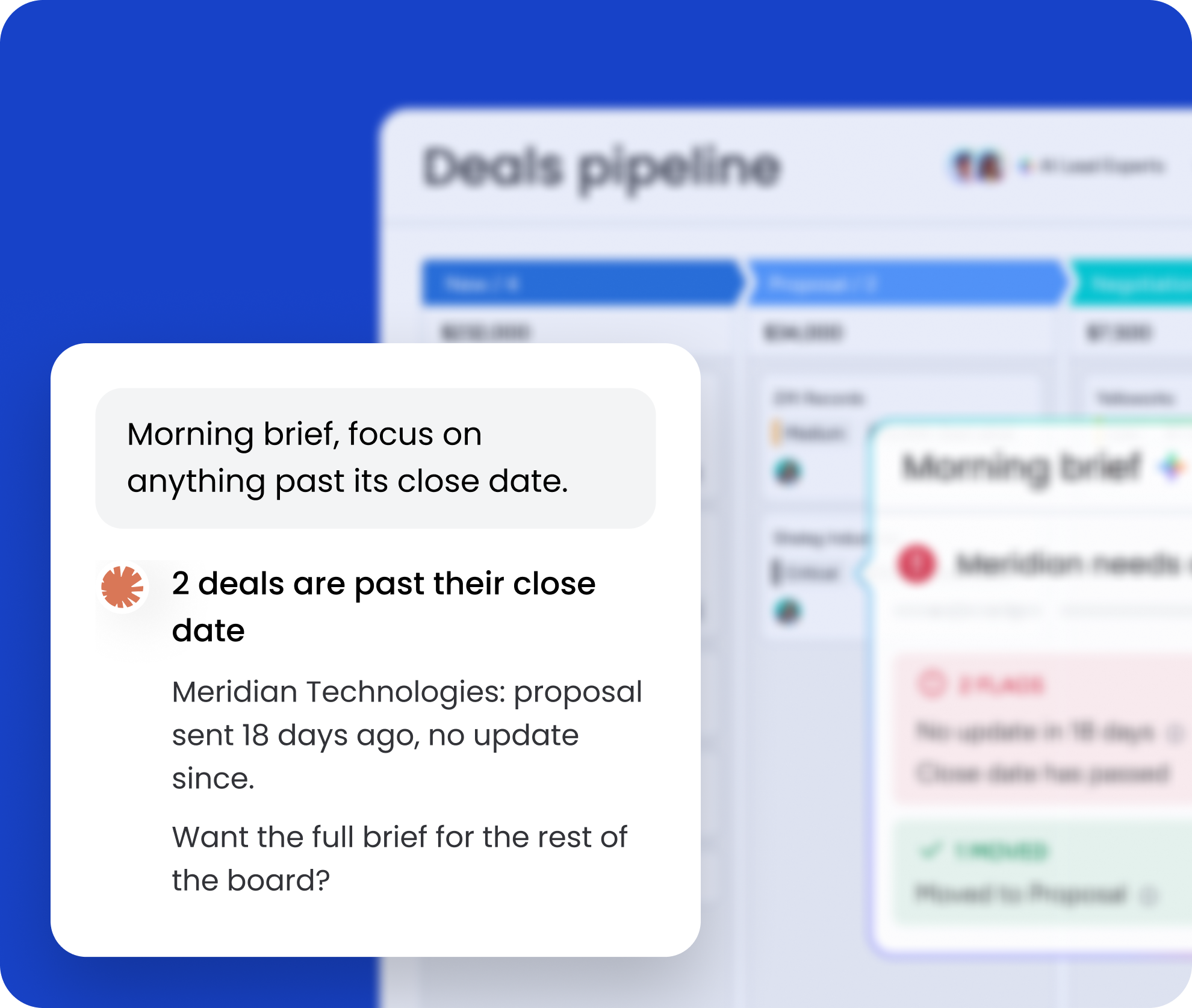
Ask for your morning brief and get deals by stage, deals past their close date, deals without an owner and what moved, read straight from your board before your first call.
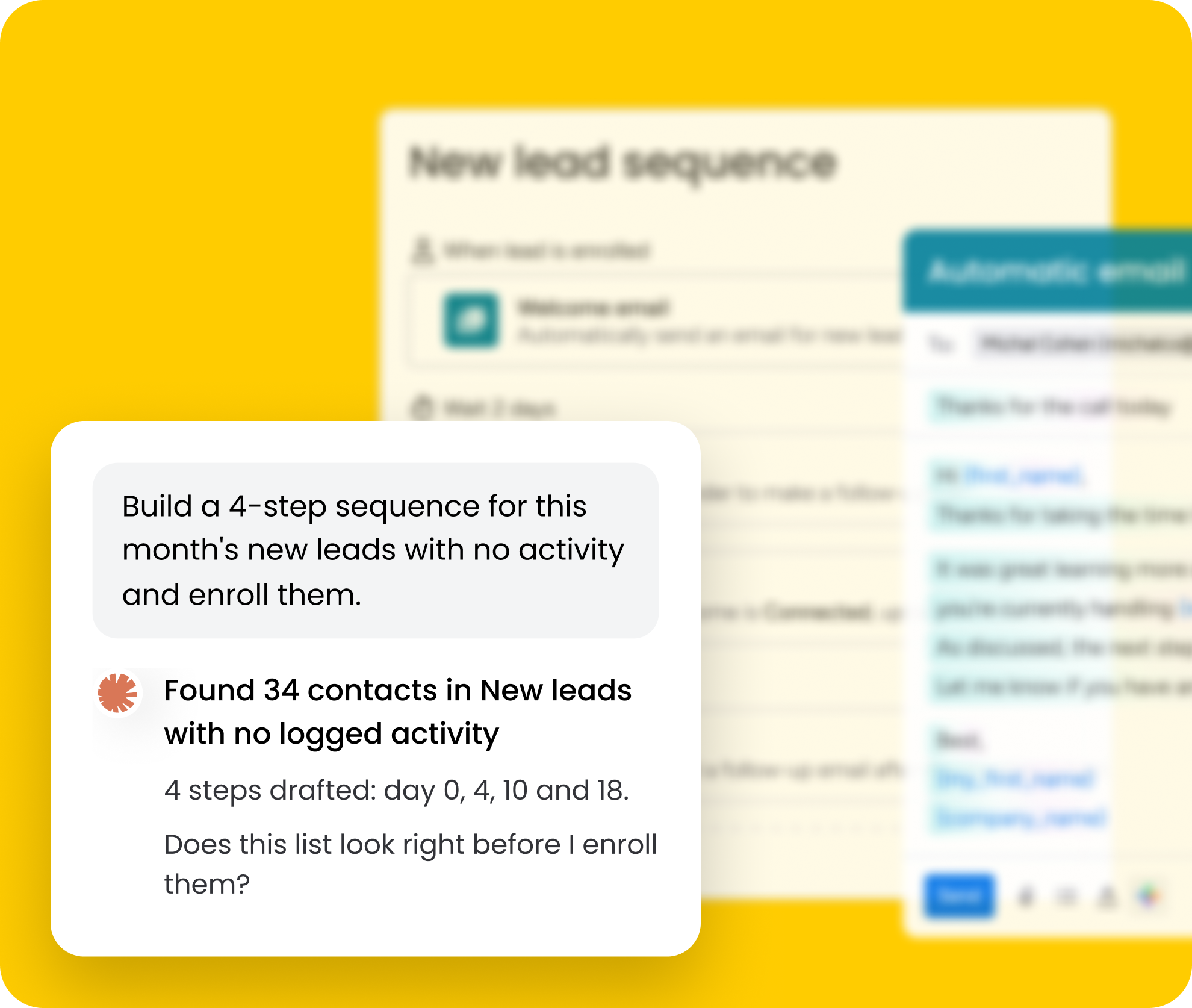
Launch a sequence in one conversation
Describe the steps and who should get them. Claude builds the sequence, shows you the contact list to approve, enrolls them and turns it on. Check where any contact stands in your sequences first.
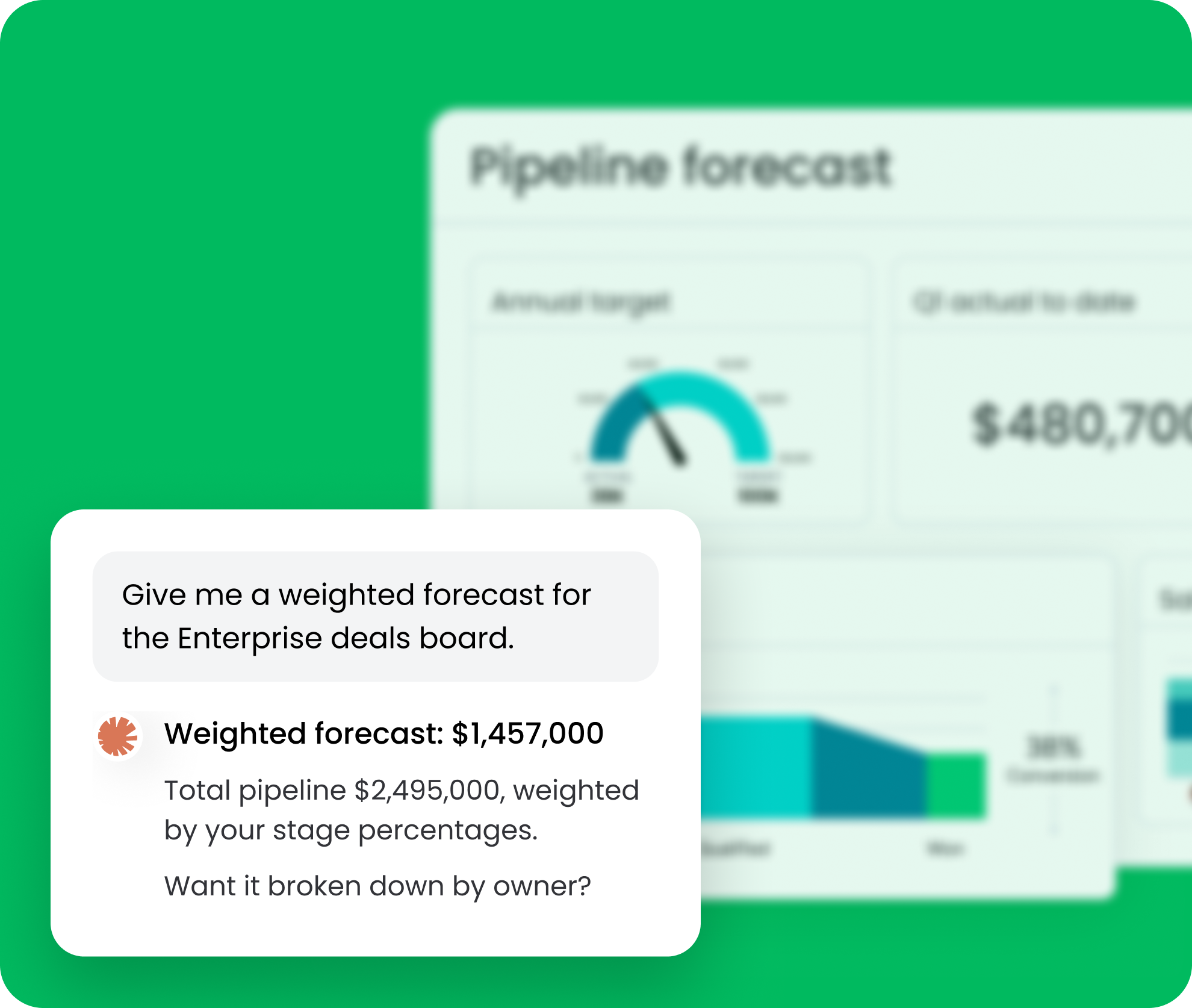
A forecast whenever you ask for one
Ask for pipeline by stage, deals closing this quarter or a weighted forecast with your own stage percentages. Claude shows which deals it counted and how it got the number.
Integrate all your tools. Sell even faster.
Easily bring all your sales stack to automate tasks, align your team, and create workflows that drive results.








Questions? We’ve got answers
MCP (Model Context Protocol) is an open standard for connecting AI assistants to tools and data. With monday CRM connected, your assistant can read your boards and act on them, like logging a call or enrolling contacts in a sequence, from a plain-language request.
Claude (Claude.ai and Claude Desktop), ChatGPT, Cursor, Microsoft Copilot and other MCP-compatible assistants. You add the official monday integration once, then work from the assistant you already use.
No. You can keep your own columns and add CRM ones like stage, owner, deal value and next step. The pipeline fits how you already work.
Get a morning pipeline brief, log calls and notes, launch outreach sequences, check where a contact stands in your sequences, see activity by rep or account, diagnose a board and set up simple automations, all in plain language.
Your assistant asks you to confirm before actions like enrolling contacts or activating a sequence. It can only see and do what your own monday account is allowed to.
Yes. Ask about any contact to see every sequence they have been part of, how far they got and why it ended. It is a quick way to avoid double outreach before you enroll someone new.
Yes. Ask for pipeline by stage, deals closing this quarter or a weighted forecast using your own stage percentages. The assistant shows which deals it counted, so you can check the math. Dashboards stay best for recurring live views.
No. Your boards, Dashboards and the full Sequences editor stay in monday CRM, and everything the assistant does lands there. MCP gives you a faster path for everyday questions and updates.