
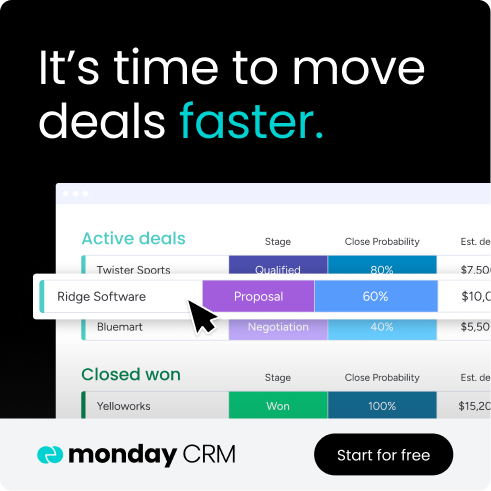
Every promising contact deserves to stay top of mind, even when their details are scattered across your inbox, LinkedIn messages, and a spreadsheet you rarely open. The relationship still matters, but the system around it doesn’t help you act when it counts. Personal CRM software gives you a practical way to track conversations, remember context, and follow up with intention, whether you’re a consultant, recruiter, founder, or job seeker.
This guide covers what a personal CRM is, how it differs from a business CRM, 9 platforms worth considering, and how to choose one you’ll keep using. We’ll also look at when a relationship tracker needs to give way to something with more structure, like monday CRM for revenue-focused work.
Try monday CRMWhat is a personal CRM, and how does it differ from a business CRM?
CRMs may share a name, but they aren’t built for the same mission. A business CRM helps revenue teams close deals, forecast results, and keep multiple departments aligned. A personal CRM serves a far more individual purpose: helping one person remember that a contact just had a baby or that a former colleague is due for a follow-up.
Personal CRMs focus on relationship-building first. They are made for individuals who want to stay intentional about their connections, not for teams pushing deals through a high-speed pipeline. The distinction is not only one of scale. The difference starts with purpose.
Comparing personal CRM apps to relationship memory apps
Most people assume “personal CRM” refers to one clear product category, but the reality is broader. At one end are structured tools with contact records, reminders, and follow-up workflows. At the other are lighter apps designed mostly for note capture and memory support.
As these products add overlapping features, the lines blur. Here is how the two categories usually compare.
| Type | Primary function | Best for |
|---|---|---|
| Personal CRM app | Contact management and follow-up scheduling | Networkers and solopreneurs |
| Relationship memory app | Context recall and note logging | Individuals managing personal connections |
Identifying the professionals who benefit most from a personal CRM
A spreadsheet can hold names, dates, and notes, but it can’t prompt action. It won’t remind you to follow up, resurface past conversations, or flag a once-warm relationship that’s cooling off. The people who benefit most from personal CRM software share one thing: their one-to-one relationships shape their workday. These are the professionals who rely on these platforms to keep their networks active and engaged.
- Solopreneurs and freelancers: Without a sales team behind them, they need dependable follow-up across active clients and projects.
- Job seekers and career changers: Keeping tabs on networking conversations and referral sources often determines whether introductions turn into real opportunities.
- Investors and advisors: Ongoing, structured relationship maintenance helps them stay current with founders and industry peers.
- Executives and consultants: Large professional networks require deliberate outreach if they are going to stay warm over time.
- Recruiters: Monitoring candidate conversations outside a formal applicant tracking system helps preserve momentum in the pipeline.
Distinguishing personal CRMs from networking CRMs and contact managers
The relationship management market includes three separate categories. Confusing them can lead to selecting the wrong platform. Personal CRMs center on relationship-first tracking for individual users. Networking CRMs lean toward event-driven connection mapping. Contact managers, by contrast, work more like digital address books: fine for storage, weak for action.
Here is how the three categories generally compare.
| Feature | Personal CRM | Networking CRM | Contact manager |
|---|---|---|---|
| Follow-up reminders | ✓ | ✓ | ✗ |
| Interaction history | ✓ | Limited | ✗ |
| Relationship scoring | Some | ✓ | ✗ |
| Pipeline and deal tracking | ✗ | ✗ | ✗ |
| Multi-user collaboration | ✗ | ✗ | ✗ |
Once your contact list starts producing revenue, you’ve likely outgrown a typical personal CRM, and you’ll want a platform that bridges relationships and pipeline in one place. monday CRM bridges that gap, turning individual connections into a scalable pipeline.
9 best personal CRM software platforms to manage your network
The platforms on this list aren’t interchangeable. Some are best viewed as lightweight contact logs for solo networkers; others fit professionals whose relationships play a direct role in generating revenue. Here’s where each one shines.
| Platform | Use case | Free option | Starting price |
|---|---|---|---|
| monday CRM | Solopreneurs scaling to a sales team | 14-day free trial | $12/seat/month |
| Dex | LinkedIn-heavy networkers | 7-day free trial | ~$12/month |
| Clay | Power users wanting AI enrichment | Free plan with 500 actions/month | ~$17/month |
| Covve | Relationship memory + card scanning | Free plan with core features | Freemium |
| Monica | Privacy-first, self-hosted option | Free when self-hosted | Free/self-hosted |
| Streak | Gmail-native CRM for individuals | Free plan with email tracking and mail merge | Free tier |
| folk | Team-friendly personal CRM | 14-day free trial | ~$18/month |
| Contacts+ | Mobile-first contact enrichment | Free plan with 1 synced account | Freemium |
| Airtable | DIY personal CRM builders | Free plan for individuals and small teams | Free tier |
1. monday CRM
Best for: Solopreneurs and consultants whose relationships are turning into revenue.
monday CRM connects personal relationship tracking with real pipeline work. Although it’s built for revenue teams, consultants and solopreneurs can adapt it easily to manage their own networks and grow into a full sales process.
Use case
A strong fit for revenue teams and growth-minded solopreneurs who want personal relationships and business pipelines managed in one place.
Key features
- AI Timeline Summary: Condenses months of emails, calls, and notes into a short briefing, so you walk into every conversation with full context.
- AI email drafting: Drafts outreach based on your contact’s history and your goals, so you can personalize quickly instead of starting from a blank page.
- AI Blocks: Summarize meeting notes, pull out action items, and categorize contact data at scale without manual entry.
- Automated activity logging: The Emails & Activities timeline captures every email, call, and meeting automatically, keeping your records current.
- Visual pipeline management: Customize stages with drag-and-dropto match your sales cycle.
Pricing
Paid plans start at $12/seat/month when billed annually, with a 3-seat minimum. A 14-day free trial is included, so you can test the platform with your real contacts before committing.
Why it stands out
- One workspace for relationships and revenue: monday CRM keeps contacts, accounts, and deals connected, so relationship context doesn’t disappear once revenue starts moving.
- Visibility you can actually run a forecast on: monday CRM supports forecasting and analytics.
2. Dex
Best for: LinkedIn-heavy networkers who manage large personal networks without a sales pipeline.
Dex is a personal CRM built to keep your professional relationships organized and active. It pulls your contacts together from the places you already network, so staying in touch takes less effort.
Use case
Dex is designed for individuals who manage personal networks without sales pipeline requirements and want a simple way to stay on top of high-volume connections.
Key features
- LinkedIn sync: Automatically imports connections and job-change alerts, so you know when a contact moves into a new role.
- Keep-in-touch cadences: Creates recurring follow-up reminders based on relationship priority.
- Unified contact tracking: Brings together contact activity from LinkedIn, email, and messaging in a single record.
- AI-assisted context: Surfaces relevant details about each contact, so you can prepare for outreach quickly.
Pricing
Dex offers a Premium plan at $12/month when billed annually. A 7-day free trial is available with no credit card required.
Considerations
- No pipeline tracking: Dex doesn’t include pipeline or deal-tracking functionality, so once contacts become clients or active deals, you’ll need another system.
- No ongoing free plan: Full access requires a paid plan after the 7-day trial ends, which may not suit casual users.
3. Clay
Best for: Power users who want AI-driven contact enrichment with minimal manual work.
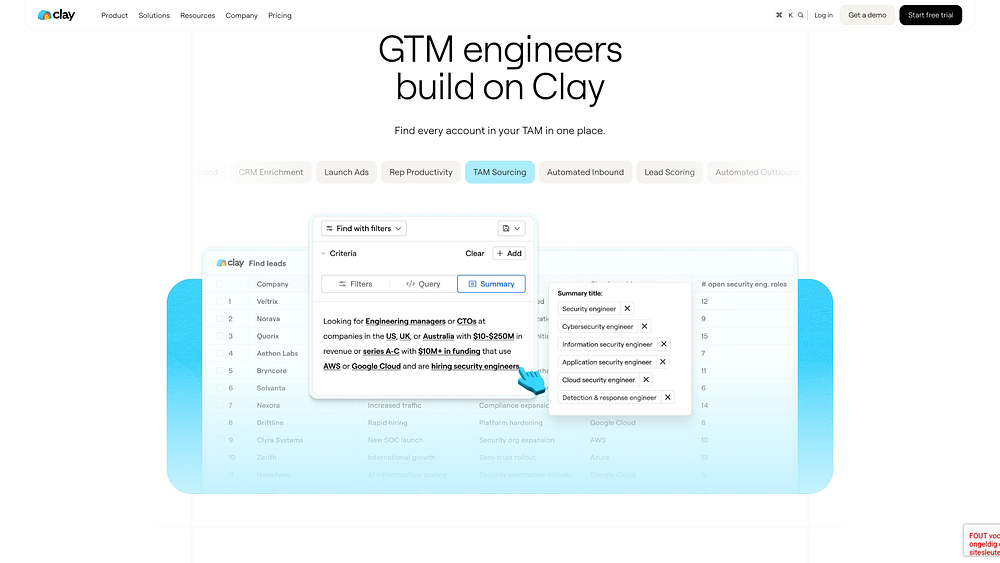
Clay is a contact research and enrichment platform that gathers information from across the web. It gives you a deeper picture of the people in your network without hours of manual searching.
Use case
Clay is best suited to power users who want deep contact intelligence with minimal hands-on work.
Key features
- AI-powered enrichment: Claygent handles structured web research on contacts and companies.
- Waterfall enrichment across 150+ providers:Clay sequences multiple data providers to improve match rates.
- AI-generated personalization: Uses enriched data to help tailor outreach to each contact.
- Automated research workflows: Runs repeatable enrichment tasks at scale, so you spend less time on manual lookups.
Pricing
Clay offers a free plan with 500 actions and 100 data credits per month. The Growth plan starts around $446 to $495/month and unlocks CRM auto-sync and enrichment.
Considerations
- Not a dedicated personal CRM: If you need native notes, reminders, or personal calendar workflows, you’ll have to assemble that system yourself.
- Steep jump in cost: The gap between the free plan and Growth is significant, which can be a barrier for individual users.
4. Covve
Best for: Professionals who win business through their networks and want mobile-first contact capture.
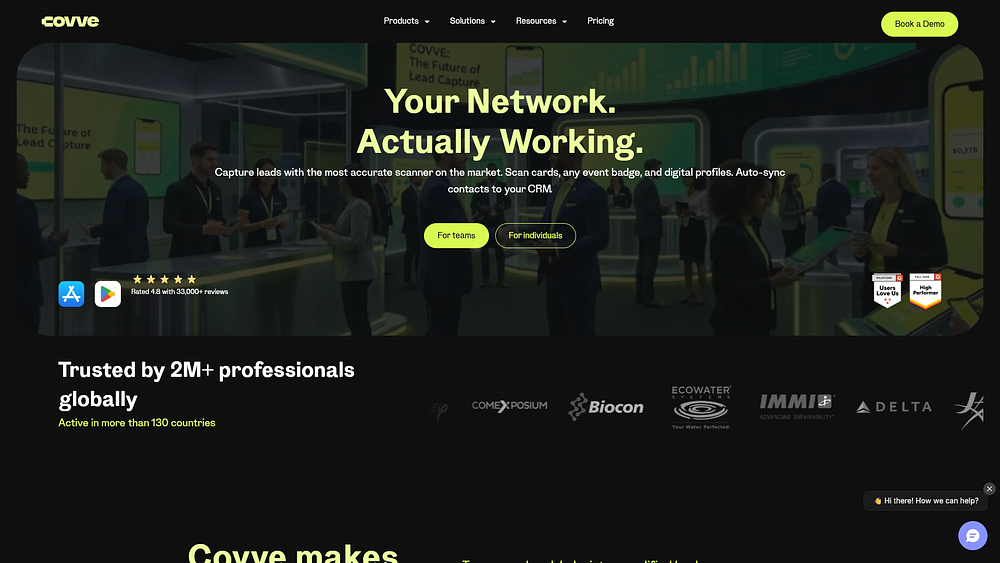
Covve is a relationship management app that combines contact capture, interaction logging, and reminders in a mobile-first experience. It’s built for people whose professional success depends on staying connected to the right contacts at the right time.
Use case
A solid option for professionals who want to log interactions on the go and receive timely follow-up prompts without building a system from scratch.
Key features
- AI-assisted business card scanning: Captures and organizes contact details from a photo, so new connections land in your records without manual typing.
- Smart relationship reminders: Surfaces prompts to reconnect at chosen intervals, helping you reach out before a relationship goes cold.
- Contact news and updates: Highlights relevant news about your contacts and their companies, giving you natural conversation starters for outreach.
- Interaction logging: Records notes and conversations on each contact so you can recall context quickly before a call or meeting.
Pricing
Covve offers a free freemium plan that covers the basics. The Essential plan costs $12/seat/month, or $119/seat/year when billed annually.
Considerations
- No pipeline execution: Covve focuses on relationship upkeep, so it isn’t the right fit if your workflow depends on deal trackingor forecasting.
- Limited AI depth: Its AI capabilities center on capture and context, so you won’t find advanced features like automated outreach drafting or data enrichment at scale.
5. Monica
Best for: Privacy-minded individuals who want to remember personal details without relying on a third-party server.
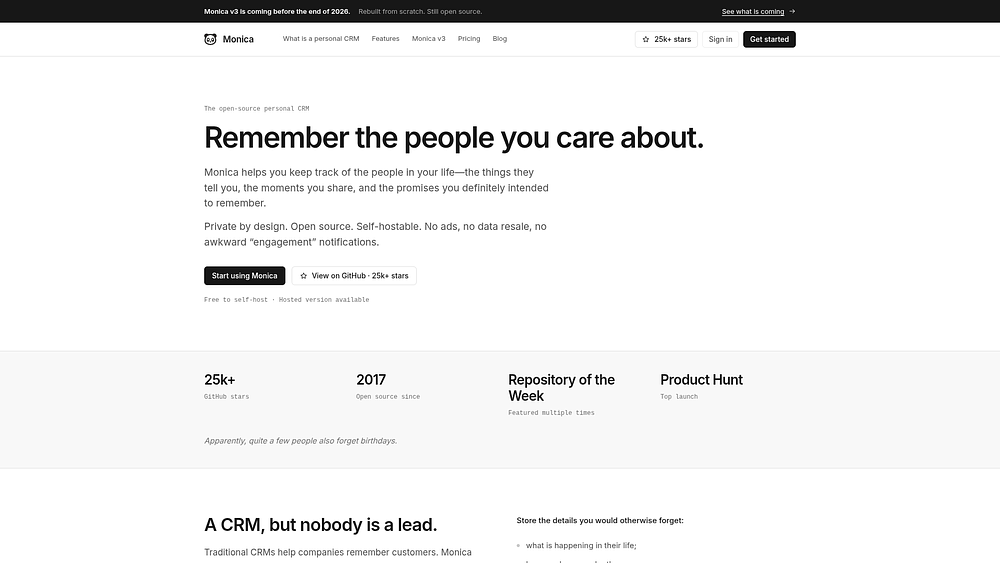
Monica takes a memory-first approach to personal CRM, helping people capture meaningful context about friends, family, and colleagues. Because it’s open-source and self-hostable, it appeals to users who care deeply about privacy and data ownership.
Use case
Best for individuals who want a private, structured way to remember the details that make relationships feel personal, from conversations to key life events.
Key features
- Relationship journaling: Records notes, conversations, and personal context directly on each contact so nothing important slips away.
- Activity and reminder tracking: Logs calls, meetings, and key dates, then prompts you when it’s time to reach out.
- Life event and gift tracking: Keeps tabs on birthdays, milestones, and gift ideas so you can follow up with thoughtful, personal touches.
- Self-hosted data control: Stores your relationship data on your own infrastructure instead of a vendor’s servers.
Pricing
Monica is free when you self-host, though you manage your own infrastructure. A hosted plan is available for $9/month or $90/year for users who prefer not to handle setup.
Considerations
- No native mobile apps:Monica does not currently offer iOS or Android apps, so mobile access happens through the browser for now.
- No built-in AI features: Its privacy-first design means you won’t find AI-powered enrichment, summaries, or outreach drafting.
6. Streak
Best for: Individuals and small teams who run their relationships entirely through Gmail.
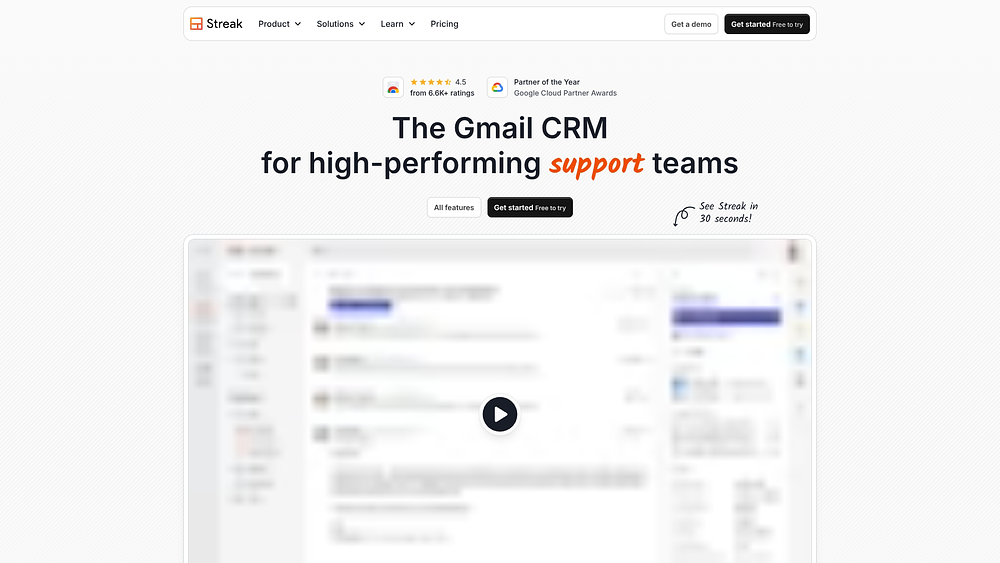
Streak brings CRM functionality directly into Gmail. Email threads become structured pipelines, with contact tracking and reminders built into the place where work is already happening.
Use case
Ideal for individuals and teams that manage relationships and follow-ups without ever leaving their inbox.
Key features
- Inbox-native pipelines: Organizes contacts and deals into visual pipeline views within Gmail, so email threads double as relationship records.
- Auto-logging and contact enrichment: Logs emails automatically and supplements records with publicly available details, reducing manual data entry.
- Email and link tracking: Shows when messages are opened and links are clicked, so you know the right moment to follow up.
- Snippets and mail merge: Speeds up repeat outreach with reusable templates and personalized bulk sends.
Pricing
Streak offers a free plan that includes email and link tracking, snippets, and mail merge (50 per day), though it does not include full CRM access. The Pro plan costs $49/user/month when billed annually.
Considerations
- Gmail only: Users on Outlook or other non-Google email setups cannot use Streak.
- Limited AI capabilities: Streak leans on automation and enrichment rather than AI-driven summaries or outreach drafting, so it offers less intelligence than some other platforms on this list.
7. folk
Best for: Small teams who sell through conversations and shared relationships.
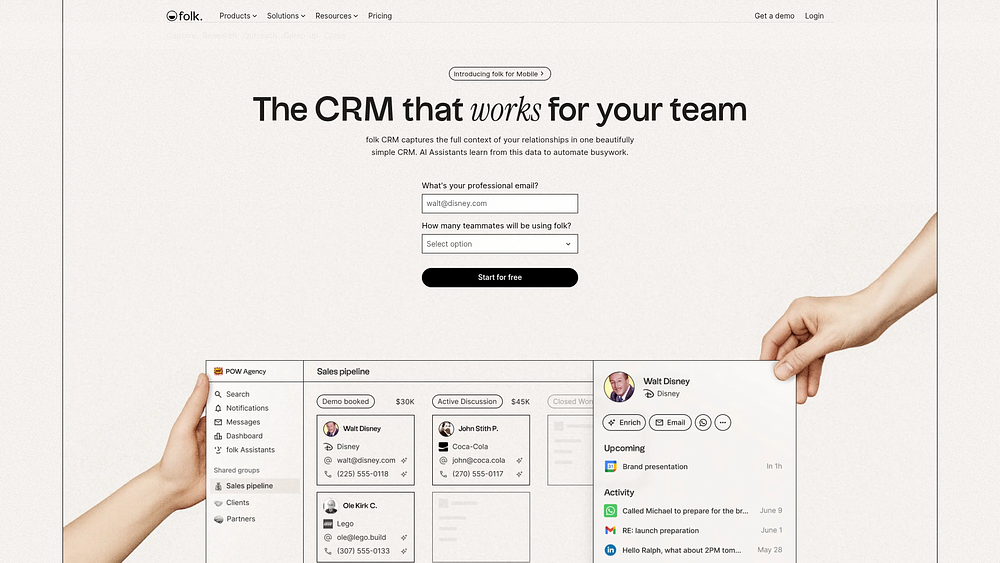
folk is designed for teams that treat relationship management as shared work. With LinkedIn-first capture and built-in AI support, it fits relationship-led sales motions especially well.
Use case
Well suited to small teams that sell through conversations and relationships and want one shared view of every contact.
Key features
- AI writing assistance: Magic Fields create personalized icebreakers at scale, so outreach feels tailored without hours of manual research.
- LinkedIn capture via folkX: Imports contacts in a click from LinkedIn, Sales Navigator, Twitter/X, and Instagram.
- Shared contact records: Gives teammates a common view of each relationship, so context doesn’t stay trapped with one person.
- Custom groups and pipelines: Organizes contacts by segment or deal stage to match how your team follows up.
Pricing
folk’s Standard plan costs $24/member/month when billed annually. A 14-day free trial is available across all plans, but there is no ongoing free tier.
Considerations
- Limited analytics:Dashboard analytics are limited to all-time data and do not support native export, which can be a drawback for teams that need more granular reporting.
- No ongoing free plan: Full contact management requires a paid plan after the trial ends, which may not suit casual users.
8. Contacts+
Best for: Professionals and small teams who need one reliable view of every contact across multiple platforms.
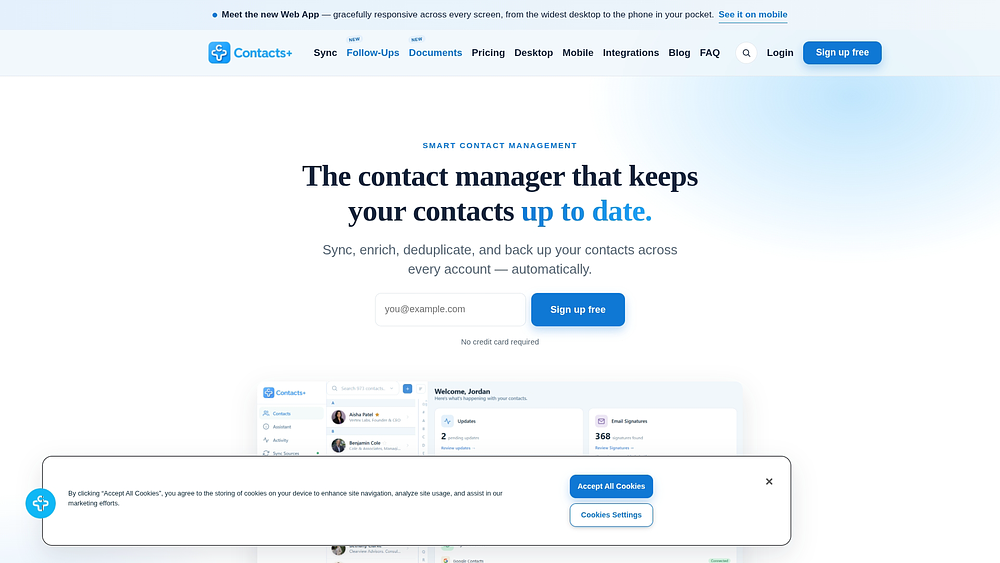
Contacts+ focuses on keeping your address book unified and accurate across devices. It brings scattered contact records together so you can trust that the details you see are current.
Use case
Contacts+ suits professionals and small teams who juggle contacts across Google, iCloud, and Outlook and want a single, clean source of truth without manual cleanup.
Key features
- AI contact enrichment: Pulls in job titles, company details, photos, and social profiles from public sources to keep records current.
- AI-powered duplicate merging: Detects and combines duplicate contacts automatically, so your address book stays tidy without hours of manual review.
- Cross-ecosystem sync: Supports two-way, real-time sync across Google, iCloud, and Microsoft/Outlook accounts.
- Business card scanning: Captures contact details from a photo and adds them to your records, reducing manual typing.
Pricing
Contacts+ offers a free plan that includes 1 synced account and up to 1,000 contacts. The Premium plan costs $9.99/user/month when billed annually and unlocks enrichment and expanded sync.
Considerations
- More contact manager than CRM:Contacts+ lacks relationship journalingand interaction history, so it won’t help you recall past conversations.
- No follow-up workflows: It focuses on data accuracy rather than reminders or outreach cadences, so you’ll need another tool to stay on top of follow-ups.
9. Airtable
Best for: Entrepreneurs and professionals who want complete control over how they track relationships.
Airtable offers flexibility first. Rather than prescribing a fixed personal CRM experience, it gives you a blank canvas for building customizable CRM software yourself.
Use case
Airtable works well for entrepreneurs and professionals who want a tailored relationship tracking system and don’t mind spending time on setup.
Key features
- Airtable AI fields: Summarize notes, categorize contacts, and generate follow-up drafts directly inside your records.
- Flexible database structure: Create custom fields, views, and linked records that match almost any contact management workflow.
- Personal CRM template: Start with a ready-made template for contactsand life events, then adapt it to your needs.
- Automations: Trigger reminders and updates based on changes to your records, so follow-ups don’t depend on memory.
Pricing
Airtable offers a free plan with basic database features for individuals and very small teams. The Team plan costs $20/editor/month when billed annually and adds automations and advanced views.
Considerations
- Not a dedicated personal CRM: Anyone expecting turnkey features like built-in email clients or two-way contact sync will need to configure integrations themselves.
- Setup takes time: You’re responsible for designing, building, and maintaining your own system, which can slow adoption for casual users.
How to choose a personal CRM you'll actually keep using
Strong relationship management usually comes down to fit rather than discipline. People pick tools that clash with the way they naturally work, then stop using them. The best personal CRM supports your existing habits. Here’s what to weigh before you commit.
- Network scale: Fifty close relationships call for richer context tracking, while 500 looser connections may need little more than reminders.
- Capture friction: If logging a contact takes more than 30 seconds, most people abandon the tool within weeks. Choose the platform that feels easiest in your main networking channel.
- Follow-up cadence: The right system triggers reminders based on real activity, so you reach out intentionally instead of relying on memory.
- Privacy and compliance: If you work in healthcare, legal, or financial services, prioritize platforms with SOC 2 Type II, GDPR, and HIPAA-aligned infrastructure.r
- Free vs. paid features: The features that matter most often sit behind a paywall, so test any free CRM with real data before subscribing.
- AI capabilities: AI can turn 30 minutes of call prep into 30 seconds. monday CRM’s AI Blocks and AI Timeline Summary condense months of emails, calls, and notes into a practical briefing, so you arrive with full context.
When to graduate from a personal CRM to a full sales CRM
At a certain point, a contact list stops behaving like a network and starts behaving like a pipeline. If you recognize any of the signs below, your personal CRM no longer matches the job, and monday CRM is the natural next step.
- Deal stages live in contact notes: You track pipeline progress in free-text fields because there’s no structured view.
- Collaboration is a workaround: Sharing records with a colleague means exporting files or copy-pasting data.
- Revenue forecasting happens in a spreadsheet: Your system can’t aggregate deal values or show conversion rates.
- Maintenance eats your selling time: Logging activities and cleaning data has become a job in itself.
- monday CRM replaces all of it: It adds a visual pipeline, forecasting, automated follow-ups, and multi-user collaboration, with an Emails & Activities timeline that logs every email, call, and meeting automatically.
- AI handles the busywork: monday AI drafts outreach, summarizes contact history before calls, and extracts action items from meeting notes.
- Migration is quick: Export your contacts with notes and tags, map your fields, import your most active contacts first, and keep your old tool read-only for 30 days as a safety net.
Why monday CRM fits professionals who outgrow personal CRM apps
Most personal CRM apps are built to help you remember a birthday or nudge you to follow up. monday CRM does that too, but it also gives your relationships a structured home once they start driving revenue. Contacts, accounts, and deals stay connected in one workspace, so the context behind every conversation travels with the opportunity.
For consultants, founders, and solopreneurs, that means you don’t have to switch tools the moment a warm contact becomes a real deal. You can start with a simple network and grow into a full pipeline, adding teammates and forecasting as your needs change. The platform adapts to how you already work instead of forcing you to rebuild your system from scratch.
AI timeline summary
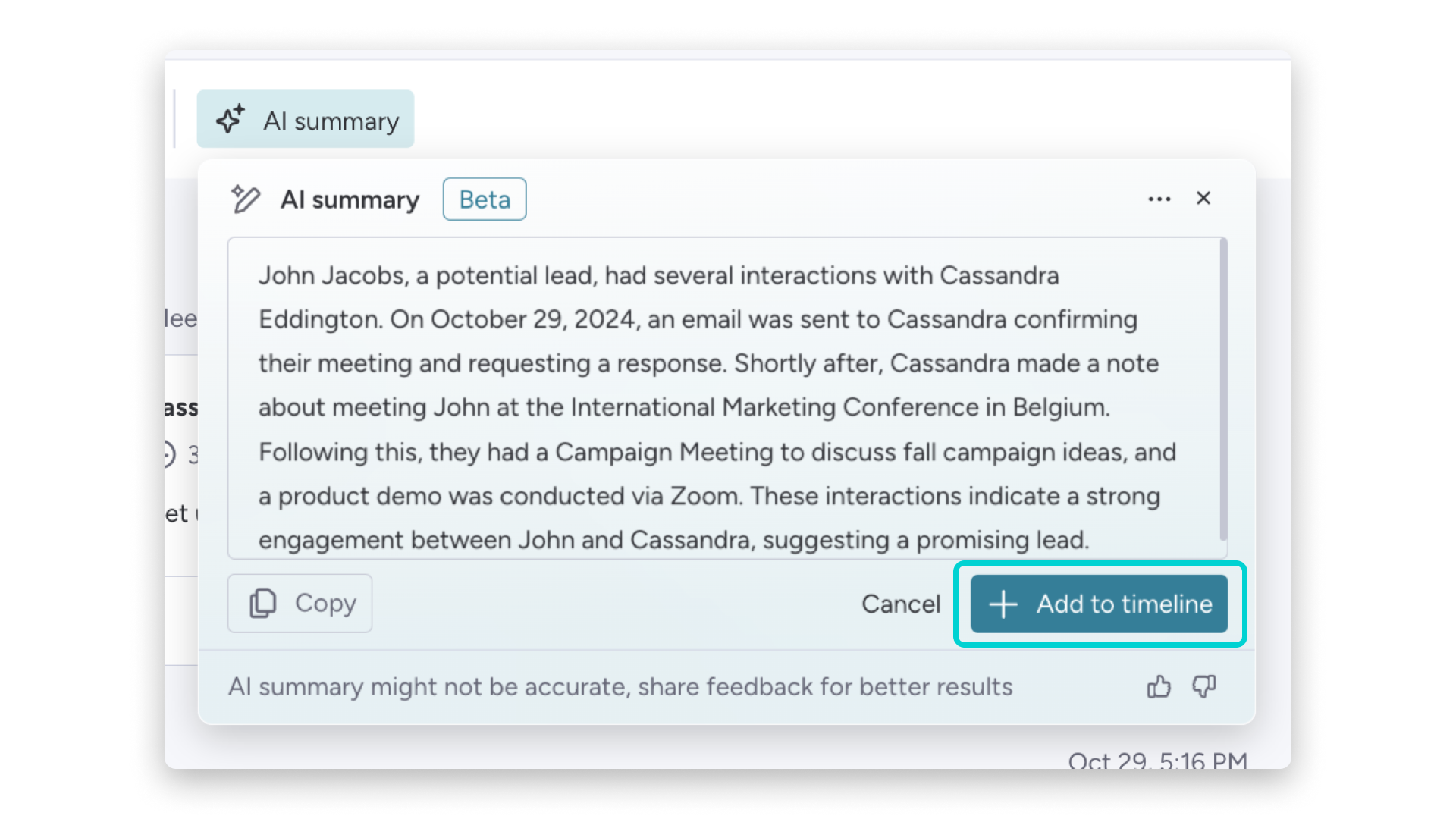
Months of emails, calls, and notes can pile up fast, and no one wants to reread them before a catch-up call. AI Timeline Summary condenses that history into a short briefing. You walk into each conversation knowing exactly where the relationship stands.
AI email drafting
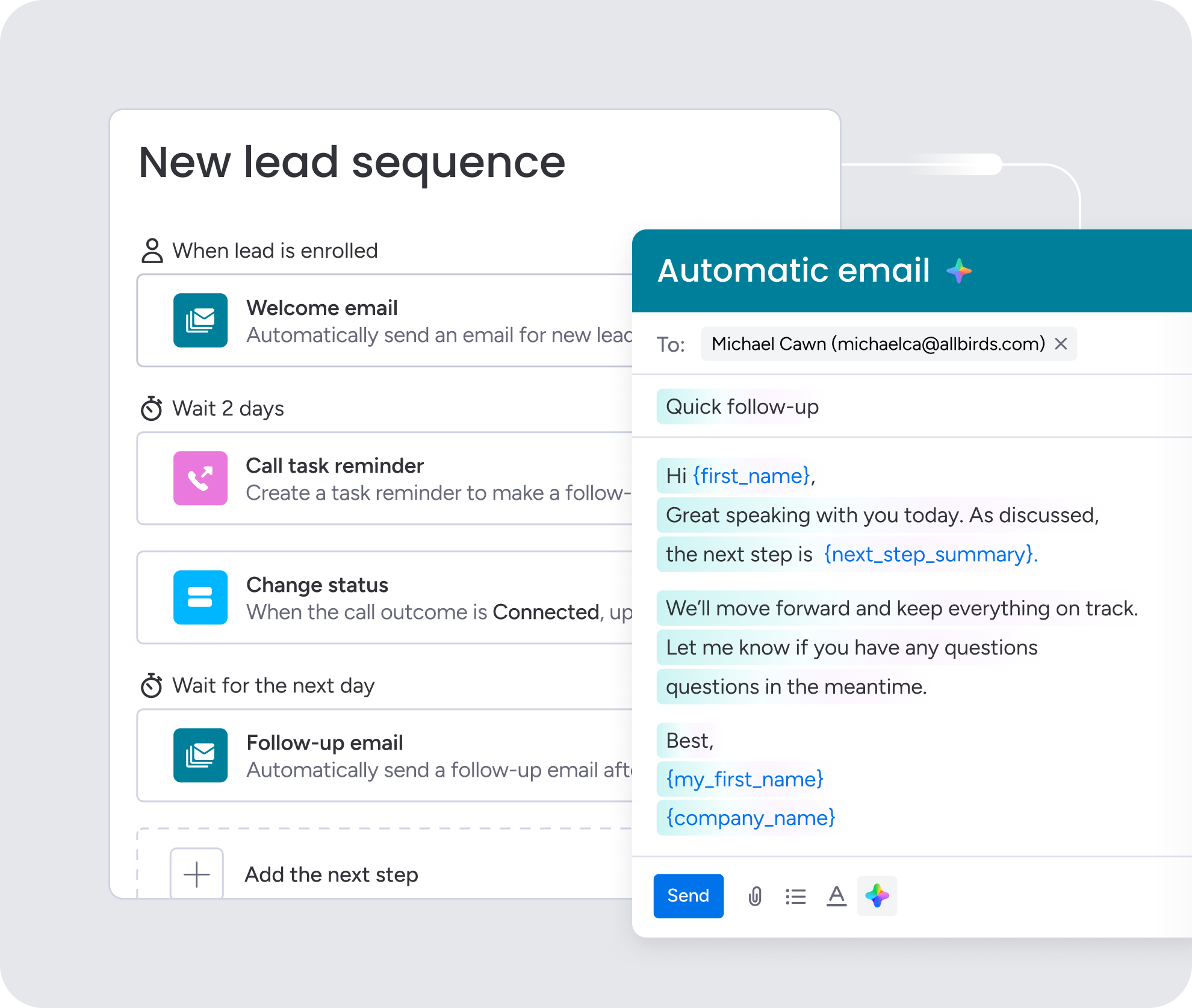
Follow-ups often stall because writing a thoughtful message takes time. monday CRM’s AI drafts outreach based on your contact’s history and your goals, so you can personalize quickly instead of starting from a blank page. It keeps your communication consistent, even when your network keeps growing.
AI Blocks for meeting notes and data
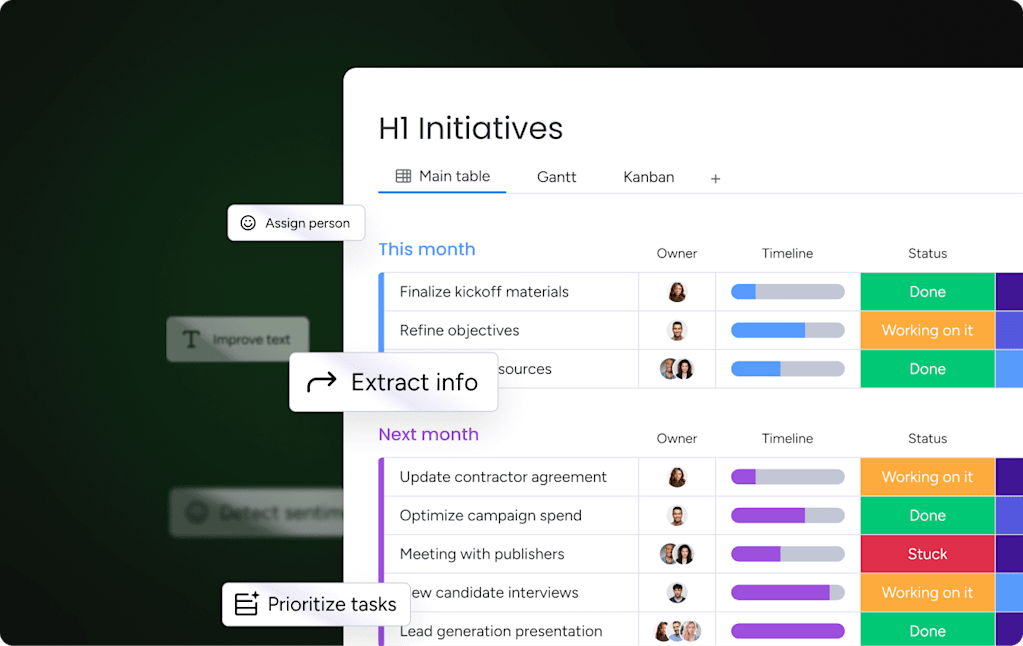
AI Blocks can summarize meeting notes, pull out action items, and categorize contact data at scale. That takes manual data entry off your plate, which is where most personal CRM habits fall apart. Your records stay clean and useful without extra effort.
Automated follow-ups and activity logging
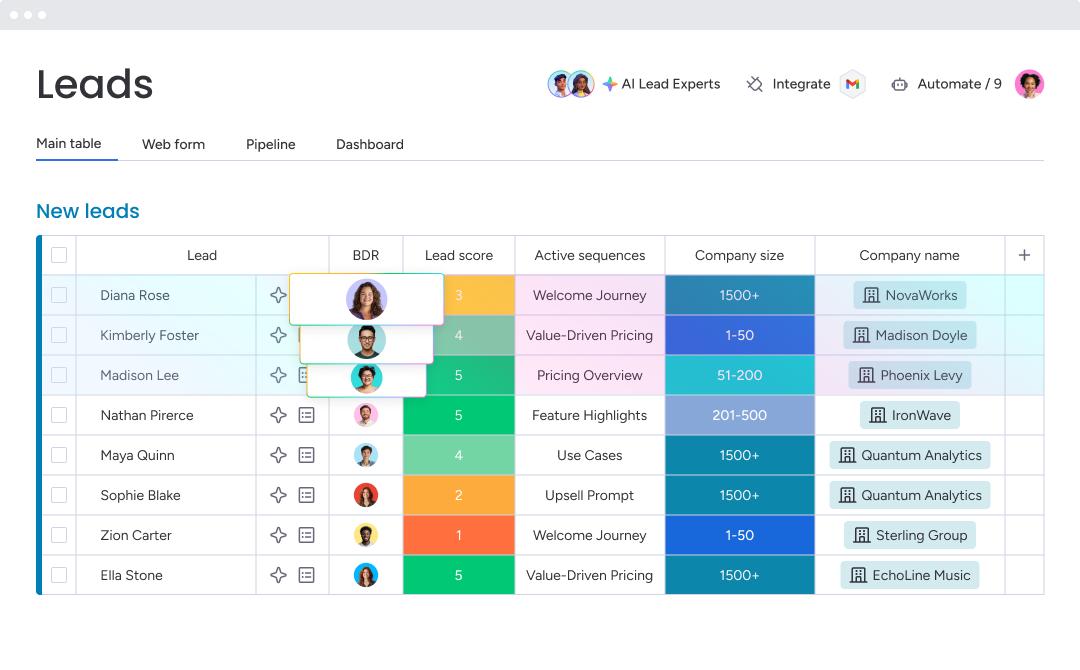
The Emails & Activities timeline logs every email, call, and meeting automatically, while automations trigger reminders when a relationship needs attention. Nothing slips through the cracks, and you spend less time maintaining your system and more time talking to people.
Turning your professional network into a predictable pipeline
Relationship management should feel intuitive, not like a test of memory. Whether you’re keeping up with a small circle of high-value investors or hundreds of industry contacts, the right platform helps you stay deliberate and consistent, with less time wondering who slipped through the cracks and more time having useful conversations.
As those relationships start functioning like a revenue engine, lightweight apps often hit their limits. If spreadsheets consume more time than actual prospect conversations, your system is overdue for an upgrade. monday CRM connects personal relationship tracking with scalable sales execution, so you can manage individual contacts and forecast revenue with confidence in one place.
Try monday CRMFAQs
Is there a CRM for personal use?
Yes, there is a CRM for personal use tailored for individuals managing relationships outside a formal sales team. For users whose personal contacts generate revenue, monday CRM combines relationship tracking and pipeline management in one secure workspace.
What is the best free personal CRM app?
The best free personal CRM app depends on your technical comfort level and how much you need the platform to scale alongside your goals. You can explore the full range of capabilities with a free trial of monday CRM before committing to a paid plan.
Can I build a personal CRM in Excel?
You can build a basic personal CRM in Excel using columns for contact names, dates, and follow-up reminders. However, dedicated platforms easily outperform spreadsheets over time by handling automatic reminders and email logging without manual data entry.
Can a business CRM work as a personal CRM?
A business CRM can work as a personal CRM, especially for solopreneurs and consultants who want relationship tracking and pipeline management in one centralized platform. Lighter apps are typically more appropriate for purely personal, non-revenue relationship tracking where deep business context is unnecessary.
How is a personal CRM different from a business CRM?
A personal CRM is different from a business CRM because it prioritizes individual relationship memory, while business CRMs help revenue teams manage pipelines, forecast sales, and collaborate across accounts. Business platforms focus heavily on revenue execution rather than simple follow-up cadences.
When should I switch from a personal CRM to a full CRM?
You should switch from a personal CRM to a full CRM when your contacts start generating revenue, you need to share records with colleagues, or you require pipeline forecasting. As the natural next step for this transition, monday CRM bridges simple relationship tracking and full revenue operations in one intuitive platform.