Access a variety of CRM templates and get set up in minutes
Customizable templates designed exclusively for CRM, sales, real estate, marketing, and more. Each template comes with the columns, views, and automations your team needs to track deals, contacts, and revenue workflows.
Get full access.
No credit card required.
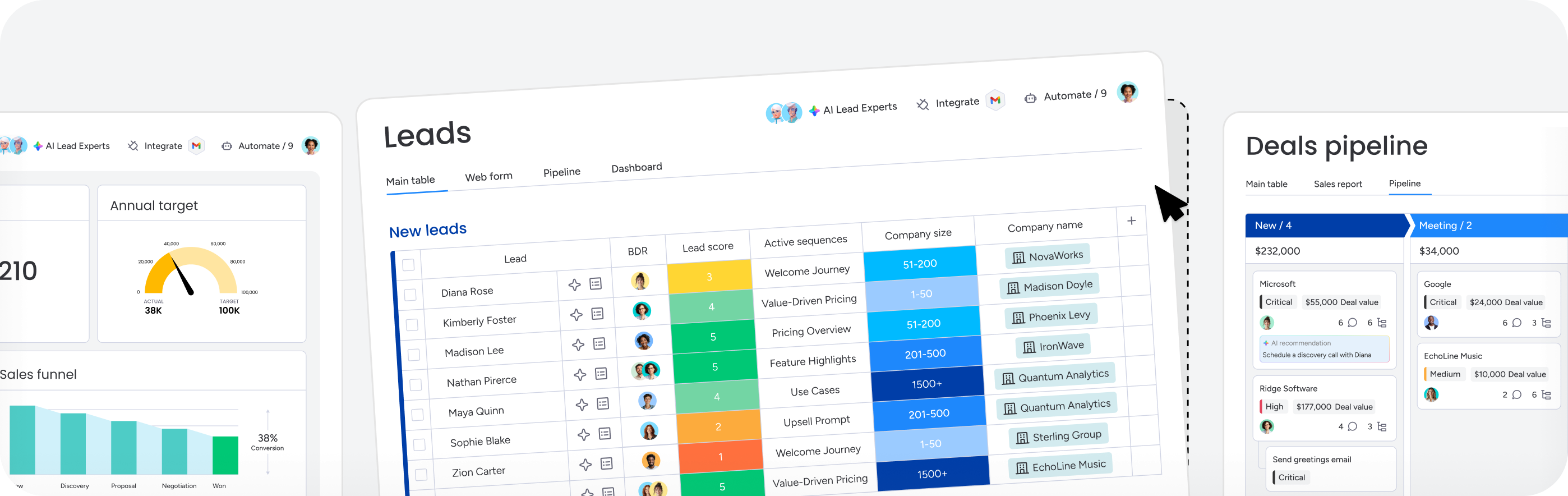
 Pre-built stages, fields, and automations
 Templates for every team
 AI keeps every board current
Popular CRM template picks
These are the templates monday CRM teams reach for most, whatever the deal size.
Sales
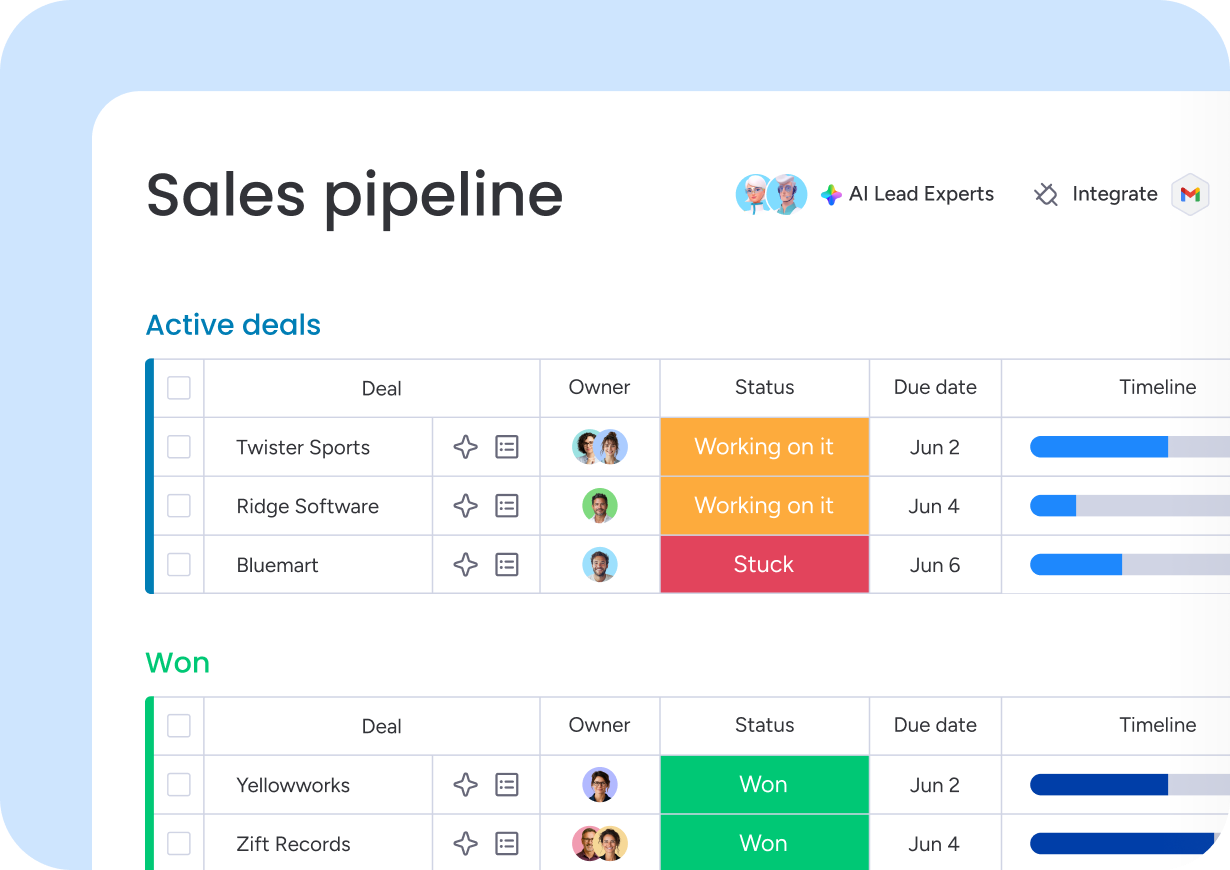
Simple CRM
Every deal lives in one clear pipeline, from first contact to close. Set it up in minutes and your team starts closing deals faster instead of building a system first.
Get this template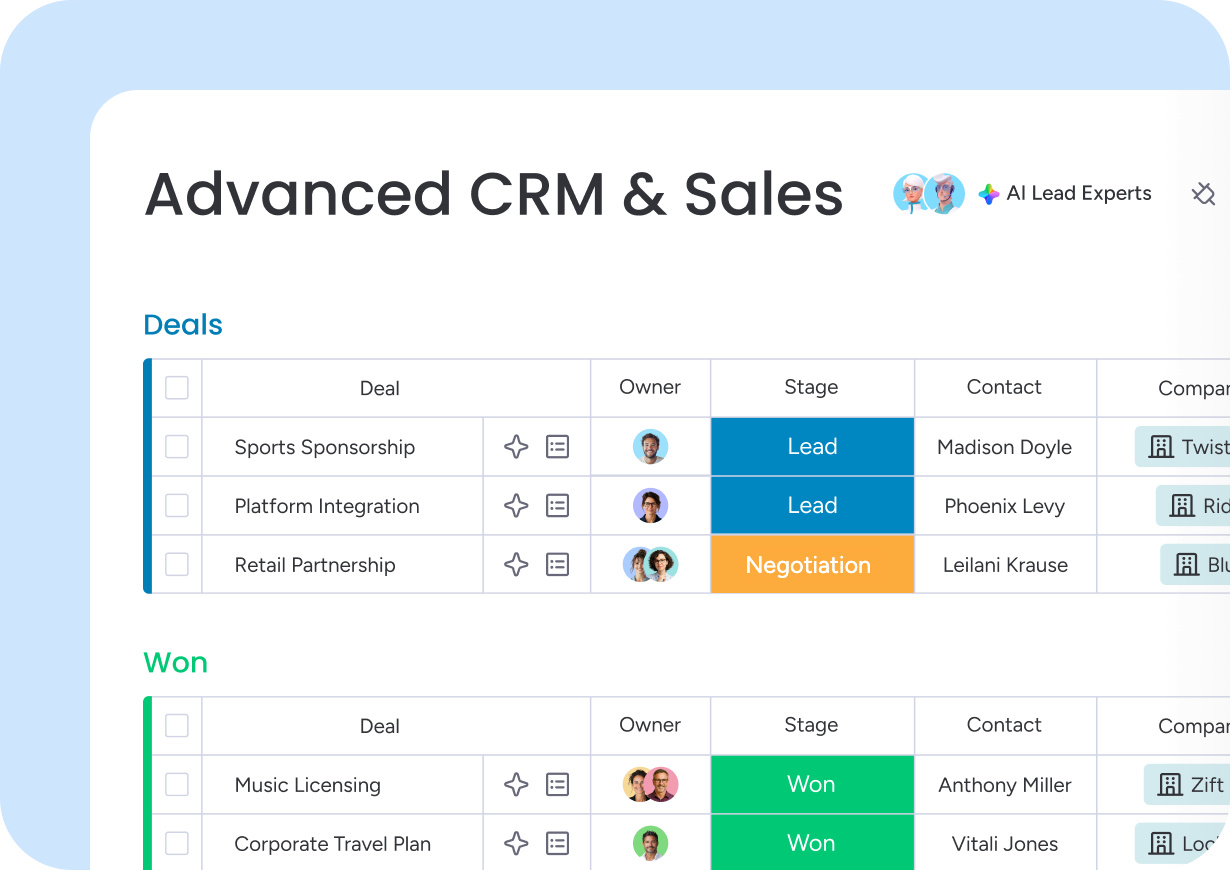
Sales
Advanced CRM
Built for longer deal cycles and bigger contact lists needing nurture past the close. Contacts, tasks, and reminders live in one place to keep deals moving forward.
Get this template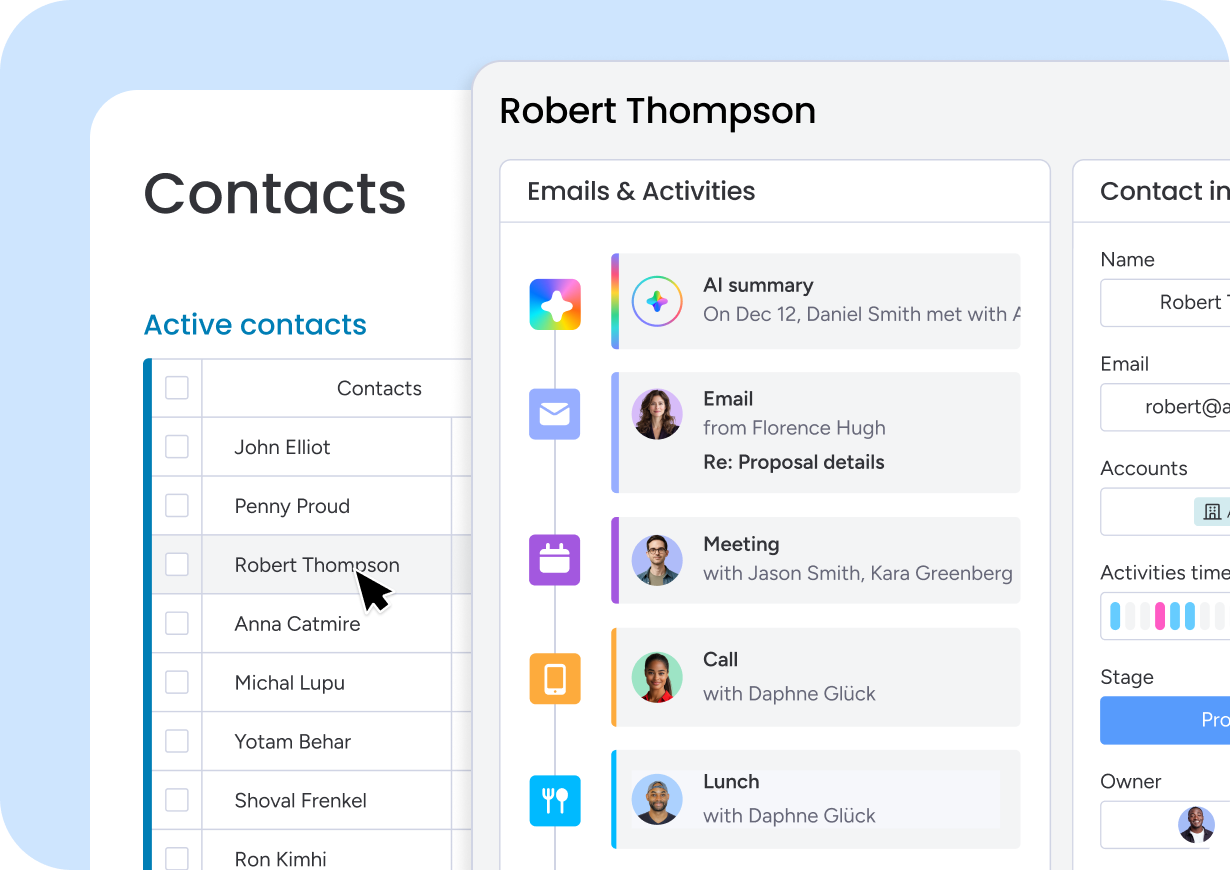
Contacts
Contacts
Every contact is organized by type, priority, and detail, ready to search in seconds. Automatic notifications alert your team the moment there's an opportunity worth acting on.
Get this template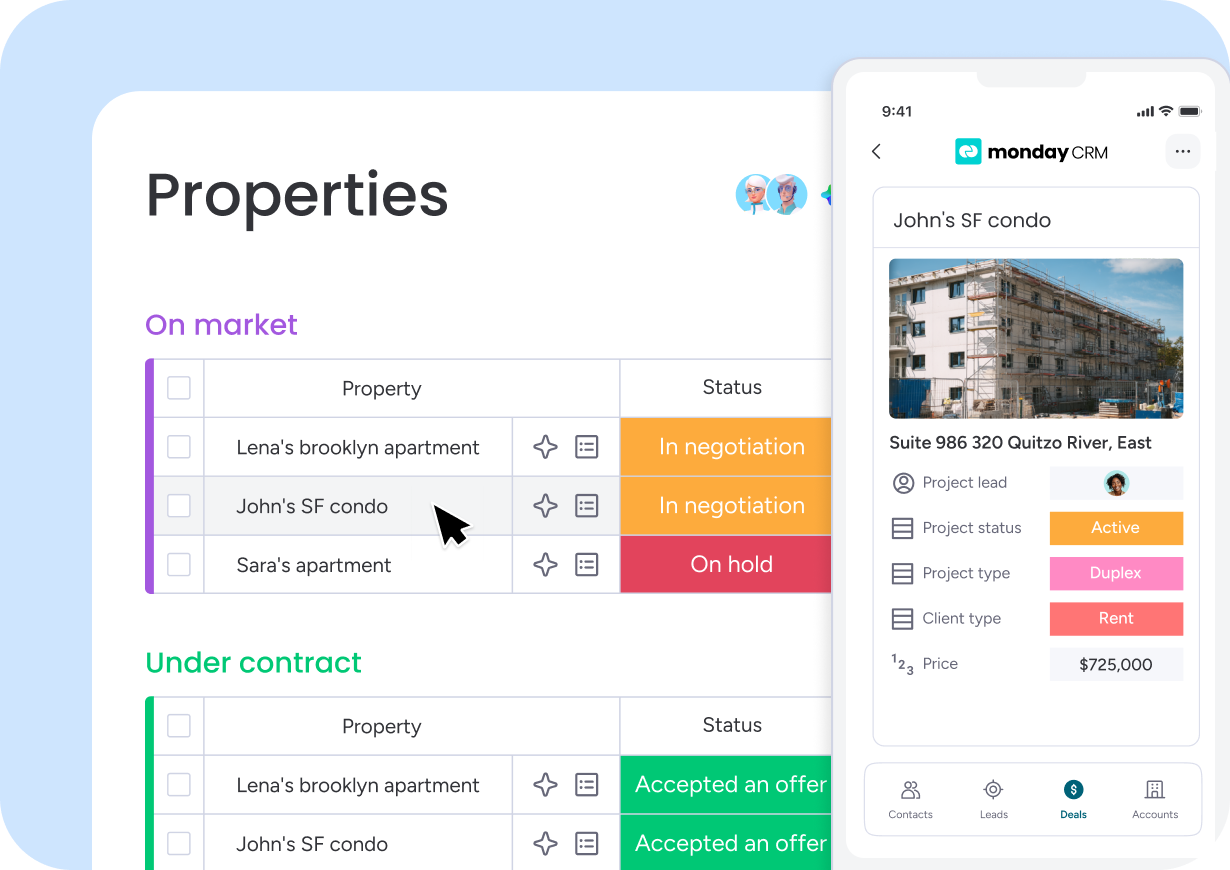
Real Estate
Real Estate CRM
Contacts, listings, and deals live in one connected database built for real estate. Built-in reminders keep every follow-up on schedule, even in a long closing process.
Get this template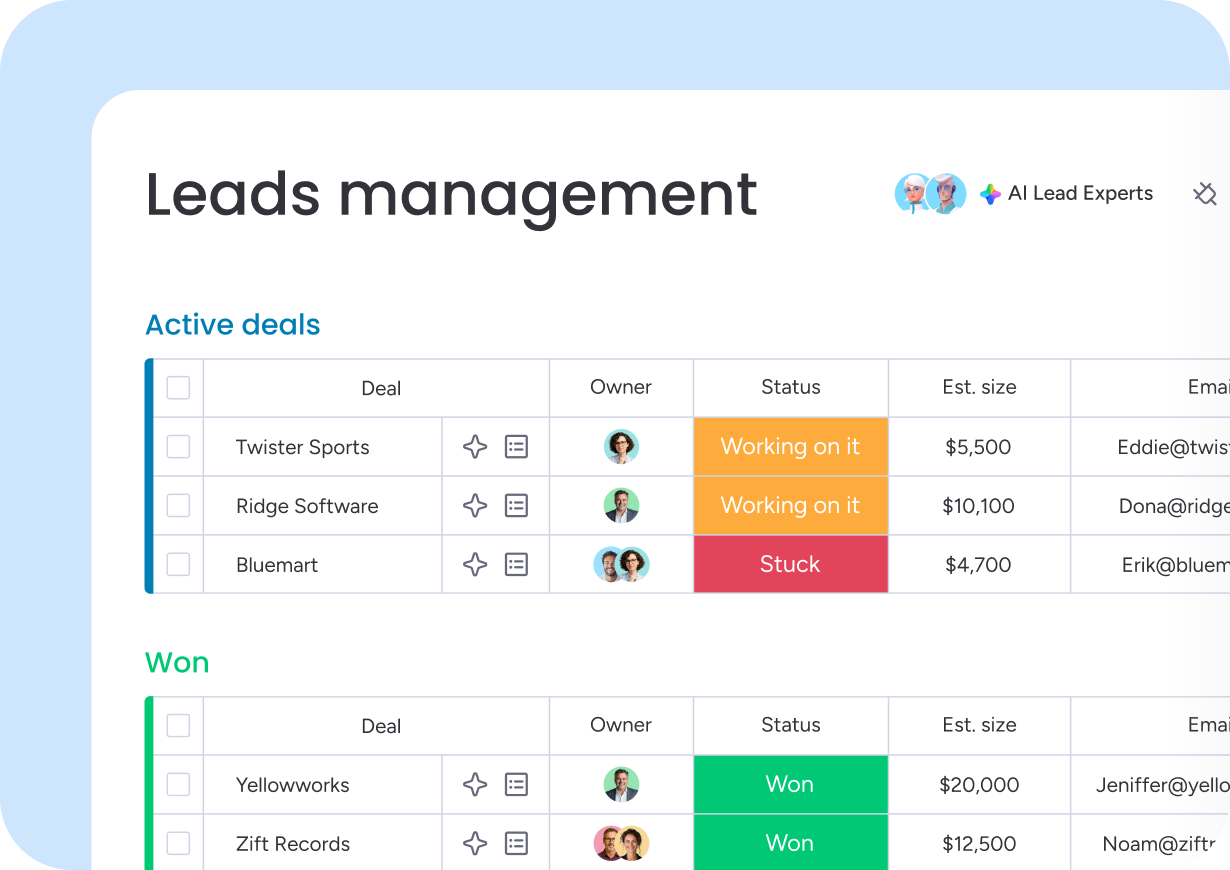
Leads
Lead Management
Every lead and its details sit in one visual pipeline, sorted by stage from first touch to qualified. Prioritise and evaluate opportunities at a glance.
Get this template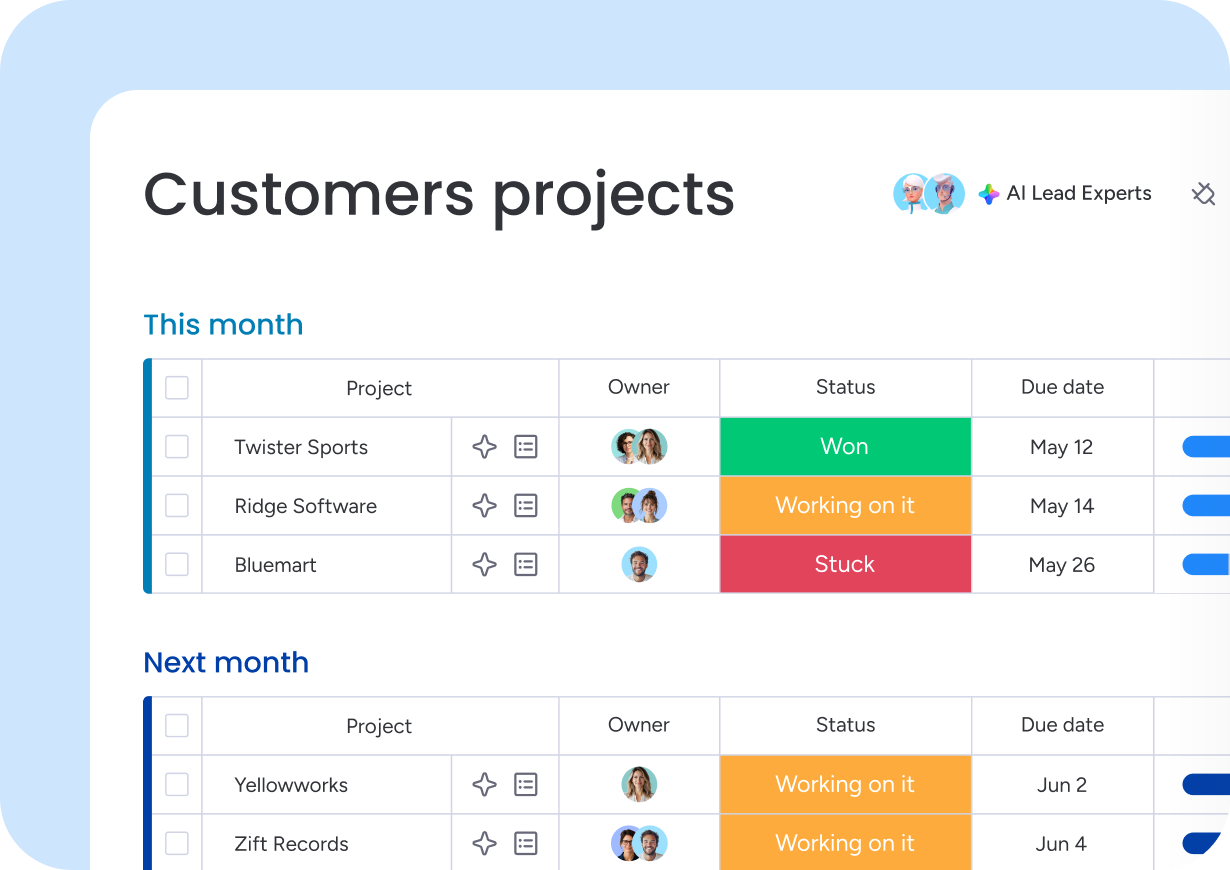
Projects
Customer Projects
Customer projects get a full overview from kickoff to delivery, with billable hours calculated automatically. Workflows stay streamlined and the team stays aligned.
Get this template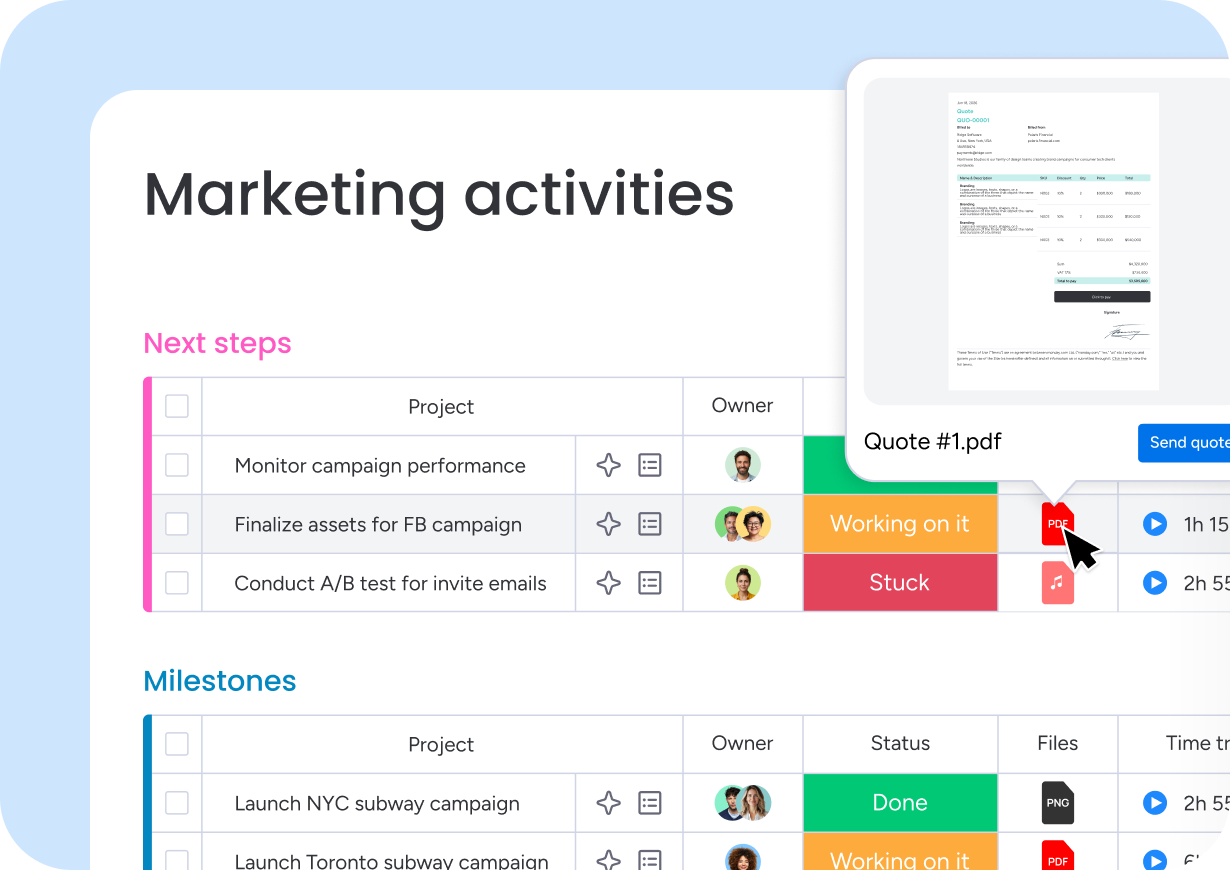
Marketing
Marketing Activities
Every marketing campaign runs from one place, with owners assigned and deadlines tracked from kickoff to launch. Campaign statuses stay visible at every step.
Get this template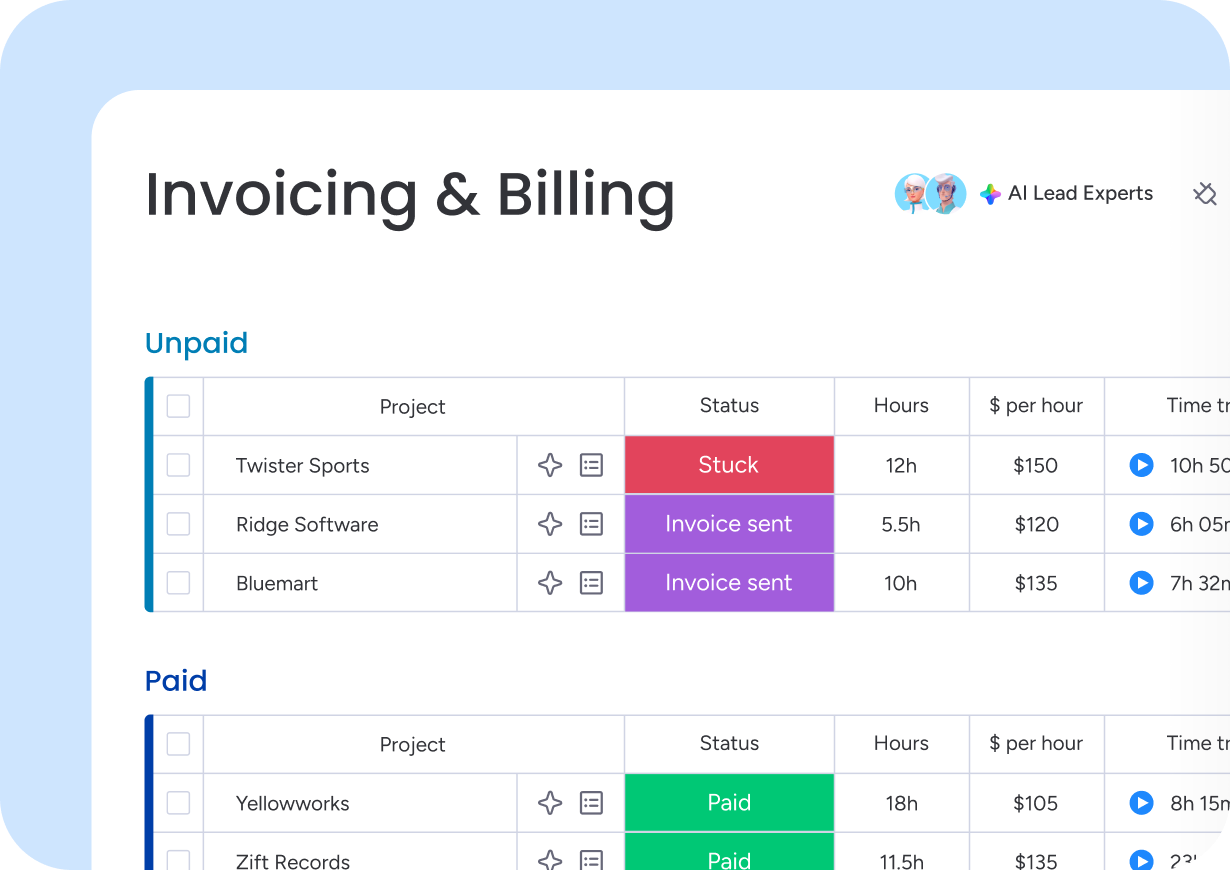
Invoicing
Invoicing
Project payments connect directly to customer contact cards, with billable and non-billable hours tracked side by side. Invoicing takes minutes, not hours.
Get this template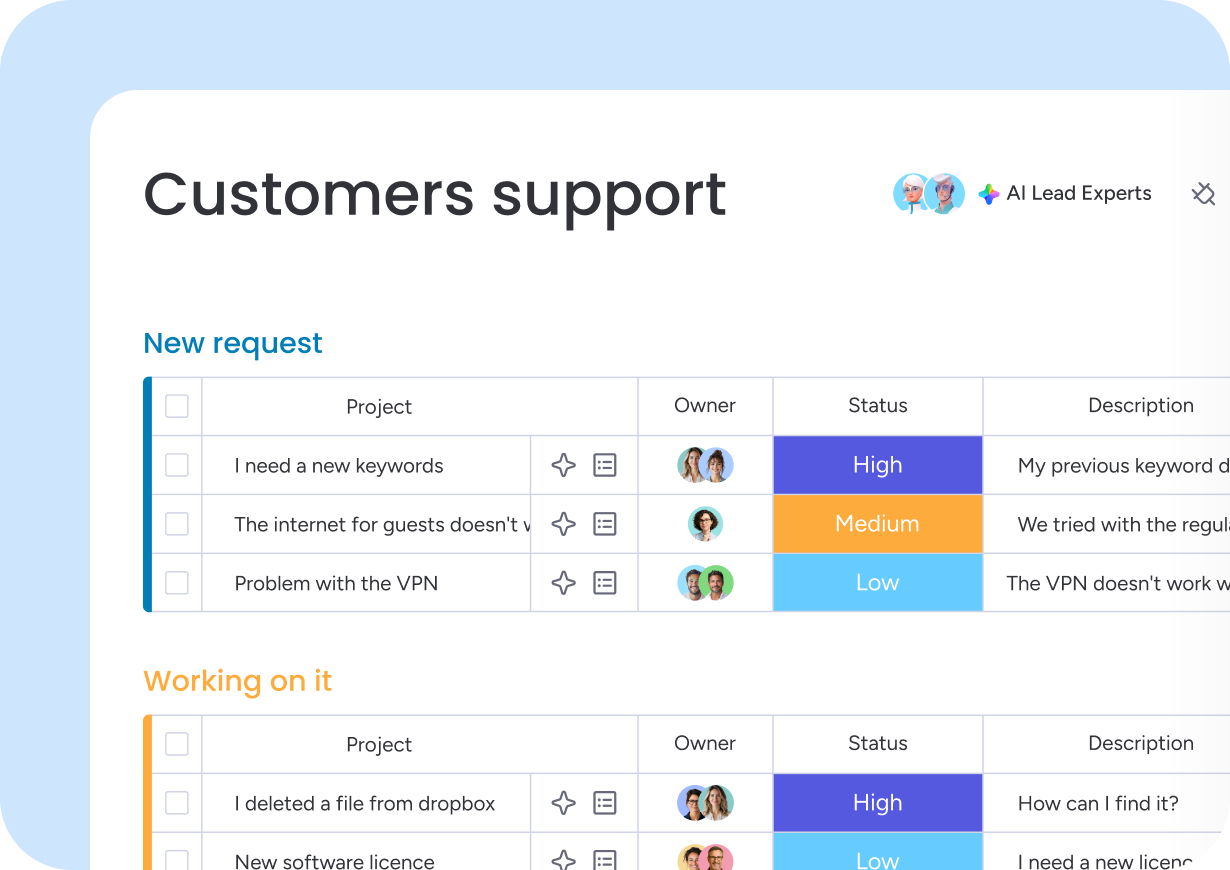
Support
Customer Support
Support tickets follow a standardized workflow built around priority and SLA forecasts. Every ticket carries full customer context for top-tier service.
Get this templateReal results from teams using monday CRM templates
improvement in sales tracking
Technology
increase in conversion rate
Professional services
ROI
Construction
saved yearly to reinvest
Advertising
hours saved per year
Retail & CPG
increase in efficiency
Technology
AI built into every CRM template
AI is already running in every monday CRM template, so you can capture what's happening, understand what matters, and act instantly to keep your pipeline moving.
Capture
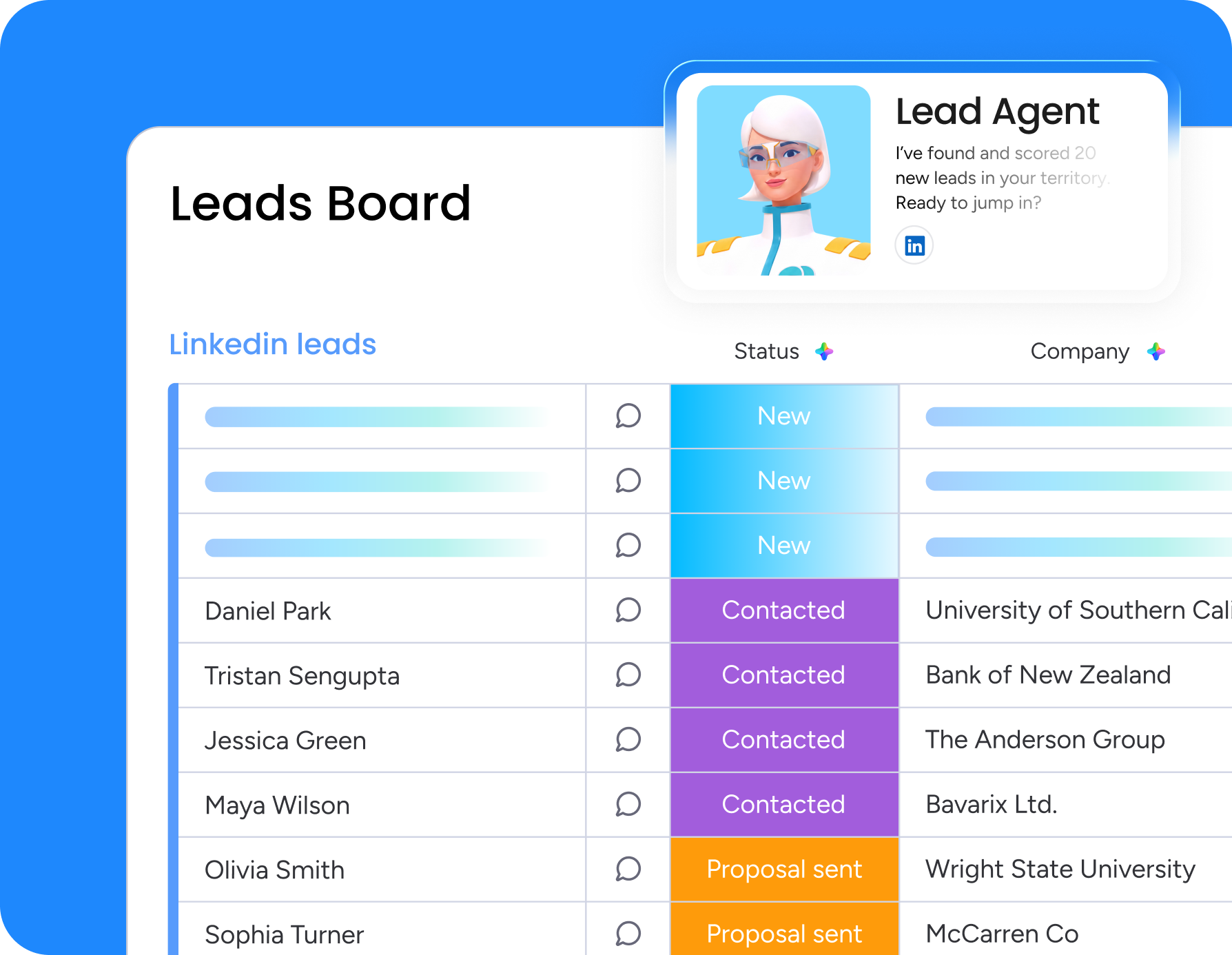
The moment a lead lands on a template board, the Lead Sourcing Agent enriches it with company and role data, so your team starts every conversation with full context.
Execute
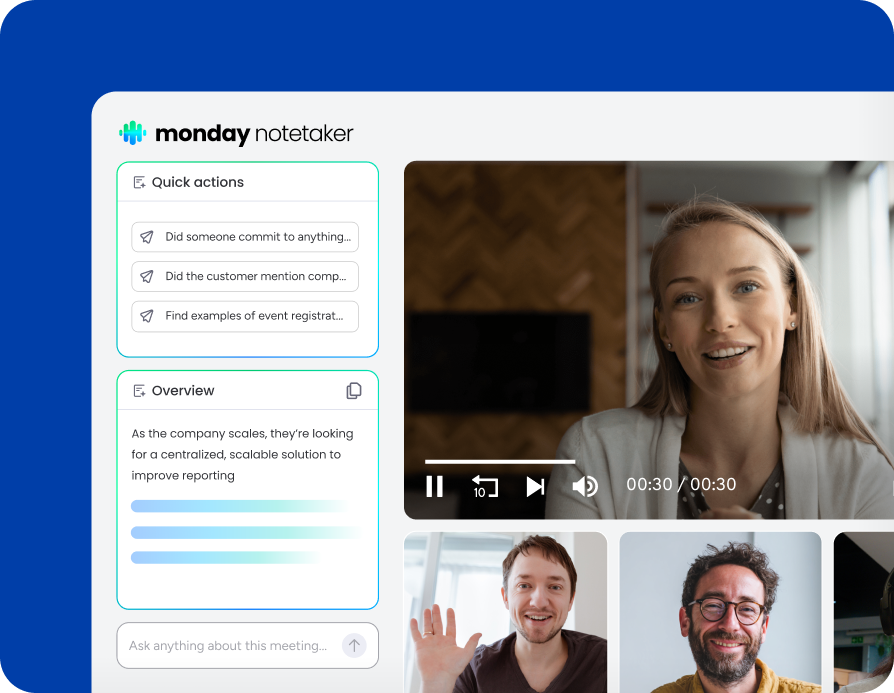
Every call and meeting on a templated board is captured by monday CRM's AI Notetaker, summarized with decisions made, actions agreed, and follow-ups required.
Understand
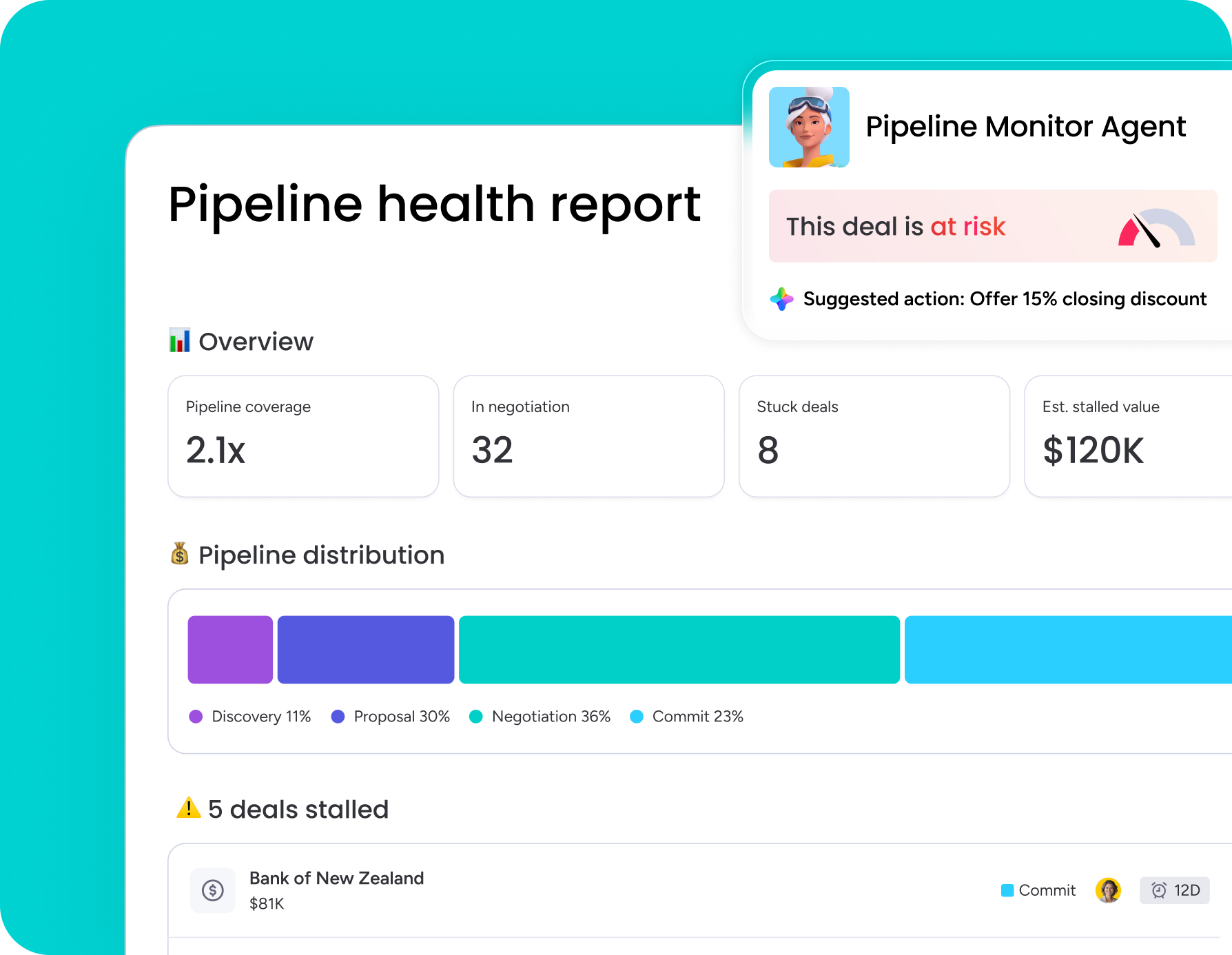
Stalled deals in any template get flagged by the Pipeline Monitor Agent before they become lost opportunities, so nothing sits untouched in any stage.
Connects to your tools from day one
monday CRM templates plug straight into the tools your team already uses, like Gmail, Outlook, Slack, and 200+ others, so tasks and workflows sync seamlessly.



Questions? We've got answers
What are monday CRM templates?
monday CRM templates are pre-built boards designed around common revenue motions, including sales pipeline management, lead management, contact management, and customer support. Each one comes with the columns, views, and automations a working sales process needs already in place, from a Pipeline view to assignment rules. Your team can start tracking deals, contacts, and revenue on day one instead of spending the first weeks designing a system from scratch.
Which monday CRM template should I start with: Simple CRM, Advanced CRM, Contacts, or Lead Management?
The right starting point depends on how many moving parts your process already has. Simple CRM suits a straightforward pipeline where fast adoption matters most. Advanced CRM fits longer deal cycles and larger contact lists needing more structured stages. Contacts works best when your immediate need is a clean, searchable database of people and companies. Lead Management is the answer if leads need triage, qualification, and routing before they become deals.
Can I customize a monday CRM template's columns, automations, and views after I choose it?
Every template is a starting point, not a fixed structure, so you can reshape it as your process evolves. Deal stages in Pipeline view are easy to rename or reorder, and you can add fields like source, next step, or priority as your team tracks more detail. No-code automations, like assigning new leads on a round robin, layer on top without any setup work. You can also build separate views for reps, managers, and forecasting.
Do I need a credit card to try a monday CRM template?
No credit card is required to try monday CRM, so you can open any template and start using it right away. The best way to judge fit is to test it like a real day: move a few deals through Pipeline view, log a call in Emails & Activities, and check the Sales Dashboard with real data. That tells you more than browsing empty columns ever will.
Can I import my CRM Excel or Google Sheets template into monday CRM?
Moving off a spreadsheet doesn't mean rebuilding everything from scratch. monday CRM imports directly from tools like Excel and Google Sheets, and the cleanest approach is sequential: bring in contacts and leads first as the records exist, then import deals and connect each one to the right contact and account. Automations, like assignment rules and follow-up triggers, are best added only after the import settles, so you're not generating noise while data is still moving.
Does monday CRM include a sales dashboard template to track pipeline performance?
Yes, the Sales Dashboard is built into monday CRM and fully customizable, available starting on the Pro plan. Once set up, it puts pipeline health and rep performance in one view: a sales funnel with stage breakdowns, a leaderboard tracking output, and forecasting views that surface bottlenecks early. It updates automatically as reps work their boards, so the numbers stay current without manual reporting.
How do monday CRM templates help with email outreach and follow-ups?
Templates connect directly to monday CRM's outreach tools, so outreach never lives outside the record it belongs to. You can send individual or mass emails using dynamic fields pulled straight from the template, then track opens and link clicks to see what's actually landing. Every email, call, and note gets logged in Emails & Activities against the right lead, contact, or deal, so the full relationship history stays in one place instead of scattered across inboxes.
Can I use AI inside a CRM template even if my team's process is unique?
Your process doesn't have to match the template exactly for AI to help there. It works best once tied to your own fields, stages, and handoffs, which templates make quick to set up rather than something you engineer from scratch. Teams often add a Meeting Prep Agent for context before calls, ask monday sidekick plain-language questions like which deals stalled this week, or build something specific with the no-code agent builder.
Are monday CRM's templates available on every pricing plan?
Templates themselves are available on every plan, but some capabilities inside them scale with tier. Emails & Activities opens up on Standard and above, and Quotes & Invoices exists on every plan already, just with a higher monthly limit as you move up, from 20 on Basic to unlimited on Ultimate. The Sales Dashboard is part of Pro and higher, so it's worth confirming before committing a workflow to one tier.
Can I switch monday CRM templates later without losing my data?
Switching templates doesn't strand your data behind. Most teams create a new board from the target template, then move or import existing leads, contacts, and deals into it. The parts worth planning for are the connections, not just the records: map fields like stage, owner, and value so they land in the right columns, relink items across Leads, Deals, and Accounts so context stays attached, and rebuild any automations, like follow-up triggers, that ran on the old board.
Start driving more revenue - without the CRM drag
Get Started