
Your leads live in inboxes, spreadsheets, and the occasional sticky note, and the follow-up you meant to send last week is still sitting in drafts. A simple CRM clears that clutter by giving small teams one organized place to track every contact, conversation, and deal, without a steep learning curve. At its core, a customer relationship management system helps you build steady relationships so leads turn into revenue.
In this guide, we compare the 10 best simple CRMs, the features worth prioritizing, and how to choose the right one for the way you already work. You’ll also see how a platform like monday CRM stays simple as you scale.
Key takeaways
- Centralized organization: A simple CRM keeps contacts, conversations, and deals in one place, so small teams stay organized without heavy setup.
- Who it’s for: Business owners, sales managers, and reps who have outgrown spreadsheets but don’t want a complex system.
- Pricing range: Across the 10 tools here, starting prices run from about $9 to $49 per seat each month, with one free plan option.
- Free vs paid: Free plans suit solo operators and very small teams. Paid plans add automation, reporting, and permissions as you grow.
- Best for growing teams: monday CRM stands out because its no-code setup, AI agents, and automations scale without added complexity.
What is a simple CRM?
A simple CRM tracks your relationships with customers and prospects in one organized, easy-to-use place. It stores contact details, recent conversations, deal progress, and team notes together, so everyone stays aligned and customers feel supported. It focuses on clarity and a smooth setup, adapting to the way your team already works instead of forcing a new process.
Scope varies. Some basic CRM systems concentrate on contact and deal tracking, while others add email integration, dashboards, onboarding, or light project tracking. The common thread is that each feature is easy to understand and quick to act on, even as your team grows. Platforms like monday CRM build on this foundation, staying approachable while adding room to scale. If you’re newer to the category, this guide to how to use a CRM walks through the basics.
Why your business needs a simple CRM
Growth relies on clear, consistent customer relationships. When details live in spreadsheets and inboxes, teams lose time and miss opportunities. A simple CRM gives every customer-facing role the same source of truth, so selling, supporting, and renewing stay coordinated.
- Organization: contacts, deals, emails, and notes live in one place, so anyone can step into a conversation with full context.
- Efficiency: automation and AI handle repetitive work like logging activities, sending follow-ups, and routing deals.
- Customer loyalty: a complete activity timeline helps reps tailor their message, respond quickly, and follow through, which builds trust and repeat business.
These strengths also help teams head off common challenges. Manual updates stay light, leads stay accounted for, pipeline health stays visible, and handoffs stay smooth. You can extend this further by pairing your CRM with a CRM virtual assistant.
A simple CRM supports your team’s judgment and skill rather than replacing it. It reduces the mental load and makes it easier to deliver standout experiences as you scale.
8 must-have features of a simple CRM
A simple CRM should be quick to learn, easy to adapt, and effortless to use every day. The features below improve clarity, collaboration, and throughput without adding complexity. Prioritize them as you compare tools, because they separate a CRM your team will actually use from one that gathers dust.
- Contact management: Store and update customer and prospect details in one searchable place with contact management software, so your team always has the full context.
- Interaction tracking: Log every call, email, meeting, and follow-up in a shared timeline, so anyone can step into a conversation and see where things stand.
- Automated reminders and follow-ups: Keep deals and conversations active with automated nudges, so next steps never rely on memory alone.
- Pipeline monitoring: See what’s moving, what’s stalled, and where to focus, so managers can coach with precision and revenue projections stay predictable.
- Email sync and templates: Connect Gmail or Outlook to send and track messages in one place, while templates and AI drafting, like monday Sidekick, keep outreach fast and consistent.
- Dashboards and reporting: Read sales performance at a glance with no-code dashboards that show forecast versus actuals, activity levels, and rep trends.
- Mobile CRM app: Log notes, update deal status, or scan business cards in the field with a simple CRM app, so there’s no catch-up work at the end of the day.
- Easy CRM integration: Connect the email, calendar, lead form, billing, and e-signature tools your team already uses, which keeps data accurate and removes copy-and-paste workflows.
Simple CRM vs traditional CRM vs free CRM
Not every CRM fits every team. A simple CRM focuses on essentials you can use right away. A traditional CRM offers deep customization, but it often needs admins, consultants, and a longer rollout. Free CRM plans work for very small teams, but they tend to cap seats, pipelines, and email sends, and most leave out automation, customization, and advanced reporting.
The comparison below shows where each option fits.
| Factor | Free simple CRM | Paid simple CRM | Traditional CRM |
|---|---|---|---|
| Setup time | Hours | Hours to days | Weeks to months |
| Customization | Limited | No-code, self-serve | Admin or developer led |
| Automation and reporting | Basic or none | Included, scales with plan | Extensive, often with add-ons |
| Cost | $0, with caps on contacts, seats, and pipelines | Predictable per-seat pricing | Higher, with add-ons and services |
| Adoption | High, minimal training | High, minimal training | Slower, needs enablement |
| Best for | 1 to 3 people with a single pipeline | 1 to 100 seats that need automation and reporting | Large, multi-team organizations |
If you’re deciding between free and paid, choose paid when you need sales automation for follow-ups and handoffs, dashboards for forecasting, role-based permissions, or post-sale work like onboarding and renewals.
Before committing to a free plan, check whether higher contact limits, email tracking and templates, extra pipelines or custom fields, and key integrations sit behind an upgrade.
Weigh the current price against how the CRM scales with your business. A simple CRM like monday CRM should let you grow without added overhead or a future migration.
How to implement a simple CRM in 8 steps
A smooth CRM rollout starts with a workflow your team can use right away. You can refine it over time, so you don’t need to configure everything on day one. These 8 steps keep the work quick and focused.
- Step 1: Define success. List your pipeline stages, choose key fields like lead source and deal value, and pick three to five metrics to track, such as win rate or cycle time.
- Step 2: Import and clean your data. Bring in existing contacts, companies, and deals, remove duplicates, and map fields so everything lands in the right place.
- Step 3: Build your pipeline. Drag and drop stages to mirror your sales process, add required fields, and use labels to segment deals by region, product, or priority.
- Step 4: Automate the basics. Start with a few no-code recipes, like round-robin lead assignment, follow-up reminders after meetings, and automatic stage updates.
- Step 5: Integrate email and calendar. Sync your inbox and calendar so replies and meetings log automatically in one shared timeline.
- Step 6: Launch the dashboard. Create a view for forecast versus actual, deal movement by stage, and activity by rep.
- Step 7: Train the team. Walk through one live example from lead to close, and share a one-page cheat sheet and a short screen demo.
- Step 8: Review regularly and refine. Remove unused fields, tune automations, and ask the team where friction remains to keep adoption high.
The 10 best simple CRMs for your team
Here are 10 simple CRM systems with user-friendly setup and everyday usability. Each covers core relationship management; they differ in automation, customization, reporting, and integrations. The table gives you a quick side-by-side before the detailed breakdowns.
| CRM | Best for | Starting price | Standout feature |
|---|---|---|---|
| monday CRM | Teams of all sizes needing flexibility, automation, and visibility | $12/seat/month (billed annually) | No-code automations, AI agents, and dashboards your team will actually use |
| Pipedrive | Small sales teams | $14/seat/month | Visual, drag-and-drop sales pipeline |
| HubSpot CRM | Combined CRM and marketing | Free (basic features) | Marketing tools integrated with CRM |
| Freshsales | Small teams focused on lead management | $9/seat/month | Freddy AI sales intelligence |
| Less Annoying CRM | Solo operators and micro-teams | $15/seat/month | Single plan, single price |
| Zoho CRM | Small to mid-sized businesses | $14/seat/month | Zia AI assistant for predictions |
| Zendesk Sell | Sales teams tied to customer support | $19/seat/month | Real-time pipeline management |
| Insightly CRM | Teams needing project management | $29/seat/month | CRM plus project management |
| Streak | Gmail users managing contacts from email | $49/seat/month | Gmail-native pipelines |
| Vtiger | Teams wanting an all-in-one collaborative CRM | $12/seat/month | Unified sales, marketing, and support |
1. monday CRM
Best for: Teams of all sizes that need a flexible, easy-to-use CRM across the full customer lifecycle.
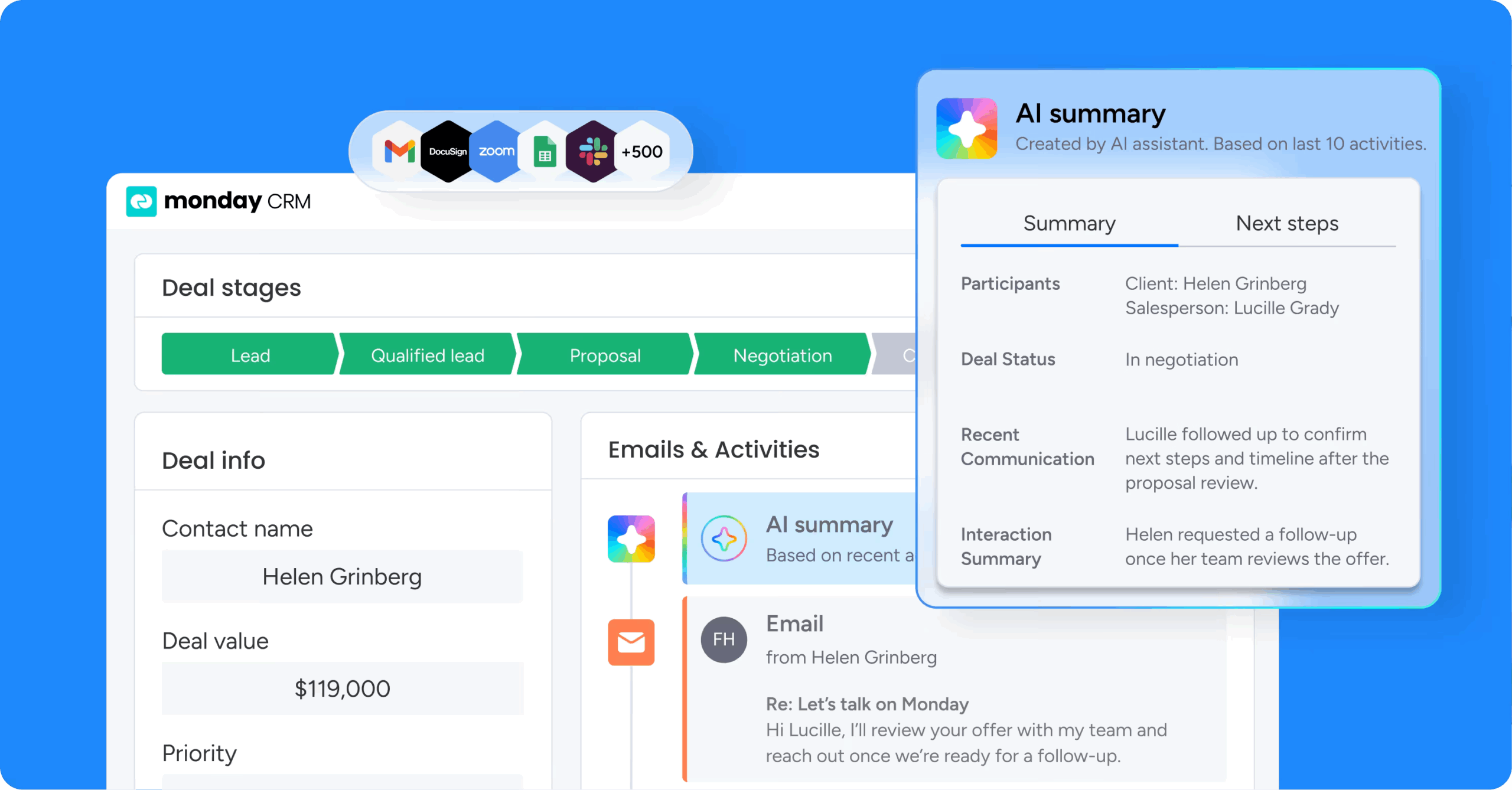
monday CRM brings contact management, deal pipelines, email sync, and post-sale processes into one shared workspace. It’s simple enough for new reps to onboard quickly, yet powerful enough to support growing revenue operations. As an AI-first, no-code platform, it adapts to your sales motion instead of the other way around.
Use case
monday CRM works best for teams that want one system to manage leads, close deals, and carry customers through onboarding and renewals. You can reshape pipelines, fields, and dashboards in minutes without IT help, so the CRM keeps pace as your process changes.
Key features
- monday sidekick: A context-aware AI assistant that drafts follow-up emails, summarizes account history, analyzes data, and suggests next steps.
- monday agents: AI agents that handle front-end selling work, including a Sales Agent that calls and qualifies leads and books meetings, a Lead Sourcer, and an AI Notetaker.
- AI deal insights: AI-powered data fields and a deal insights widget that flags at-risk deals before they stall.
- No-code automations: Automation recipes for follow-ups, activity logging, stage changes, and round-robin lead assignment.
- 500+ integrations: Connections to Gmail, Outlook, Slack, Zoom, and DocuSign, plus monday MCP to connect external AI agents like Claude, ChatGPT, Copilot, and Gemini.
Pricing
monday CRM offers four plans: Basic ($12/seat/month billed annually), Standard ($17), Pro ($28), and Ultimate with custom pricing. Monthly billing costs more, annual billing saves about 18%, and there’s a 14-day free trial with a 3-seat minimum.
Why it stands out
- No-code customization lets you adjust pipelines and workflows in minutes, with no IT help.
- The approachable interface drives high adoption, even for first-time CRM users.
- One platform extends past sales into onboarding, renewals, and post-sale work.
2. Pipedrive
Best for: Small sales teams that want to see leads and deals in a visual pipeline.
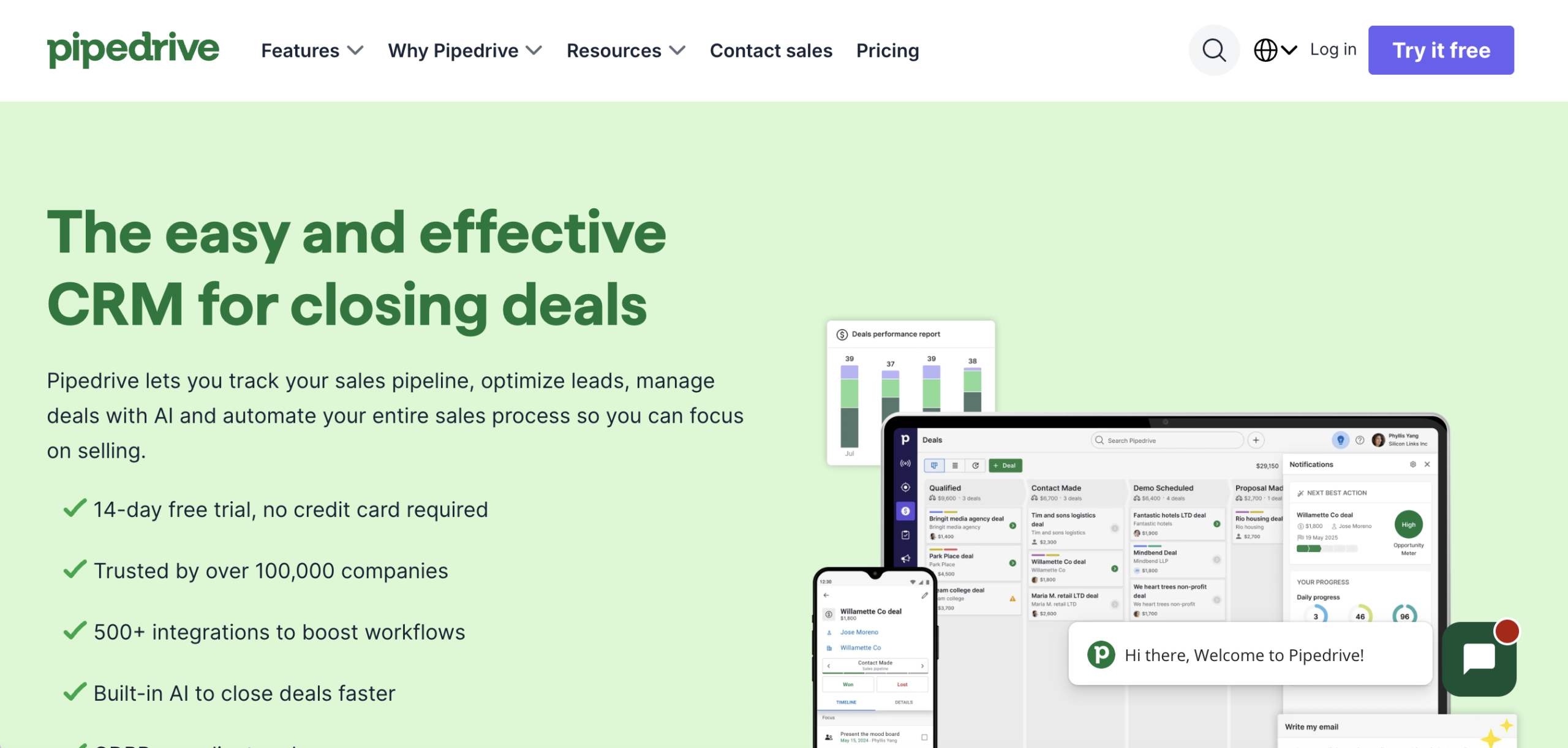
Pipedrive uses a drag-and-drop interface for an intuitive, customizable experience. Teams use it for lead and deal management, pipelines, calendars, and more, and the visual dashboard makes it easy to monitor deal and team progress.
Use case
Pipedrive works best for small sales teams that want a clear, visual view of every deal and a simple way to keep follow-ups on track. It suits teams that spend most of their time moving leads through a defined sales process.
Key features
- AI sales assistant: Surfaces suggested next steps and highlights deals that may need attention, so reps know where to focus.
- Visual sales pipeline: Track deals through each stage with a drag-and-drop view of the full pipeline.
- Sales insights and reports: See how your strategy is working with reporting on deals, activity, and team performance.
- Integrations: Connect with tools like Slack, Zoom, and Gmail to keep communication in one place.
Pricing
Pipedrive starts at $14 per seat each month across five plans: Essential, Advanced, Professional, Power, and Enterprise. A free trial is available, but there is no permanent free plan.
Considerations
- Primarily sales-focused, with lighter support for post-sale and marketing work
- Advanced features and higher usage limits require pricier tiers
3. HubSpot CRM
Best for: Teams that want CRM and marketing tools together.
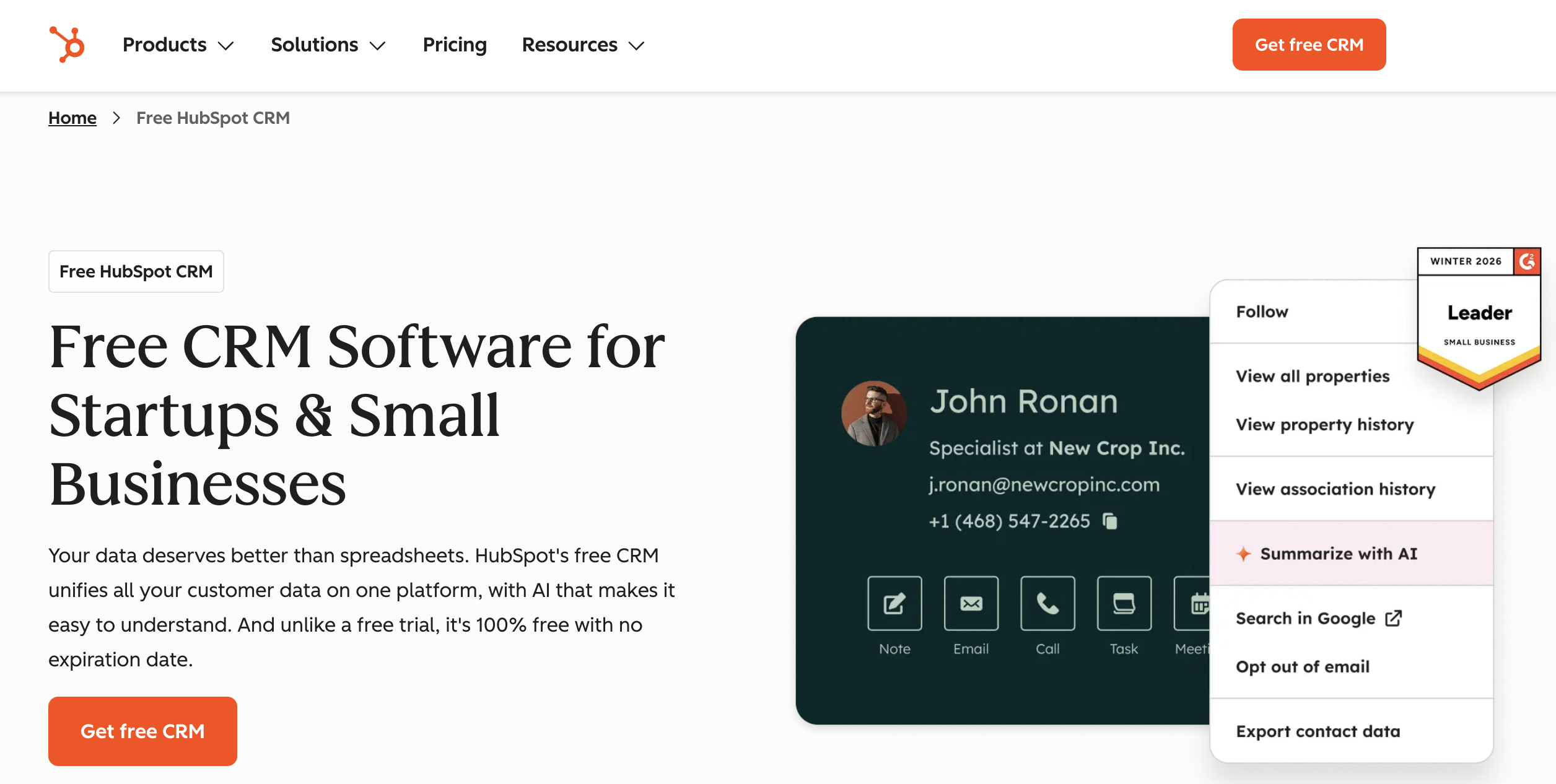
HubSpot is known for polished products that work across marketing, sales, and customer service. With HubSpot CRM, teams can visually track leads, pipelines, contacts, email, and campaigns in one place.
Use case
HubSpot CRM works best for teams that want sales and marketing to share one system, so campaigns, leads, and customer conversations stay connected from first touch to close.
Key features
- AI email templates: Build email templates from scratch or with AI to speed up outreach.
- Marketing automation: Align campaigns with leads and clients so marketing and sales work from the same data.
- Reporting and analytics: Get insight into sales and customer interactions with built-in reports.
- Pipeline and contact tracking: Visually manage leads, deals, and contacts in one shared workspace.
Pricing
HubSpot CRM offers a free plan with basic features for up to 2 users, and no credit card is required. Paid plans start at $9 per seat each month.
Considerations
- Costs climb steeply as contacts and paid features scale
- Can be more than a simple sales team needs day one
4. Freshsales
Best for: Small teams focused on lead management.
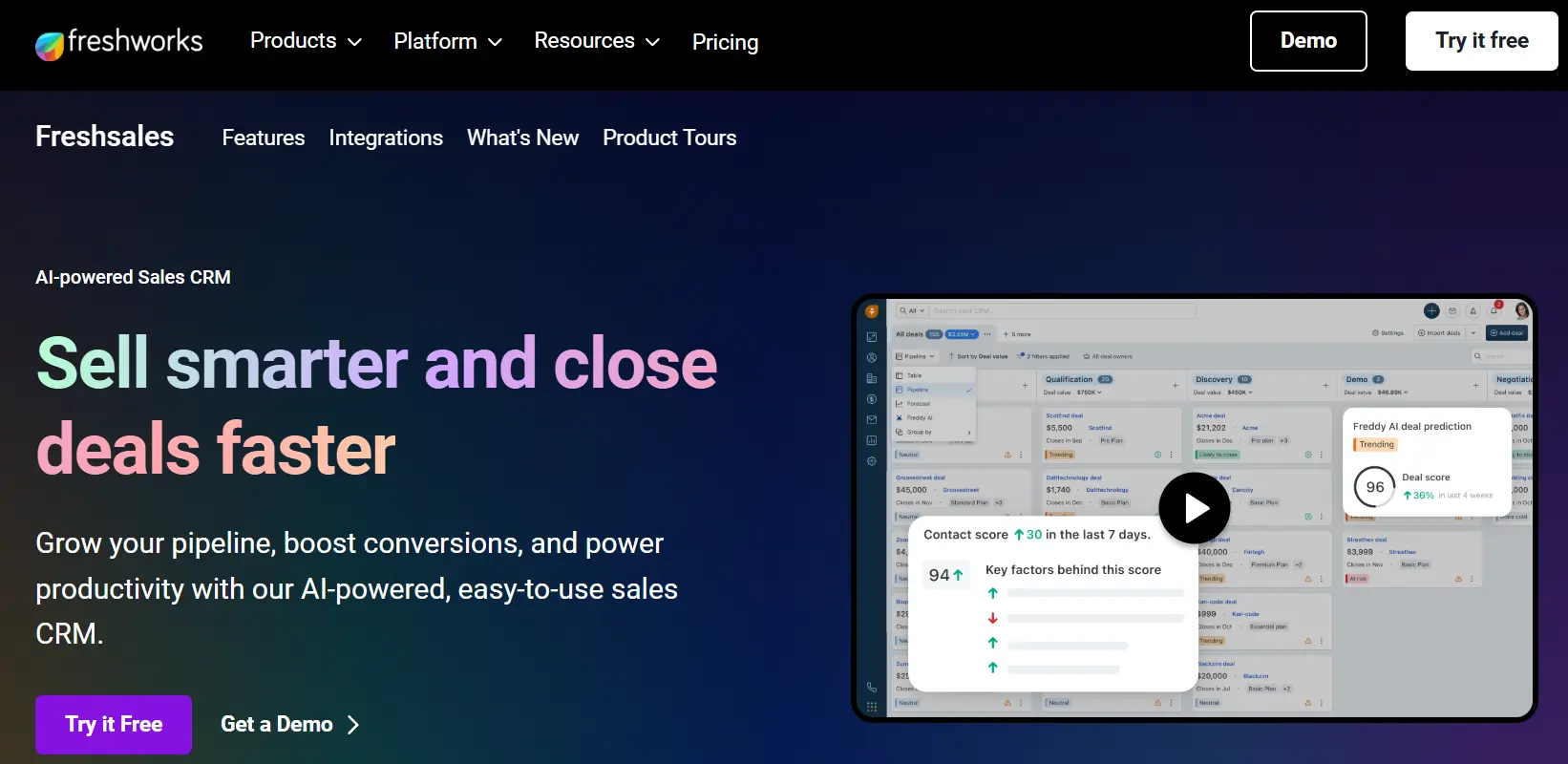
Freshsales, a product from Freshworks, is a simple CRM built for small teams that want to organize leads and move them toward a close. Its user-friendly interface and readable columns keep contacts, pipelines, and messaging in one place.
Use case
Freshsales works best for small teams that want to qualify leads quickly and keep follow-ups moving without a heavy setup. It suits teams that want phone, email, and chat activity tracked in a single record.
Key features
- Freddy AI: Sales intelligence that surfaces insights, scores leads, and flags the deals most likely to close.
- Workflow and sales-sequence automation: Automate follow-ups and repetitive tasks so reps spend more time selling.
- Multiple work views: Switch between Kanban, list, and table views to manage leads the way you prefer.
- Built-in dialer and live chat: Call and chat with leads from inside the CRM, with every interaction logged automatically.
Pricing
Freshsales starts at $9 per seat each month across three plans: Growth, Pro, and Enterprise. A free trial is available.
Considerations
- Some capabilities are gated to higher tiers
- Customization is more limited than broad platform CRMs
5. Less Annoying CRM
Best for: Solo operators and micro-teams that want to start right away.
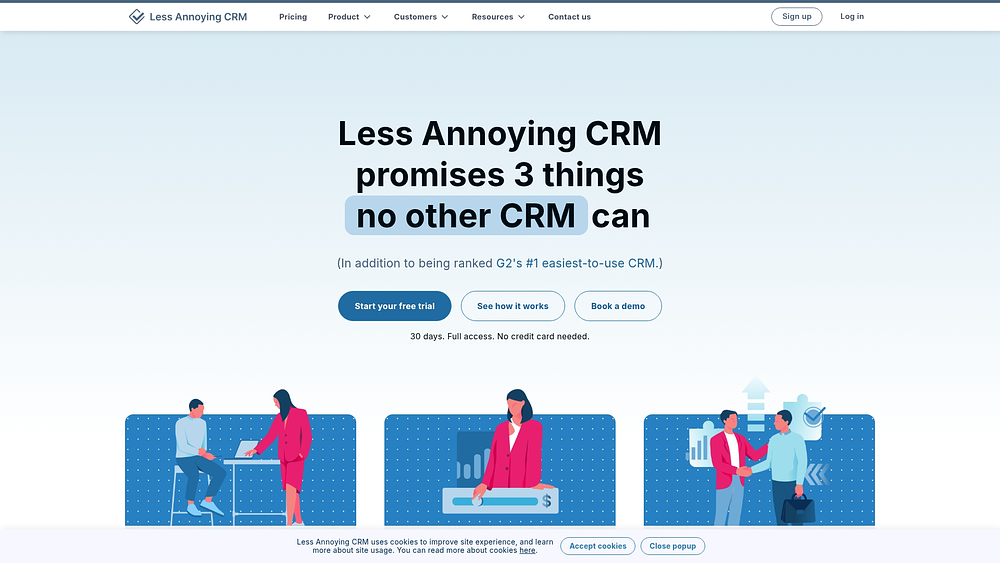
Less Annoying CRM is a deliberately minimal CRM with a single plan, a single price, and a strong reputation for support and ease of use. It puts contacts, calendars, tasks, and pipelines on one basic dashboard.
Use case
Less Annoying CRM works best for solo operators and very small teams that want a straightforward way to track contacts and leads without a long setup. It suits businesses that value simplicity and responsive support over advanced customization.
Key features
- Unified contacts and calendars: Organize all your contacts, tasks, and calendars in one place.
- Lead reports: Generate reports to track every lead in your pipeline.
- Browser-based access: Use the CRM from any web browser, with no installation required.
Pricing
Less Annoying CRM costs $15 per seat each month on a single plan, so there are no tiers to compare. A free trial is available.
Considerations
- Limited automation, reporting, and integrations
- Advanced tasks get harder as teams grow
6. Zoho CRM
Best for: Small to mid-sized businesses that want a customizable CRM.
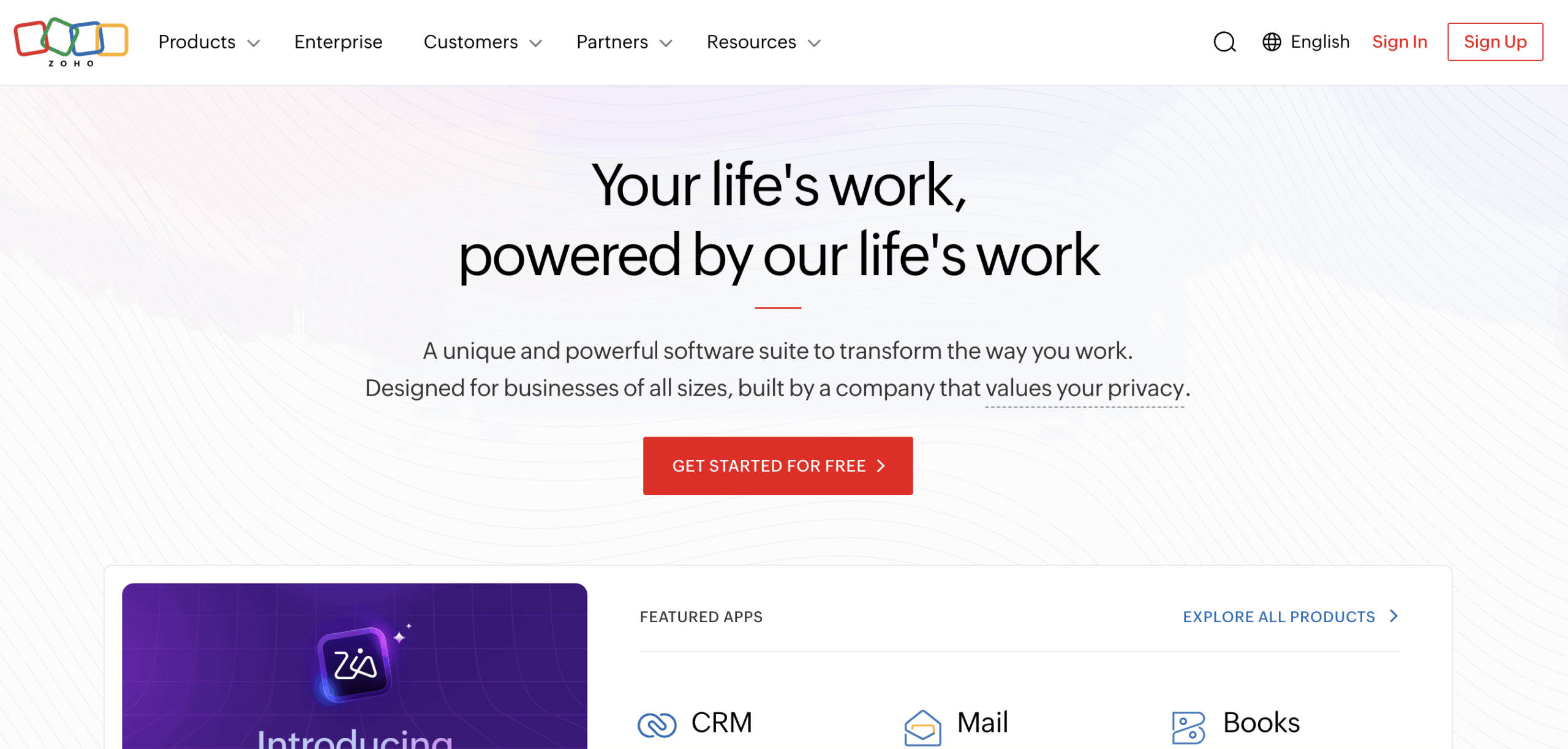
Zoho CRM helps teams manage the full customer relationship lifecycle in an easy-to-use, highly customizable solution. It brings lead growth, performance tracking, marketing tools, and customer engagement together in one place.
Use case
Zoho CRM works best for growing teams that want to shape the CRM around their own sales process. It suits businesses that need room to customize workflows and engage customers across several channels.
Key features
- Zia AI assistant: Predicts activity, takes notes, and automates tasks so reps spend less time on admin.
- Omnichannel engagement: Reach customers on social media, email, and phone from one workspace.
- Configurable sales processes: Tailor stages, fields, and workflows to match how your team sells.
Pricing
Zoho CRM starts at $14 per seat each month across four plans: Standard, Professional, Enterprise, and Ultimate. A free trial is available.
Considerations
- Breadth can add complexity
- Full value often means adopting more of the Zoho suite
7. Zendesk Sell
Best for: Sales teams that want tight integration with customer support.
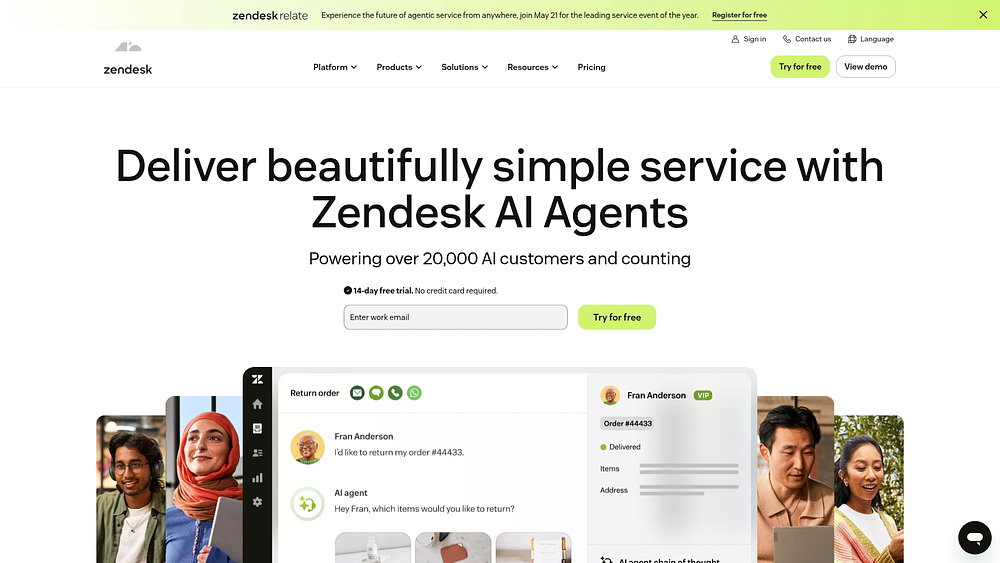
Zendesk Sell, part of the Zendesk suite, is a CRM that helps sales teams stay productive. Teams track customers and leads in an intuitive platform, and its ties to Zendesk support tools help create a smooth customer experience.
Use case
Zendesk Sell works best for sales teams that work closely with support and want shared visibility into every customer conversation. It suits teams that need real-time pipeline management without a heavy setup.
Key features
- Sales triggers: Automate workflows and cut manual tasks so reps stay focused on selling.
- Sales engagement tools: Send custom emails and follow-ups that keep deals moving.
- Forecasting and analytics: Get pipeline visibility that helps managers plan and coach.
Pricing
Zendesk Sell starts at $19 per seat each month across three plans: Sell Team, Sell Growth, and Sell Professional. A free trial is available.
Considerations
- Most valuable when paired with the wider Zendesk suite
- Per-seat pricing runs higher than lighter tools
8. Insightly CRM
Best for: Teams that want CRM and project management together.
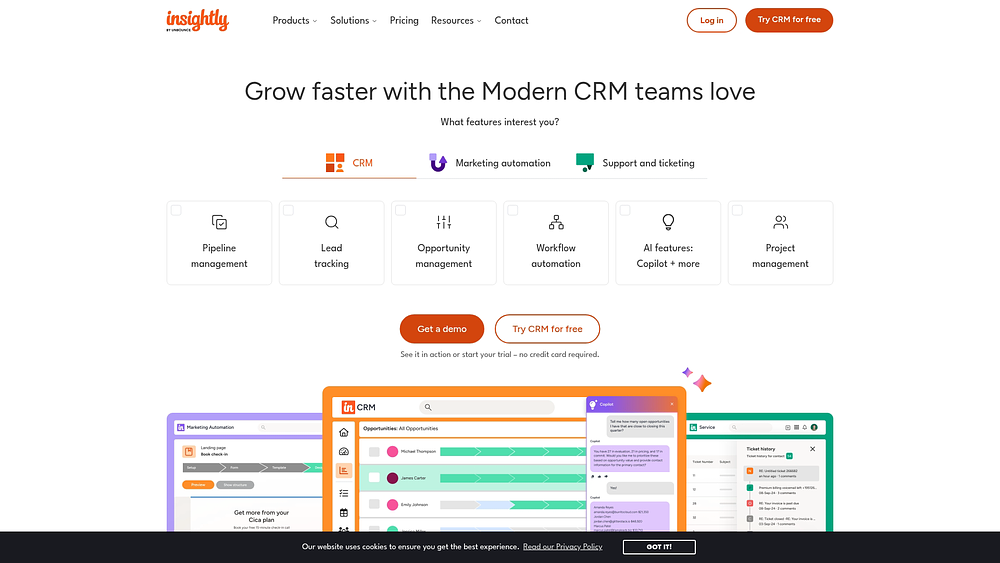
Insightly is a scalable CRM that pairs contact and customer-journey management with built-in project management. It helps small to mid-sized teams run sales and delivery in one modern platform.
Use case
Insightly works best for teams that need to carry a deal from first contact through delivery without switching tools. It suits businesses where winning the sale is only the start, such as agencies and service providers that manage projects after close.
Key features
- Lead and opportunity tracking: Follow leads through the pipeline with insights that show where deals are moving or stalling.
- Marketing and service integrations: Connect Insightly marketing and service products so teams work from the same customer data.
- Workflow automation: Automate repetitive business processes so reps spend less time on manual updates.
Pricing
Insightly starts at $29 per seat each month across three plans: Plus, Professional, and Enterprise. A free trial is available, but there is no permanent free plan.
Considerations
- Higher entry price than most simple CRMs
- Full value needs multiple Insightly modules
9. Streak
Best for: Gmail users who want to manage contacts from their inbox.
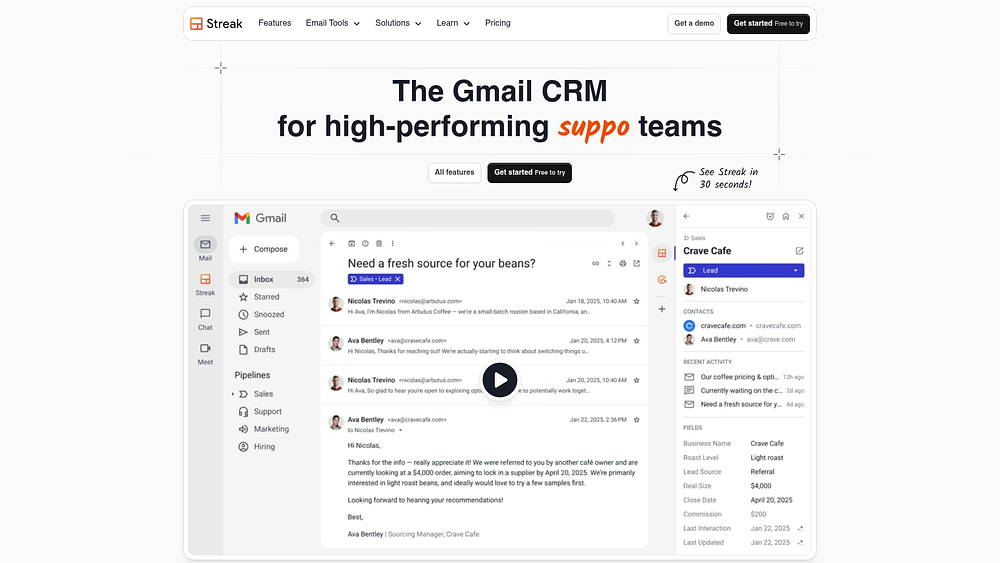
Streak is a CRM that lives inside Gmail, built for individuals and small teams that manage contacts and leads straight from the inbox. It keeps context switching to a minimum for email-centric workflows.
Use case
Streak works best for teams that already live in Gmail and want a CRM that fits into that routine instead of replacing it. It suits sales, recruiting, and partnership workflows where most of the work happens over email.
Key features
- Group email outreach: Send customized emails to groups of contacts and track the results in your timeline.
- Shared email templates: Create and share templates for frequently used messages to keep outreach fast and consistent.
- Collaborative timeline: Work from a shared timeline of emails, calls, notes, and files so everyone has full context.
Pricing
Streak starts at $49 per seat each month across three plans: Pro, Pro+, and Enterprise. A free trial is available.
Considerations
- Tied to Gmail and Google Workspace
- Higher per-seat cost, and a limited fit for teams not on Gmail
10. Vtiger
Best for: Teams that want an all-in-one, AI-powered collaborative CRM.
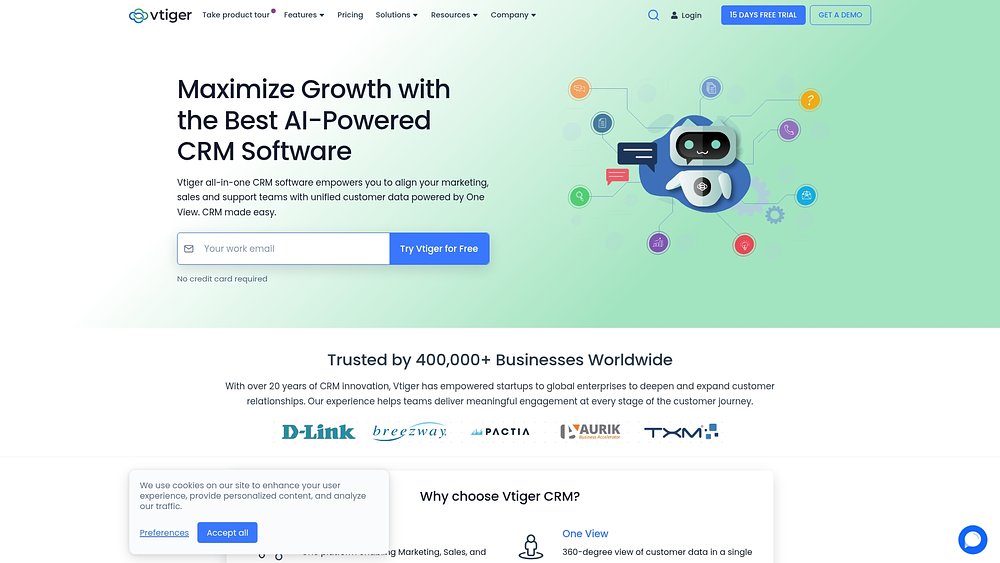
Vtiger is an all-in-one, AI-powered collaborative CRM that unifies sales, marketing, and support in one adaptable platform. It keeps team members aligned in a single, easy-to-use view.
Use case
Vtiger works best for teams that want sales, marketing, and support running on one system instead of several disconnected tools. It suits growing businesses that value a shared view of every customer interaction.
Key features
- AI-powered CRM: Use built-in AI capabilities, available on its One AI plan, to support sales and customer engagement.
- Custom pipelines: Build a pipeline your team can align on in one view.
- Advanced sales tools: Route leads and segment contacts with tools designed to keep deals moving.
- 360-degree customer view: See every customer communication in one place.
Pricing
Vtiger starts at $12 per seat each month across four plans: One Growth, One Professional, One Enterprise, and One AI. A free trial is available.
Considerations
- All-in-one breadth adds a learning curve
- Some AI and advanced features are gated to higher tiers
Why monday CRM is the simple CRM that scales
A simple CRM should feel lightweight on day one and still hold up as your team grows. monday CRM fits that need by adapting to your sales motion, so teams can organize leads, manage deals, and collaborate with success and finance teams in one shared timeline.
No-code pipelines and dashboards keep daily work approachable, and 500+ integrations with tools like Gmail, Outlook, Slack, Zoom, and DocuSign connect your CRM to the way your team already works. monday CRM users Black Mountain increased conversion rates by 15%, and Velv improved sales-tracking accuracy by 60%.
monday sidekick for faster follow-ups
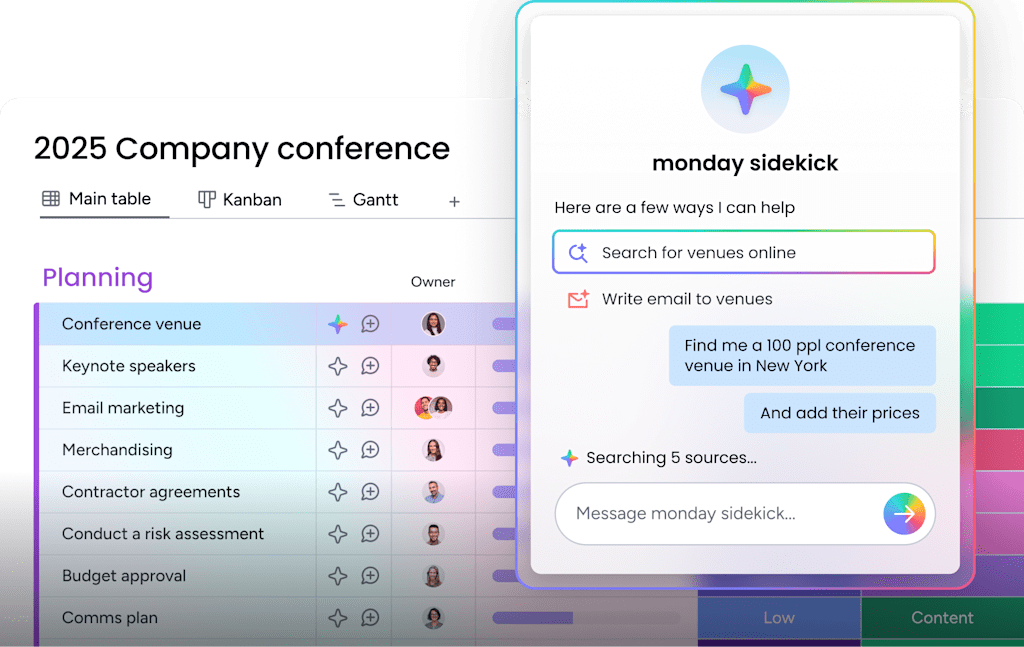
monday sidekick is a context-aware AI assistant that drafts follow-up emails, summarizes account history, and suggests next steps. Reps skip the blank page and respond quickly, which keeps outreach consistent without adding admin work.
monday agents for lead handling
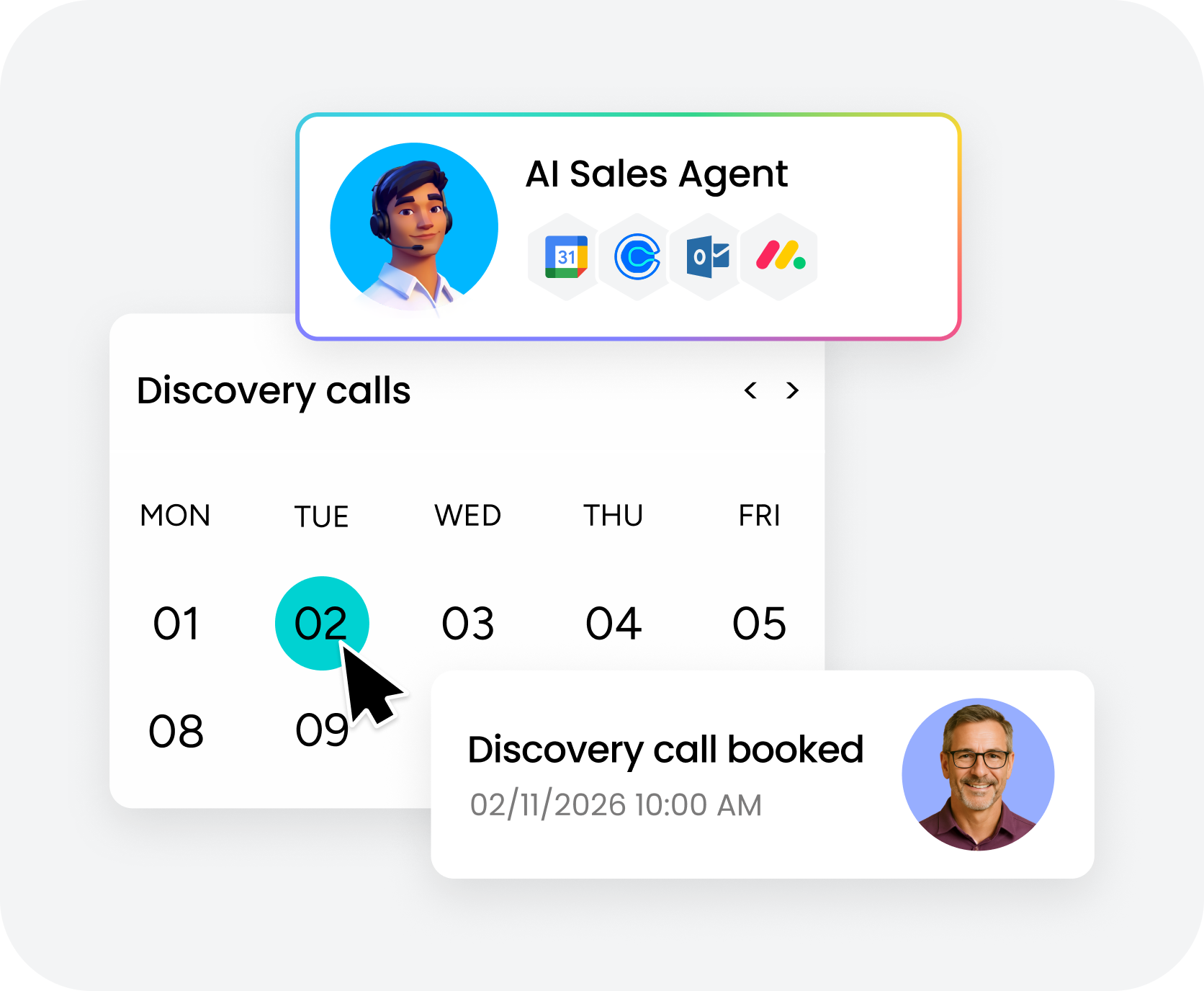
monday agents take on the repetitive front end of selling, including sourcing leads, qualifying them, and booking meetings. Small teams get the reach of a larger sales operation, while reps stay focused on conversations that move deals forward.
No-code automations that keep deals moving
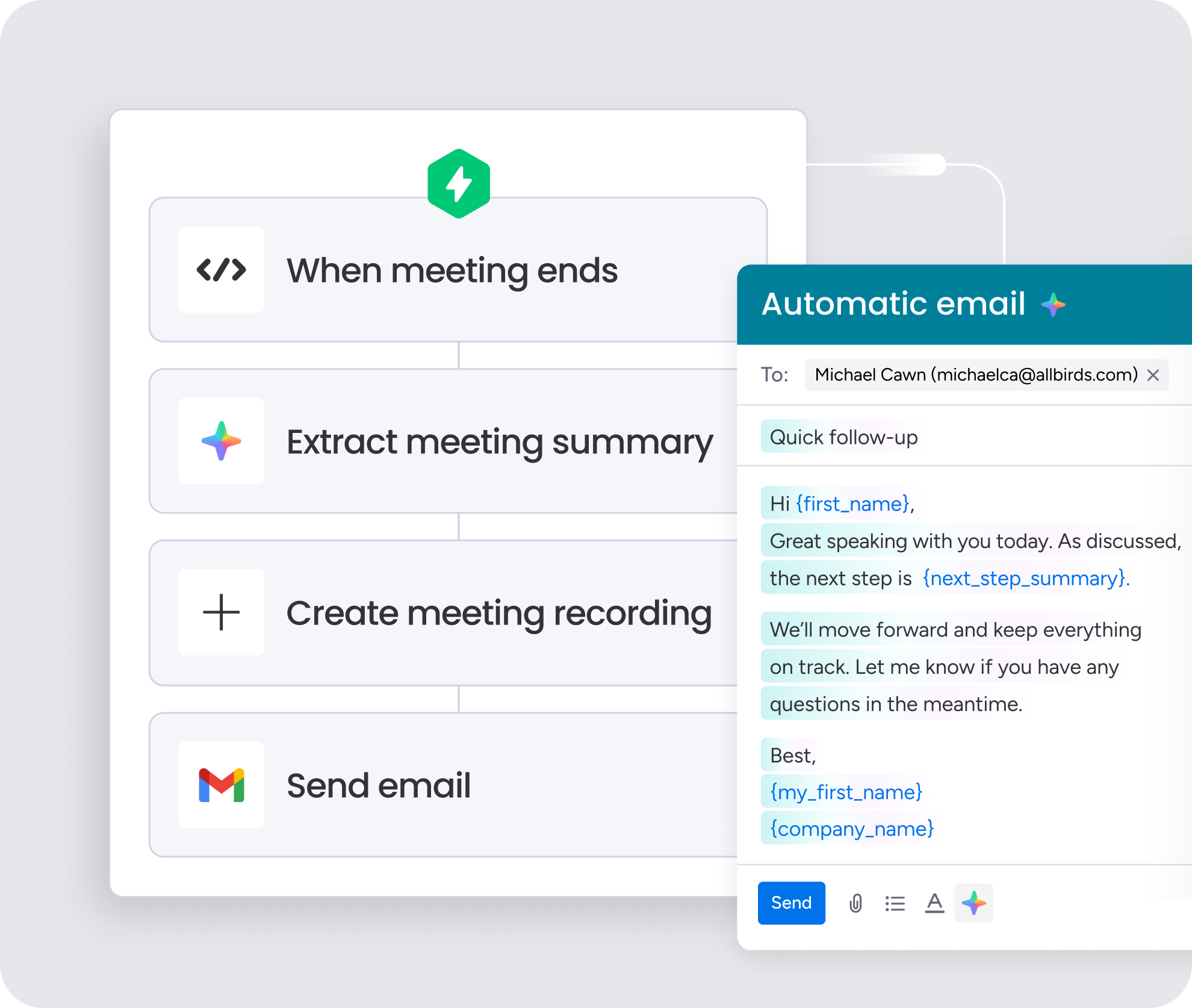
Automation recipes route new leads to the right rep, trigger reminders, and advance deals between stages. Setup takes minutes with no IT help, so your pipeline stays current without constant manual updates.
monday vibe for a CRM that evolves with you
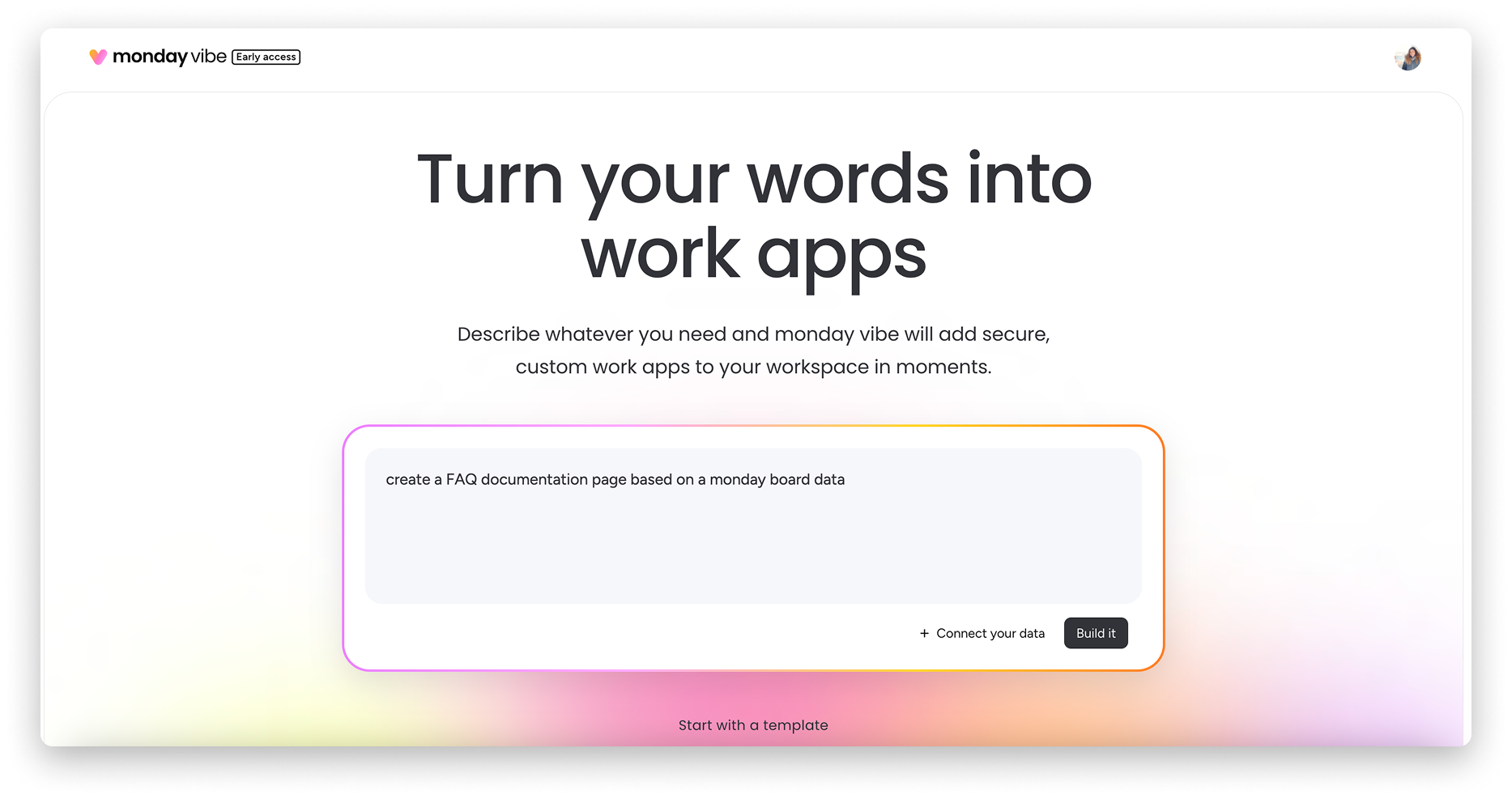
With monday vibe, teams describe the view or workflow they want in a prompt and get a custom surface built for them. As your process changes, the CRM keeps matching it, and monday MCP connects external AI agents like Claude, ChatGPT, Copilot, and Gemini when you need more.
Grow with a simple CRM your team will actually use
When customer details move out of scattered spreadsheets and inboxes into one organized system, teams follow up on time, collaborate with less friction, and keep momentum at every stage of the customer journey. monday CRM supports teams of all sizes with flexibility, automation, and visibility built in, so you can shape pipelines, fields, and dashboards to match your process.
Start by identifying the handful of stages and metrics that define a healthy pipeline, then build a simple CRM around them. Layer in AI agents and no-code automations as you grow, and the platform scales with you.
FAQs
What is CRM software in simple terms?
CRM software is a system that stores customer details, deals, emails, and tasks in one place so your team can track interactions and follow up consistently.
Can I use a simple CRM to manage both sales and customer service?
Yes, you can use a simple CRM to track sales activity alongside onboarding, support requests, and renewals in the same shared timeline.
How important is a mobile app for a simple small business CRM?
A mobile app is important for a simple small business CRM because it lets reps log notes, update deals, and respond to customers away from the office, which keeps momentum going.
How quickly can a small business expect results after adopting a simple CRM?
A small business can expect clearer visibility and more consistent follow-ups within the first few weeks of adopting a simple CRM, once data and communication channels are connected.
What features should a real estate agent look for in a simple CRM?
A real estate agent should look for a simple CRM with a stage-based pipeline for showings and offers, a mobile app for field work, and built-in email or SMS tools.
How does monday CRM keep a simple CRM simple as your team grows?
monday CRM keeps a simple CRM simple as your team grows by pairing a no-code interface with automations, AI agents, and tier-based capabilities you add only when you need them.