Small sales teams lose momentum in the gaps between account research, follow-ups, meeting notes, and CRM updates, and a few missed details can turn a warm conversation into a cold lead fast. That is why the search for the best AI sales agent for small teams has picked up. Teams want help with repetitive work, but not bloated software, extra admin, or robotic outreach that makes the company look careless.
We’ll compare 9 platforms built for lean teams, show you where each one fits, and walk through how to choose a setup, roll it out in 30 days, and skip common mistakes. Along the way, you’ll see how monday CRM brings AI directly into the pipeline your team already uses.
Try monday CRM5 types of AI sales agents for revenue teams
AI sales agents are not interchangeable. The right choice depends on the exact source of friction in your sales process. Here’s what each agent type actually does:
- Outbound prospecting agents: Research target accounts and draft personalized first-touch outreach at scale. This cuts down the manual effort required to build prospect lists from the ground up.
- Lead qualification agents: Score inbound leads against your defined criteria. They automatically route high-fit prospects to reps while screening out low-quality inquiries.
- Outreach sequencing agents: Send tailored email sequences and monitor replies in real time. Follow-ups stop as soon as a prospect responds, which helps avoid awkward automated emails.
- Meeting scheduling agents: Book discovery calls by syncing with calendar availability. This shortens time-to-meeting and removes the constant back-and-forth of manual scheduling.
- Pipeline monitoring agents: Watch deal stages for stalls and flag at-risk opportunities based on inactivity. They recommend clear next steps so deals keep advancing.
9 best AI sales agents for small teams
Many AI sales platforms aren’t built with small teams in mind. They assume you have dedicated ops support or reserve essential features for enterprise tiers. The platforms below take a more practical approach: transparent pricing and AI features that don’t need a technical team to set up.
Your best option depends on where your team is bleeding the most time. Is the real problem prospecting, follow-up, or pipeline visibility? Define that first. Know the exact roadblock before you compare vendors. It’ll save you weeks and keep your evaluation focused on revenue, not feature lists.
| Platform | Best for | AI agent type | Starting price |
|---|---|---|---|
| monday CRM | Teams wanting AI embedded in their CRM pipeline | CRM-native AI agents | $9/seat/month |
| Clay | Data-enrichment-heavy outbound prospecting | Standalone prospecting agent | From $149/month |
| HubSpot | Teams wanting CRM and AI in one ecosystem | CRM-native AI | From $20/seat/month |
| Apollo.io | High-volume outbound with built-in contact database | Outbound sequencing agent | Free plan available |
| Salesforce | Enterprises needing deep agentic customization | CRM-native (Agentforce) | Custom pricing |
| Lindy | No-code AI agent building for non-technical teams | Configurable AI agent builder | From $49/month |
| Zoho CRM | Budget-conscious teams needing AI and CRM | CRM-native AI (Zia) | From $14/user/month |
| Gong | Revenue intelligence and call coaching | Conversation intelligence agent | Custom pricing |
| Regie.ai | AI-generated outbound sequences and content | Outbound content agent | Custom pricing |
1. monday CRM
Best for: Small teams that want AI built directly into their sales pipeline.
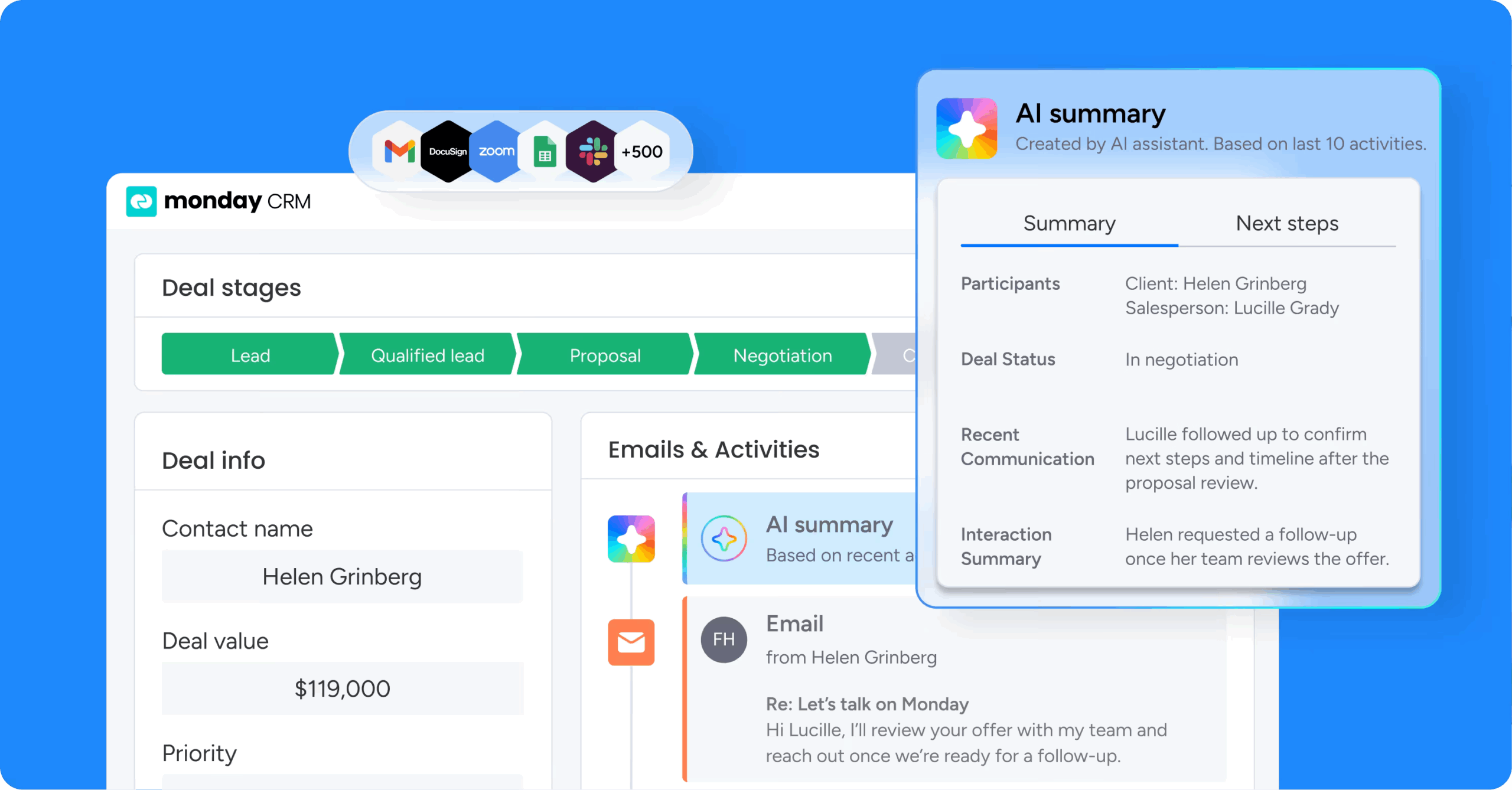
monday CRM combines AI and automation in the same place your team already manages deals: the pipeline. For small teams, that’s the difference between adoption and abandonment, since context gets fragmented quickly across inboxes, call notes, and “quick updates” that never make their way back into the CRM.
Use case
monday CRM gives revenue teams one place to capture leads, qualify them, run outreach, and track every interaction, with AI built into the work they’re already doing.
Key features
- AI Timeline Summary: Produces a concise recap of communication events, including emails, calls, meetings, and notes.
- AI email writing: Helps reps draft emails inside Emails & Activities, the same place they track outreach and responses.
- AI autofill columns: Applies AI actions to columns on any board, including sentiment detection, information extraction, and summarization.
Pricing
Plans start at $9/seat/month on Basic, with AI capabilities available on the Standard, Pro, and Enterprise plans. Every account includes 500 free AI credits per month, and a free trial is available.
Why it stands out
- AI shows up inside real sales work: AI summarizes timelines, drafts emails, and fills in columns right where reps already manage deals.
- Your pipeline stays adaptable: Boards, columns, and automations are customizable without code, so small teams can adjust on their own.
- Everything stays connected in one timeline: Emails, calls, meetings, and notes live in one record, so AI works from the full conversation history.
2. Clay
Best for: Outbound-heavy small teams that need deep prospect data and have a technical operator to configure workflows.
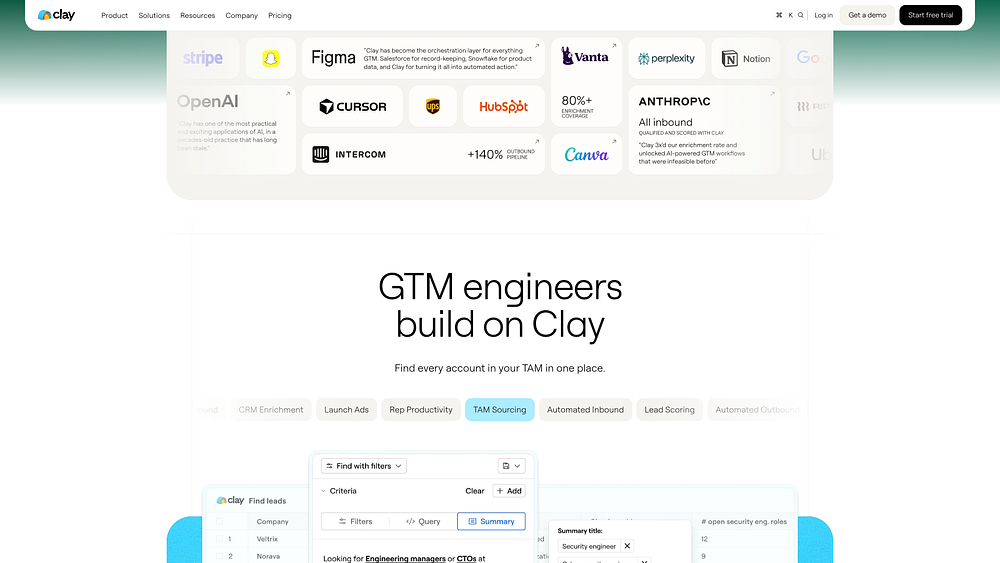
Clay is a data enrichment and prospecting platform that pulls from 75+ sources and applies AI to generate personalized outreach at scale. It gives lean outbound teams a flexible way to build prospect lists that go well beyond what a standard contact database offers.
Use case
GTM teams running high-volume outbound who need richer prospect data than standard contact databases offer.
Key features
- Waterfall enrichment: Pulls from 75+ data sources in sequence to boost contact match rates.
- Claygent AI research: Browses the weband extracts structured fields for each prospect.
- AI-personalized outreach: Uses enriched data to generate tailored messaging at scale.
Pricing
Clay offers a free plan with 100 data credits and 500 actions per month. Paid plans start at $167/month on Launch and $446/month on Growth.
Considerations
Clay handles prospecting and enrichment but isn’t an all-in-one sales platform. You’ll still need a separate CRM and sending platform.
3. HubSpot
Best for: Small-to-mid-sized teams that want CRM, marketing automation, and AI sales features in one connected system.
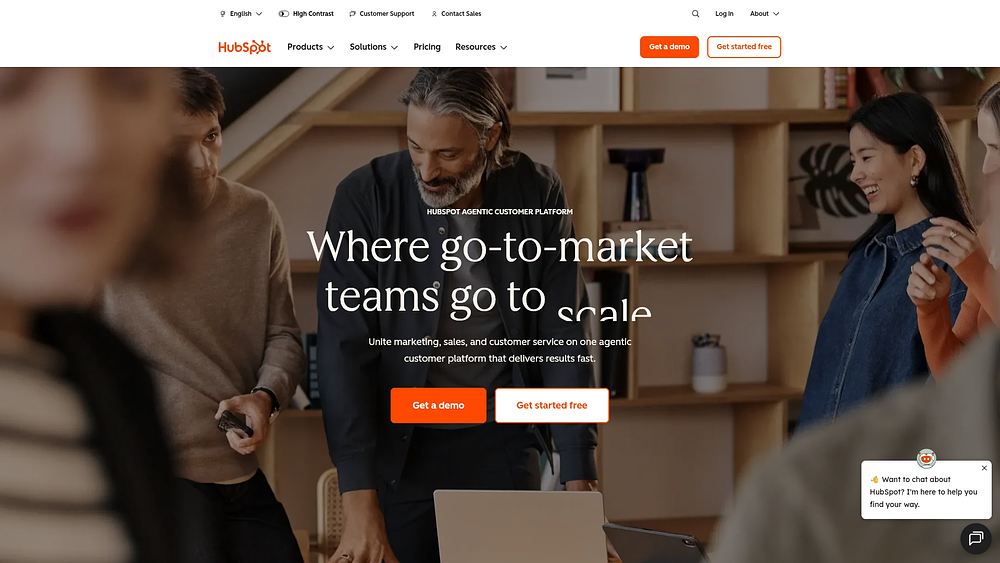
HubSpot combines CRM, marketing automation, and AI-powered sales features in one platform. Teams that need marketing and sales execution in the same place will appreciate the unified approach.
Use case
Built for small-to-mid-sized teams that want CRM, marketing automation, and AI sales features in one connected system.
Key features
- AI Prospecting Agent: Monitors buying signals and drafts personalized outreach.
- Agent Builder: A no-code workspace where teams build custom AI agents.
- Connected data: Draws on CRM and marketing data so AI actions reflect the full customer picture.
Pricing
HubSpot’s Professional plan starts at $1,170/month for 5 seats, with custom pricing available on Enterprise for advanced configurations. Free tools are available for getting started with the core CRM.
Considerations
The most advanced AI features only unlock on Professional and Enterprise plans, which can be a steep entry point for small teams focused primarily on sales AI.
4. Apollo.io
Small outbound teams that want prospect data and AI-assisted sequencing in one affordable platform.
HubSpot combines CRM, marketing automation, and AI-powered sales features in one platform. Teams that need marketing and sales execution in the same place will appreciate the unified approach.
Use case
Built for small-to-mid-sized teams that want CRM, marketing automation, and AI sales features in one connected system.
Key features
- AI Prospecting Agent: Monitors buying signals and drafts personalized outreach.
- Agent Builder: A no-code workspace where teams build custom AI agents.
- Connected data: Draws on CRM and marketing data so AI actions reflect the full customer picture.
Pricing
HubSpot’s Professional plan starts at $1,170/month for 5 seats, with custom pricing available on Enterprise for advanced configurations. Free tools are available for getting started with the core CRM.
Considerations
The most advanced AI features only unlock on Professional and Enterprise plans, which can be a steep entry point for small teams focused primarily on sales AI.
4.Apollo.io
Small outbound teams that want prospect data and AI-assisted sequencing in one affordable platform.
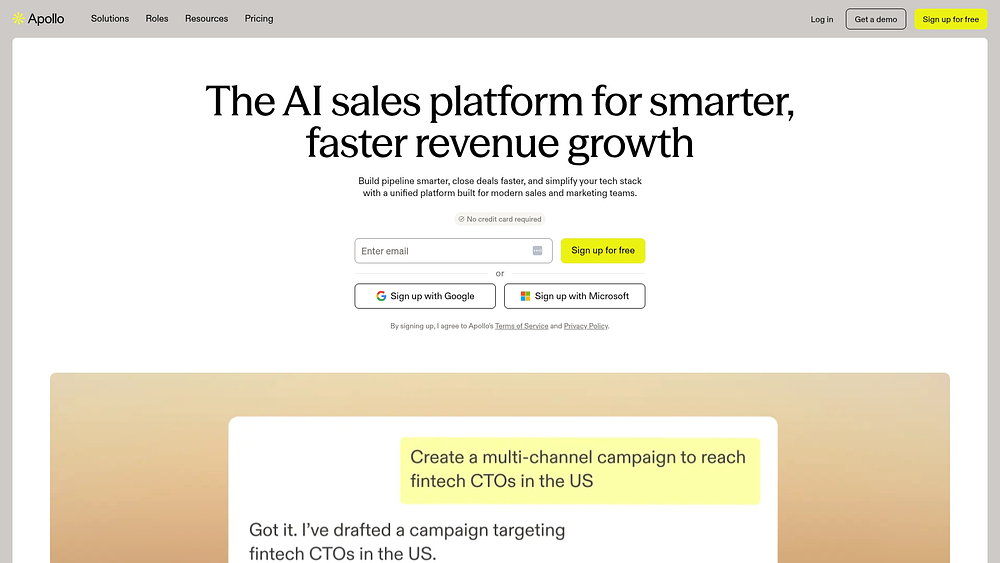
Apollo.io pairs a 240M+ verified profile database with AI-powered sequencing in a single platform. It gives lean outbound teams a way to find prospects and start conversations without stitching together separate tools.
Use case
Small outbound teams that need prospect dataand AI-assisted sequencing at an accessible price point.
Key features
- AI Assistant: Translates natural-language goals into executable sales workflows across prospecting and sequence creation.
- Conversation intelligence: Generates AI summaries of calls and tracks reply sentiment.
- AI-assisted sequencing: Helps build multi-step outreach sequences without starting from a blank page.
Pricing
Apollo.io offers a free plan to get started. Paid plans begin at $49/seat/month on Basic and $79/seat/month on Professional, both billed annually.
Considerations
Apollo.io handles outbound engagement but isn’t a full CRM. You’ll still need a separate system for pipeline management and deal tracking.
5. Salesforce
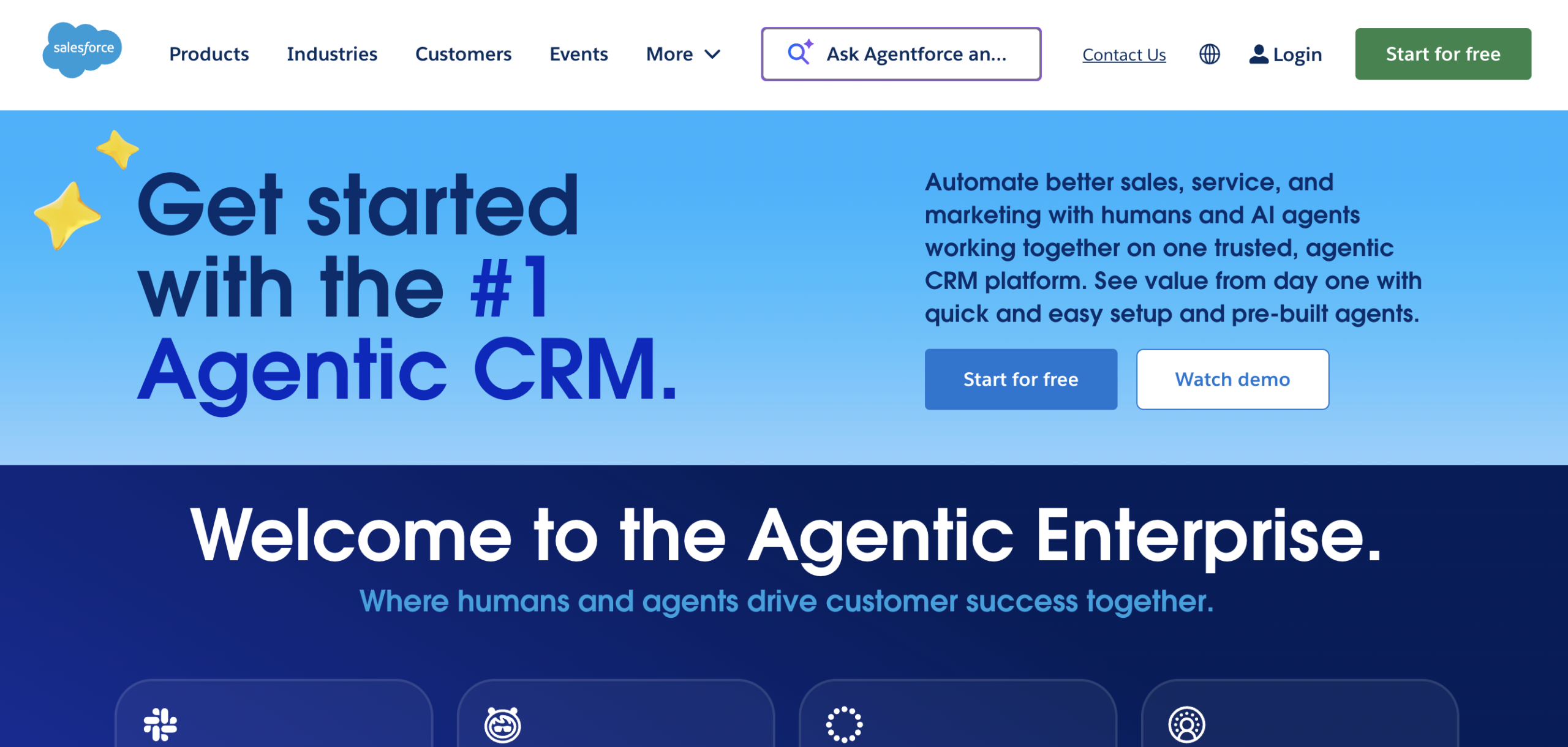
Best for: Enterprise teams with dedicated admins that need deep agentic customization.
Salesforce brings autonomous AI to sales teams through Agentforce, built for organizations with layered operations and dedicated admins. If your team already runs deep inside Salesforce and you’re heading toward enterprise scale, Agentforce is worth exploring.
Use case
Enterprise sales teams managing complex, multi-step processes across large pipelines.
Key features
- Agentforce SDR agent: Runs 24/7 prospecting and books meetings straight into rep calendars.
- Pipeline management agents: Automatically update opportunity fields and surface account insights.
- Customizable agent actions: Lets admins tailor how agents operate across sales processes.
Pricing
Sales Cloud Enterprise costs $175/user/month, billed annually, and the Agentforce for Sales add-on starts from $125/user/month. Salesforce does not offer a free plan, though demos are available.
Considerations
High setup overhead and total cost add up fast, making it a poor fit for small teams that need to move quickly without dedicated Salesforce expertise.
6. Lindy
Best for: Non-technical small teams that want to build custom AI agents for sales workflows.
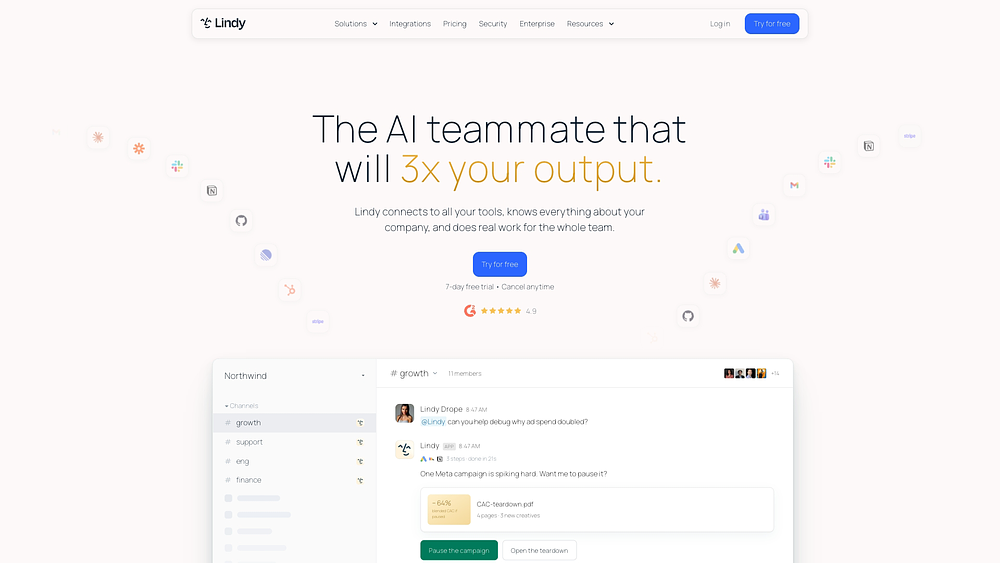
Lindy lets non-technical teams build custom AI agents for sales workflows without looping in engineers. Because it’s Slack-native, agents operate where the team already communicates.
Use case
Built for small teams that need to automate highly specific sales workflows without writing code.
Key features
- No-code agent builder: Prebuilt templates for lead qualification and outreach drafting.
- Human-in-the-loop execution: Agents pause for approval before customer-facing actions.
- Slack-native agents: AI agents run inside the channels where your team already communicates.
Pricing
Lindy’s Plus plan costs $29.99/user/month, and the Pro plan costs $99.99/user/month. Higher tiers add more capacity for teams running multiple agents.
Considerations
Lindy is a builder platform, not a CRM. Teams need to connect it to their existing CRM and inbox before agents can do anything useful.
7. Zoho CRM
Best for: Small teams on tight budgets that need a complete CRM with AI-assisted sales features.
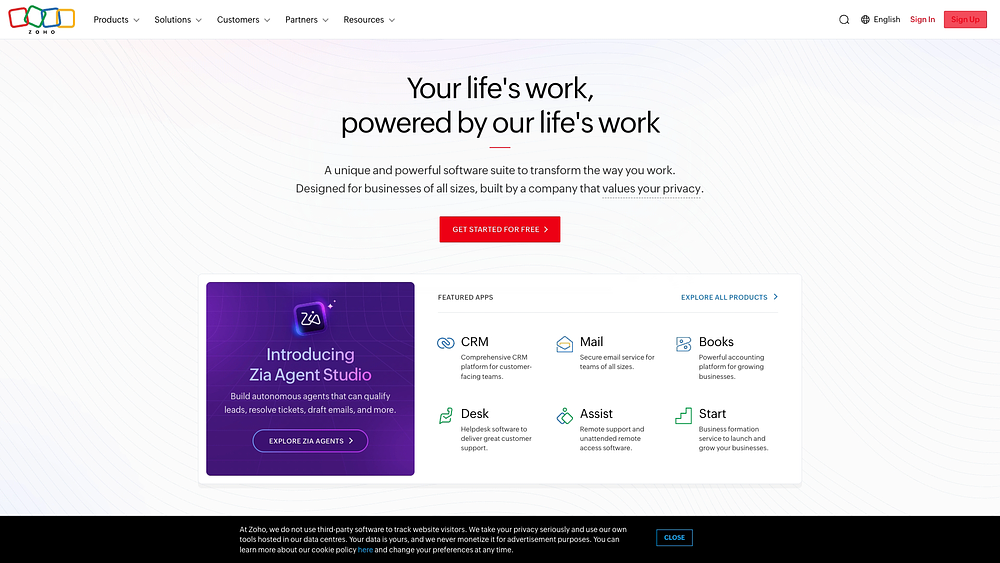
Zoho CRM combines a full-featured CRM with AI functionality at an accessible price point. It gives lean teams a single system for managing deals and getting AI-driven guidance along the way.
Use case
Built for small teams on tight budgets that need a complete CRM with AI-assisted sales features.
Key features
- Zia AI assistant: Scores leads and flags at-risk deals based on historical patterns.
- Zia Agents: Deploy pre-built AI agents for SDR qualification and follow-up scheduling.
- Workflow suggestions: Zia recommends next steps and automations based on how your team works.
Pricing
Zoho CRM’s Professional plan costs $23/user/month when billed annually, and AI features are available from this tier. The Enterprise plan costs $40/user/month when billed annually.
Considerations
The interface feels dated, and the learning curve is steep. Be prepared for a heavier lift if your team is brand new to this kind of software.
8. Gong
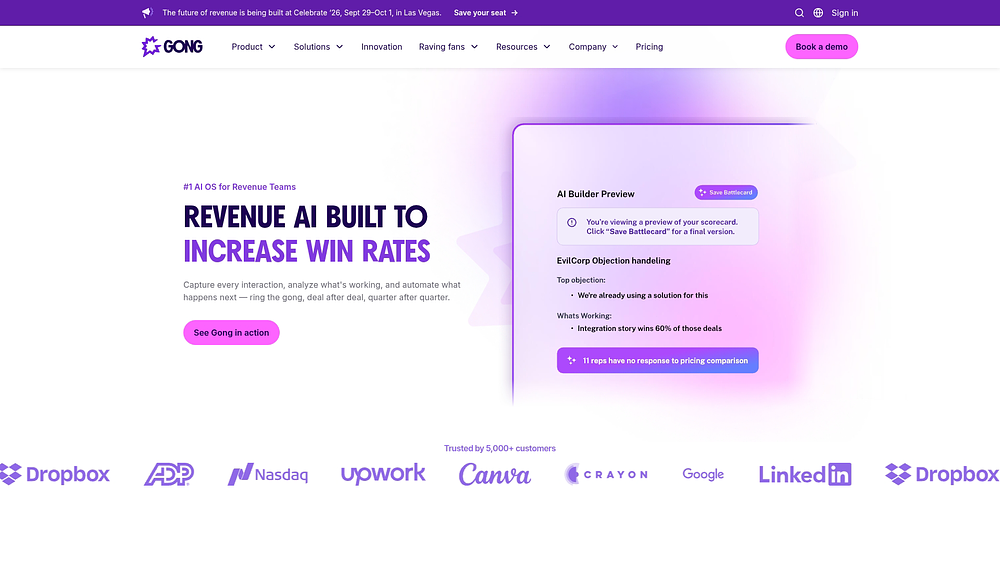
Gong records, transcribes, and analyzes sales conversations to reveal coaching insights and deal risks. It’s best suited to teams where the biggest bottleneck is call quality.
Use case:
Best suited for teams that need to diagnose why deals stall after the first call.
Key features:
- AI Data Extractor: Turns conversation recordings into structured CRM data automatically.
- Ask Anything: Scans up to 60 calls and 500 emails per deal to answer pipeline questions.
Pricing
Gong uses custom pricing, with reported figures typically ranging from $1,200 to $1,600 per user per year. Contact the vendor for a quote, as a free plan or free trial is not publicly listed.
Considerations
Gong is a post-conversation intelligence layer, not an outbound platform. The price point is a significant barrier for small teams on tight budgets.
9. Regie.ai
Best for: Small outbound teams that want AI-generated, persona-specific sequences in one workspace.
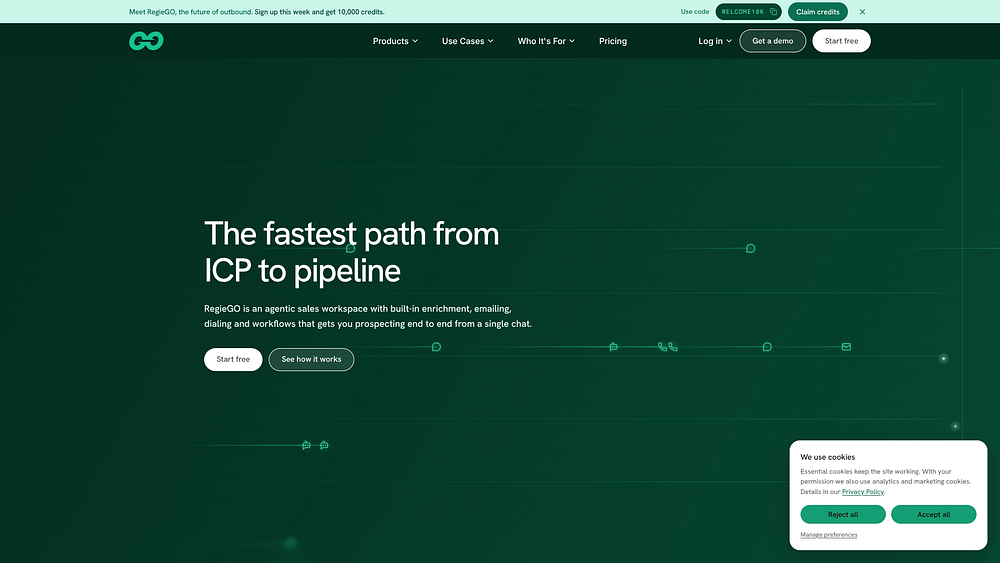
Regie.ai is an AI-native prospecting platform built to handle research, enrichment, and drafting. It gives lean outbound teams a way to move from target persona to ready-to-send outreach without juggling separate tools.
Use case
Helps small outbound teams run persona-specific, multi-touch sequences from a single workspace.
Key features
- Signal-driven messaging: Detects “why-now” triggers and weaves that context into outreach automatically.
- Agentic prospecting workspace: AI agents handle contact sourcing and message drafting in a single queue.
- AI-generated sequences: Builds personalized email sequences based on your target persona.
- AI call scripts: Drafts tailored call scripts to support multi-touch outreach.
Pricing
Regie.ai offers a free plan at $0/month that includes 250 one-time credits. The Pro plan starts at $49/month, and larger teams can request custom pricing.
Considerations
Regie.ai includes a lightweight CRM but isn’t a full pipeline or deal-tracking system. You will still need a dedicated CRM to manage active deals.
Standalone AI SDR vs. CRM-native agent for small teams
You need a platform that works without demanding a full-time operator. The real choice between a standalone AI SDR and a CRM-native agent comes down to one question: are you trying to generate net-new prospecting volume, or do you want to act on the customer data you already own? The comparison below makes the tradeoffs clear so you can choose what genuinely fits your team.
| Dimension | Standalone AI SDR | CRM-native AI agent |
|---|---|---|
| Setup complexity | Requires integration and data sync | Works immediately on existing data |
| Data access | Pulls from external databases | Acts on live pipeline data |
| Best workflow fit | Net-new prospecting at scale | Lead qualification and pipeline execution |
| Integration requirements | Needs separate sender and data sync | Native to your digital workspace |
| Cost structure | Separate subscription plus platform costs | Included in your platform pricing |
| Ideal team type | Teams with dedicated technical ops | Teams without dedicated ops resources |
A standalone AI SDR for lead generation is useful when your top priority is building large prospect lists from multiple external sources. For most small teams, though, a native AI agent is the more practical first move. Setup stays simple, and syncing runs quietly in the background. The AI works on top of deal history and communication threads your team is already capturing.
That is one reason monday CRM stands out here. Its AI capabilities sit directly inside the platform, drafting emails, summarizing deal timelines, and flagging opportunities that may be going cold. If the biggest challenge is pipeline execution rather than top-of-funnel list building, keeping AI native usually wins.
5 questions for picking the right AI sales agent
Most AI purchasing mistakes happen before the first demo call. Start with your actual pipeline, not the vendor narrative.
- What job are you hiring the agent for? A prospecting bot will not repair a stalled pipeline, and conversation intelligence will not rescue a team buried in manual outreach. Pick the workflow creating the most friction, then choose an agent for that job.
- Does it fit your team size and tech stack? Enterprise platforms assume dedicated admins and deep implementation resources. Favor tools that connect cleanly to your existing stack without custom code.
- How does the pricing scale? Per-seat and usage-based billing can look manageable at first, then get painful as volume grows. Model the cost for your current team and for a team twice the size, including add-ons and hidden fees.
- How much oversight do you need? Are you comfortable with a bot sending unreviewed messages to your most important leads? Prioritize platforms that keep a human approval step before anything customer-facing goes live.
- Will your team actually use it? Adoption tells you more about ROI than almost any vendor promise. If the tool demands weeks of onboarding, usage will drop fast. Choose a platform where AI fits the workflows your team already follows.
4 steps to roll out your AI sales agent in 30 days
Most automation projects stall because teams try to automate everything before their data and processes are ready. A working, measurable AI sales agent is possible in 30 days if you phase the rollout.
Step 1: Map your ICP and 1 high-friction workflow
In week one, document your ideal customer profile with enough firmographic and behavioral detail for an agent to act on, then pick the single workflow that costs your team the most time, such as drafting first-touch emails for enterprise prospects. Automating several workflows at once creates messy data and weak signal.
Step 2: Pilot with a low-risk segment
In week two, run the agent on a low-risk segment, like re-engaging cold leads or scoring inbound form fills, before it touches active deals. Define success up front, such as reaching 80% of a human rep’s reply rate, so you end up with real insight instead of activity metrics.
Step 3: Tune messaging, autonomy, and handoffs
In week three, adjust prompts until outreach matches your brand voice, and keep messages queued for human review until the team trusts the output. Set precise handoff rules, like a specific lead score threshold, because vague criteria lead to inconsistent handoffs and lost deals.
Step 4: Scale what works and measure the right KPIs
In week four, expand only the workflows that proved themselves, and track qualified pipeline, time saved per rep, and deal velocity rather than raw AI activity. monday CRM lets teams monitor those outcome-based KPIs in real time, so you can show leadership what is working and where deals are stalling.
Why monday CRM is the AI sales agent small teams can actually run
Small teams rarely have a shortage of sales tools. They have a shortage of time to maintain them. monday CRM puts AI inside the pipeline your team already uses, so reps get help with research, follow-ups, and updates without adding another login or another system to manage.
It is also built for teams without a dedicated admin. Setup is no-code, pricing is predictable per seat, and your team stays in control of what goes out. That makes it a practical fit for lean outbound teams that want automation without the overhead.
AI email writing
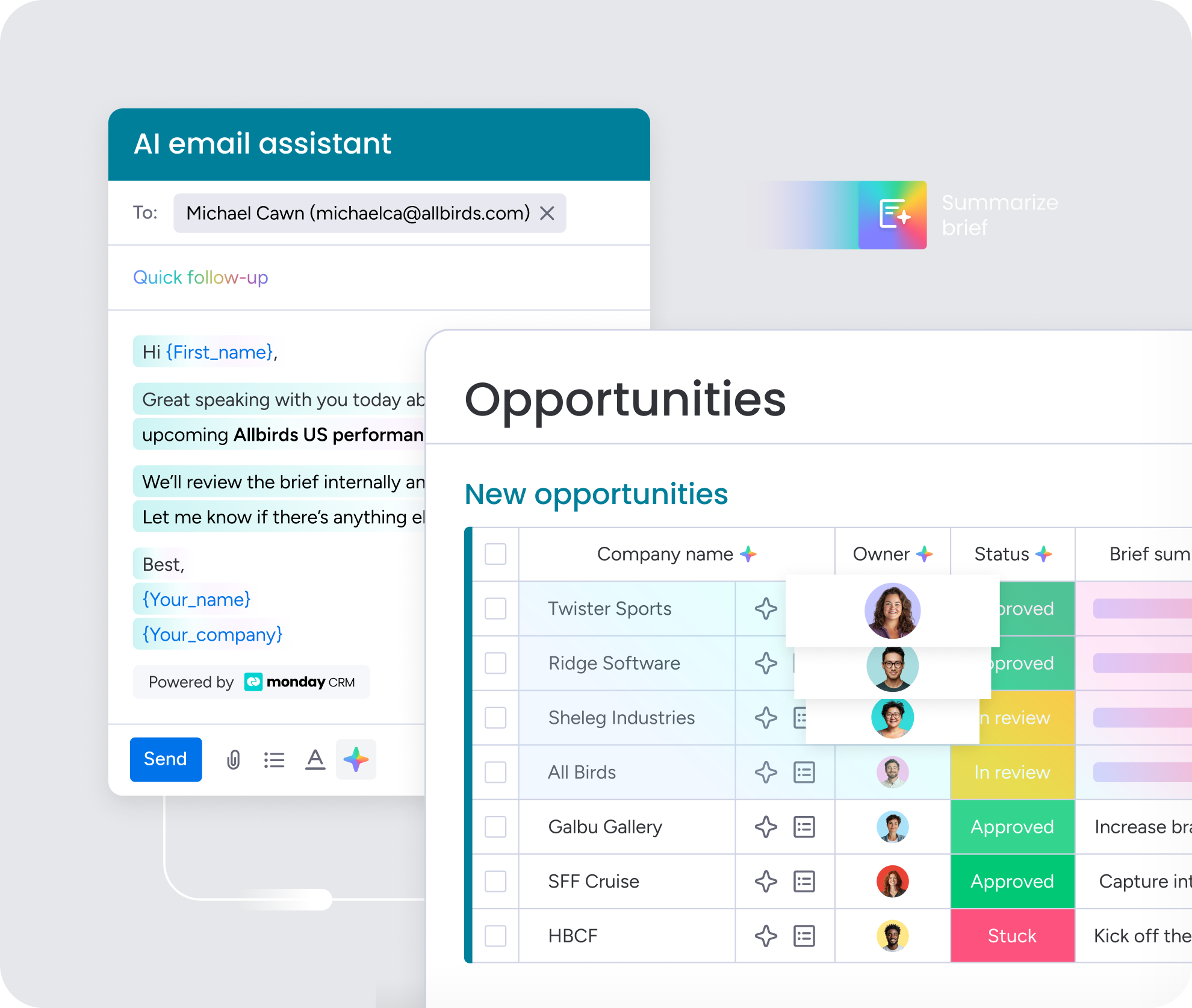
Reps can draft outreach directly inside Emails & Activities, right next to the conversation history. That keeps first touches and follow-ups personalized and consistent without starting from a blank page. Every message stays tied to the deal record, so nothing gets lost between inboxes.
AI Timeline Summary
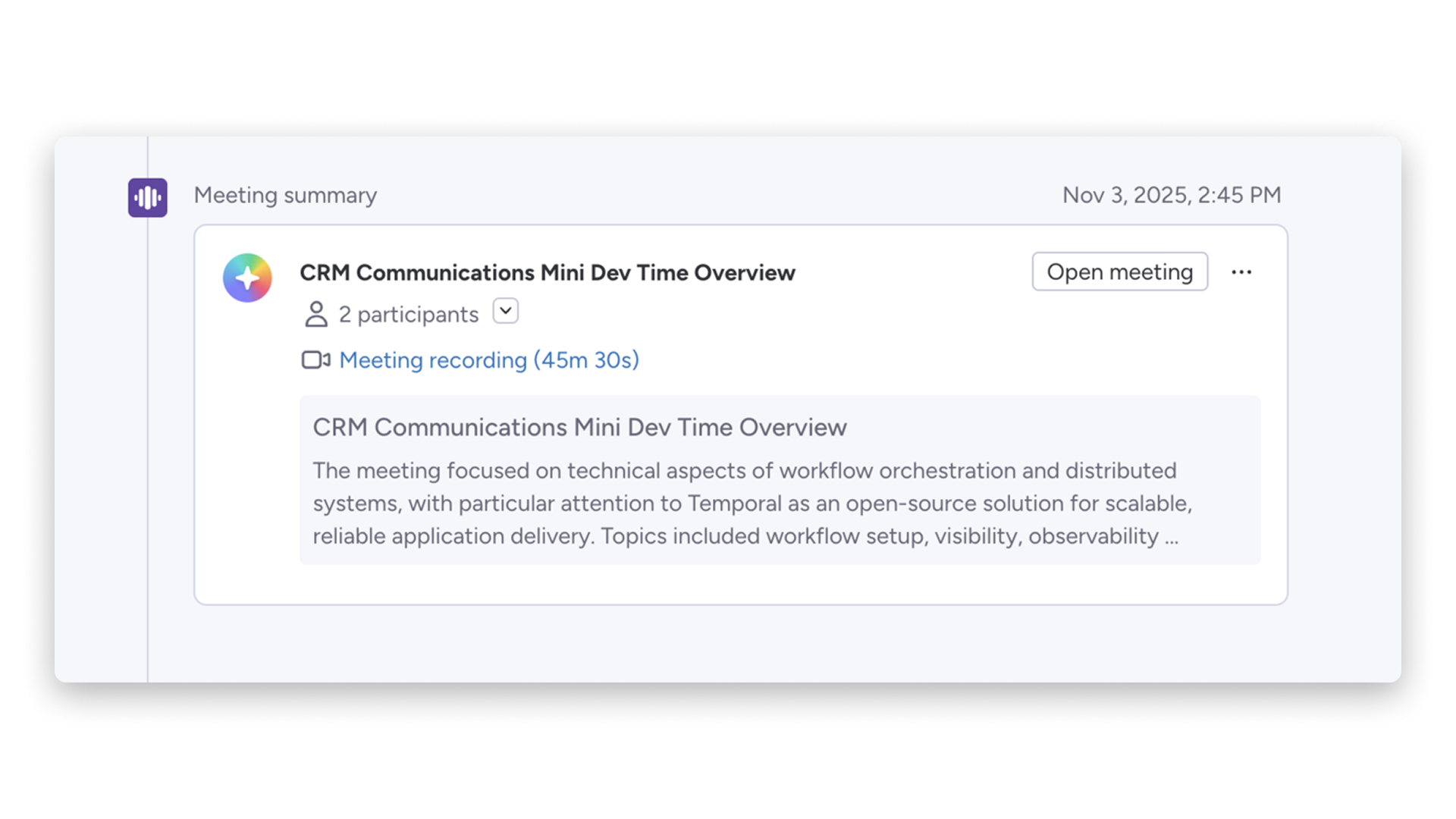
Emails, calls, meetings, and notes roll up into one concise recap of each account. Reps can get up to speed in seconds before a follow-up or handoff. Managers can see where a deal stands without asking for a status update.
AI autofill columns
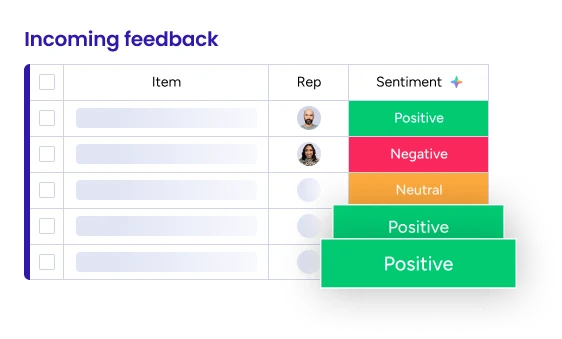
AI actions can run on any board column to detect sentiment, extract key details, and summarize long threads. This cuts the manual data entry that slows small teams down. Your pipeline data stays cleaner, which gives every other AI feature better context to work with.
AI digital workers
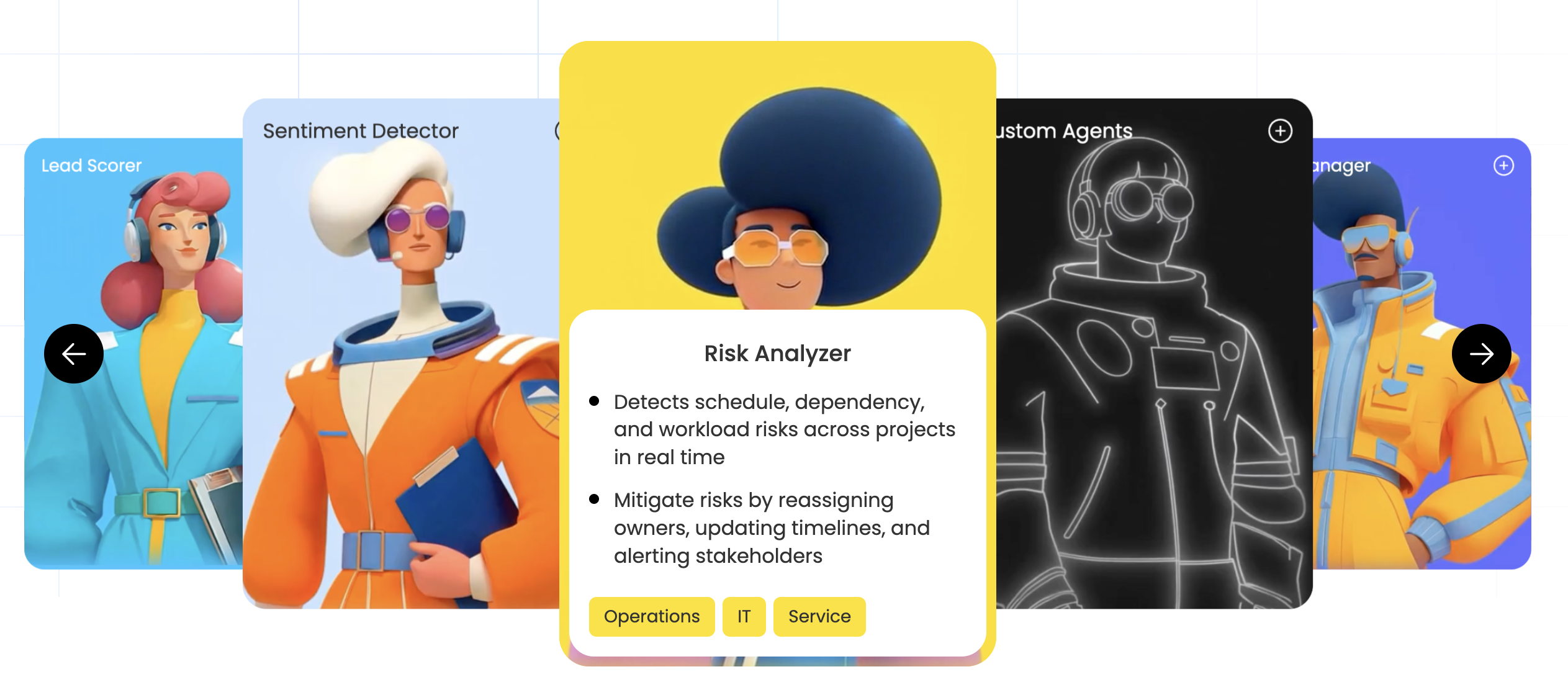
Digital Workers monitor deal velocity and flag opportunities that are stalling before they go cold. They surface the next best step so reps know where to focus. For a small team, that works like an extra set of eyes on the pipeline at all times.
Bring your AI sales strategy and customer journey together
Sales teams are rarely short on tools. What they are short on is a clean, connected view of the work. Five logins, multiple tabs, and scattered updates are how deals get stuck in quiet corners of the process, so AI should sit where the work already happens instead of forcing reps to jump between disconnected systems.
monday CRM embeds AI across the pipeline from the moment a lead enters. AI Blocks summarize meeting notes and draft outreach inside the communication timeline, while your digital workforce monitors deal velocity and surfaces bottlenecks early. Setup is no-code and needs no dedicated admin, and real-time dashboards show conversion rates without manual exports, leaving your team faster-moving with far less administrative drag.
Try monday CRMFAQs
What is the difference between an AI sales agent and a sales chatbot?
The difference between an AI sales agent and a sales chatbot is that an AI sales agent actively executes work, while a sales chatbot mainly waits and responds. A chatbot sits on your website answering questions from visitors. An AI sales agent, by contrast, researches prospects, drafts outreach, and updates records on your team’s behalf.
How much does an AI sales agent cost for a small team?
The cost of an AI sales agent for a small team varies widely. Standalone enterprise platforms can run into the thousands of dollars, while native options inside monday CRM offer predictable seat-based pricing that helps teams avoid surprise usage fees as they scale.
Can a small team set up an AI sales agent without a developer?
Yes, a small team can set up an AI sales agent without a developer, provided the platform is built for no-code use. With monday CRM, non-technical users can configure automations and AI features directly, allowing sales managers to launch smart workflows without depending on IT.
Will an AI sales agent send outreach that sounds generic or damages my brand?
An AI sales agent will only send generic-sounding outreach if the inputs are generic. When you give the agent clear brand guidelines and accurate prospect data, the resulting communication is far more likely to stay personalized, polished, and aligned with your voice.
What is the best AI sales agent for outbound prospecting specifically?
The best AI sales agent for outbound prospecting is one that fits directly into the pipeline your team already uses instead of forcing a separate workflow. monday CRM gives teams built-in AI assistants for handling outreach and follow-ups without constant context switching or momentum loss.
Do AI sales agents replace human sales reps?
No. Their role is to take repetitive work like research and data entry off your reps’ plates so people can spend more time on high-value moments such as discovery calls and negotiations.