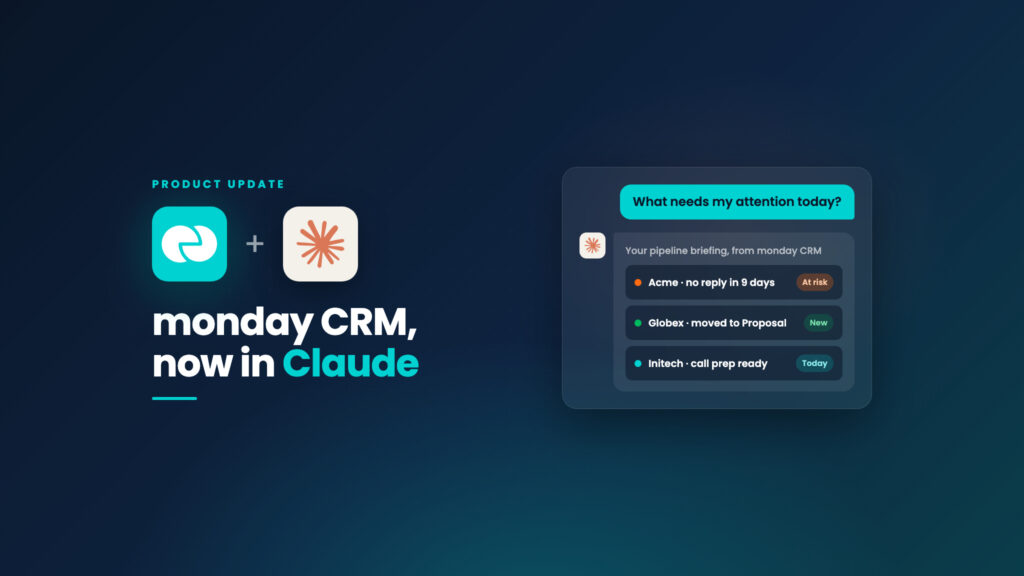
monday CRM now has an official plugin in Claude. Install it from Cowork in a few minutes, then run your pipeline by asking questions in plain language. Claude is only as smart as the CRM behind it, and monday CRM keeps that data true.
Hi, I’m Dana
I’m the CRM Go-to-Market Manager at monday CRM. I’ve spent years helping customers and internal teams map their processes and build them into monday CRM. What I care about hasn’t changed: sales teams should spend less time on admin and more time closing deals.
Here’s a small change that has altered my own week. monday CRM is now live in Claude’s plugin directory. I’ve been using it, and I want to show you how.
The idea behind this post is simple: Claude is only as smart as the CRM behind it, and monday CRM keeps that data true automatically. Everything below depends on that.
The problem with piecing it together by hand
My mornings used to look like this. Which deal just opened? Which one went quiet? Who needs support from me? To answer that I’d scan the boards, then open the calendar, then Slack, then my inbox, and piece together a picture by hand.
Every rep I’ve trained does some version of this. It isn’t selling. It’s stitching information together so you can start selling.
There’s a second problem, and it’s the one I think about more. Connecting an AI assistant to your CRM is the easy part now. The harder question is what’s on the other end of that connection. Is the data even true? If reps update records by hand, the CRM is only as accurate as their last free five minutes, and an assistant that reads stale data gives you confident answers that are wrong. That’s where monday CRM is different: Emails & Activities and Notetaker capture the work as it happens, so what Claude reads is already current.
What monday CRM with Claude does
It isn’t magic. It’s your CRM data, connected and put in front of you at the right moment. Claude connects to monday CRM through an MCP connector. You type what you’d say to a colleague, and Claude reads from and writes to your boards. These are the eight things I use most.
Watch the full demo: monday CRM with Claude, in action.
📋 Ranked deal briefings
A daily pipeline overview, read straight from your monday CRM boards, with deal highlights, flags for deals that need attention right now, tasks due, contacts going cold, and a summary of recent meetings. It works on any monday CRM setup.
“What needs my attention today?”
📈 Pipeline forecasts
A live dashboard created in monday CRM with Commit, Best Case and Pipeline views, built on your board data rather than a static export. It stays in monday CRM, so the team can open it any time.
“Build a Q3 forecast dashboard from my Deals board, by rep and stage.”
🎙️ Meeting notes to deal updates
Claude turns recorded monday CRM Notetaker meetings, or a pasted transcript, into recaps. Key points, commitments and next steps are posted on the matching deal in monday CRM. It can also suggest stage changes and create contacts for attendees it doesn’t recognize.
“Post a call recap on the Acme opportunity from today’s meeting.”
🧑💼 Call prep
Claude uses the history already in monday CRM, such as summarized calls and captured emails. It checks your calendar, finds the meeting, and gives you a one-page brief with talking points and action items.
“Prep me for my call with Acme tomorrow.”
✉️ Follow-up emails, drafted from the thread
Claude reads your previous communications in monday CRM and drafts the follow-up. Because it’s connected to your email, the draft lands in your inbox to review and send. Once it’s sent, monday CRM captures the email on the deal automatically, so the loop closes without you logging anything.
“Draft a follow-up to Acme based on our last call and emails.”
🏆 Win/loss analysis
Claude reads the emails, call summaries and notes logged on your closed deals in monday CRM and writes a win/loss report. Findings are grouped into themes, with specific quotes showing why each deal was won or lost. This used to be a week of digging through old threads.
“Why did we win or lose the Globex deal? Back it up with quotes.”
🔁 Sequences and record updates
Build an email sequence in monday CRM for a group of leads and enroll them, or update records in bulk. Moving deals to a new stage, changing owners and fixing close dates each take one sentence.
“Build a 4-touch sequence for leads sitting in New for over 7 days and enroll them.”
🧹 Board health checks and workspace setup
Ask for an audit and you get a report with links to every gap, such as duplicate contacts and missing close dates. Then ask Claude to fix them in bulk. You can also describe your business and have it build boards, columns and pipeline stages in monday CRM, or mirror an existing board.
“Set up a pipeline for the EMEA team like our US Deals board.”
These are the ones I reach for first. There are plenty of other uses for the combination, and you’ll find your own once the basics click.
What changes day to day
It gets even better when Claude connects monday CRM’s data to the tools you already use.
| Doing it by hand | Asking Claude in monday CRM | |
|---|---|---|
| Morning routine | Scan boards, calendar and inbox | Ask one question |
| After a call | Type notes later, or never | monday CRM Notetaker logs the recap, Claude reads it |
| Data quality | Depends on rep discipline | monday CRM captures it, Claude reads it |
| Follow-ups | Dig through the thread, write from scratch | Draft in your inbox, captured back in monday CRM |
| Win/loss review | A week of reading old emails | A report with quotes from deals logged in monday CRM |
| Cleanup | A quarterly project nobody wants | A prompt and a report |
The measure I use: does it remove manual busywork and give reps time back to close? This does.
How to set it up
It takes a few minutes.
1
2
3
4
5
Tips to get the most out of it
- ✓Start with read-only questions. Ask for a briefing or a filtered table before you ask Claude to change anything.
- ✓Be specific. “Deals above $50K with no activity in 21 days” beats “risky deals.”
- ✓Review drafts before they go out. Emails and Slack posts are left as drafts, so use that step.
- ✓Connect Gmail, Slack and Calendar so monday CRM’s data reaches you wherever you work.
- ✓Let monday CRM capture the data. Turn on Emails & Activities and Notetaker. Every answer depends on current data.
- ✓Schedule what repeats. If you ask for the same briefing or forecast every Monday, set it up to run on its own.
Next steps
Your pipeline already lives in monday CRM.
Now you can run it from Claude too. And because monday CRM keeps the data true, you can trust what Claude tells you.